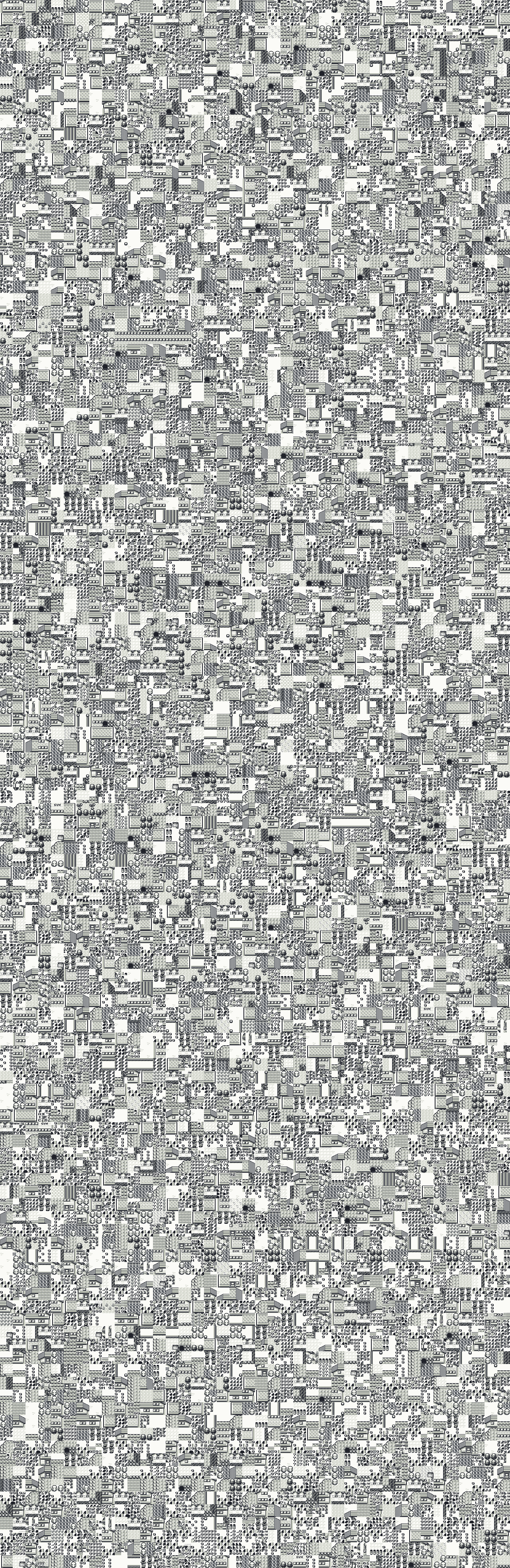
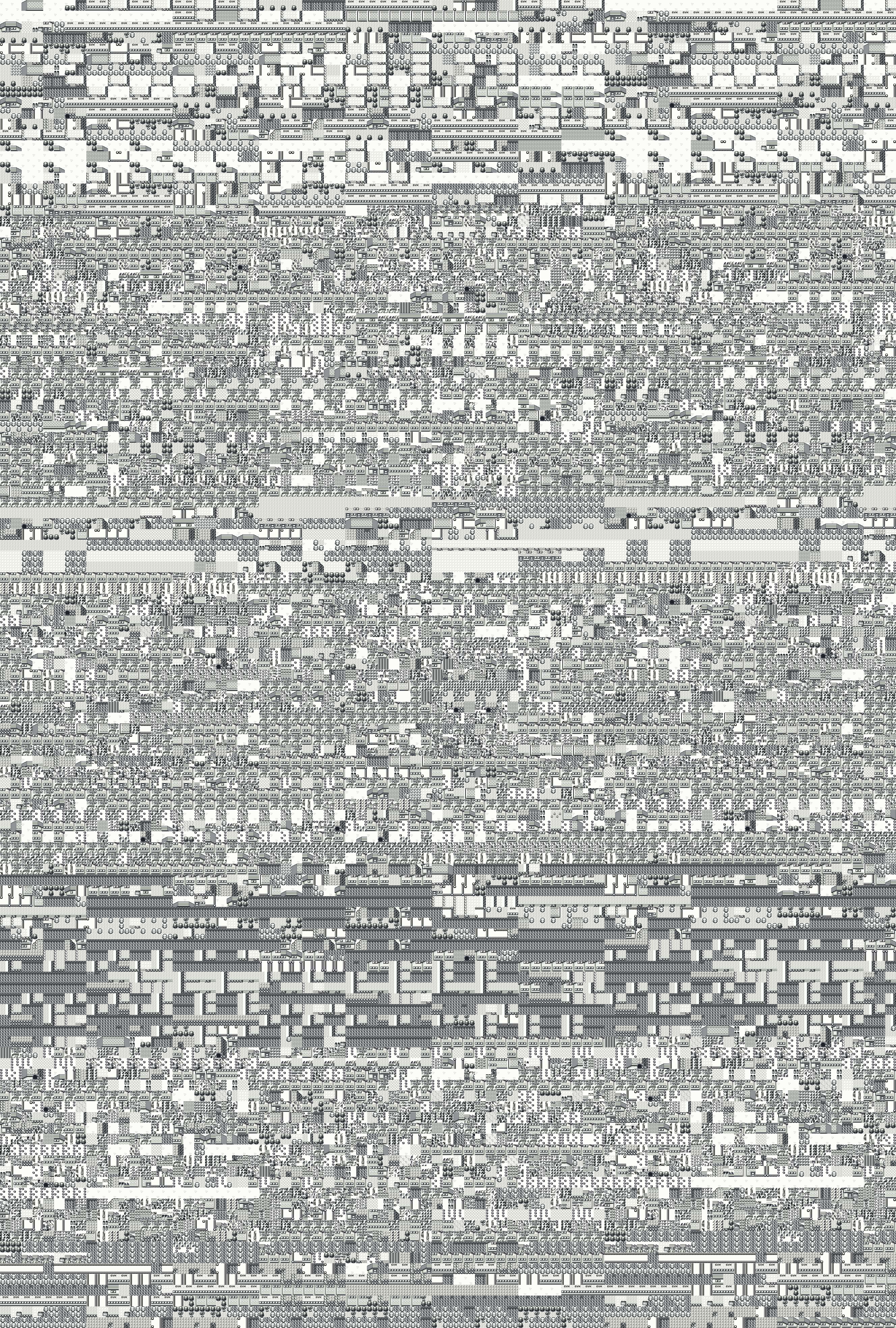
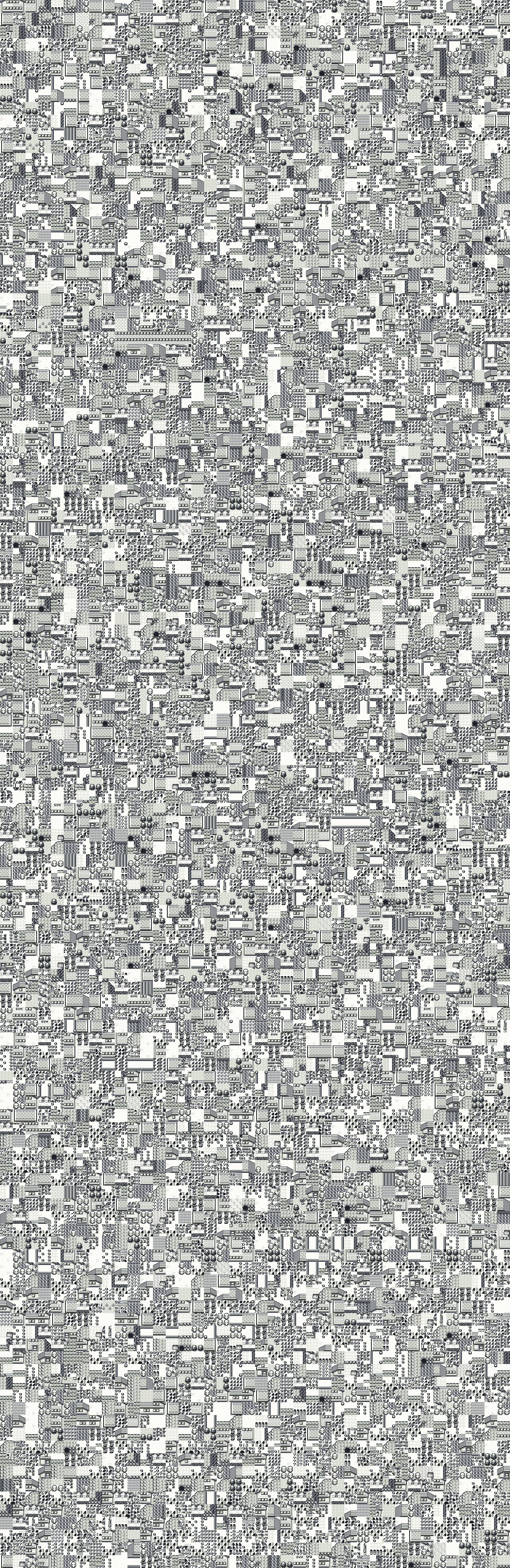
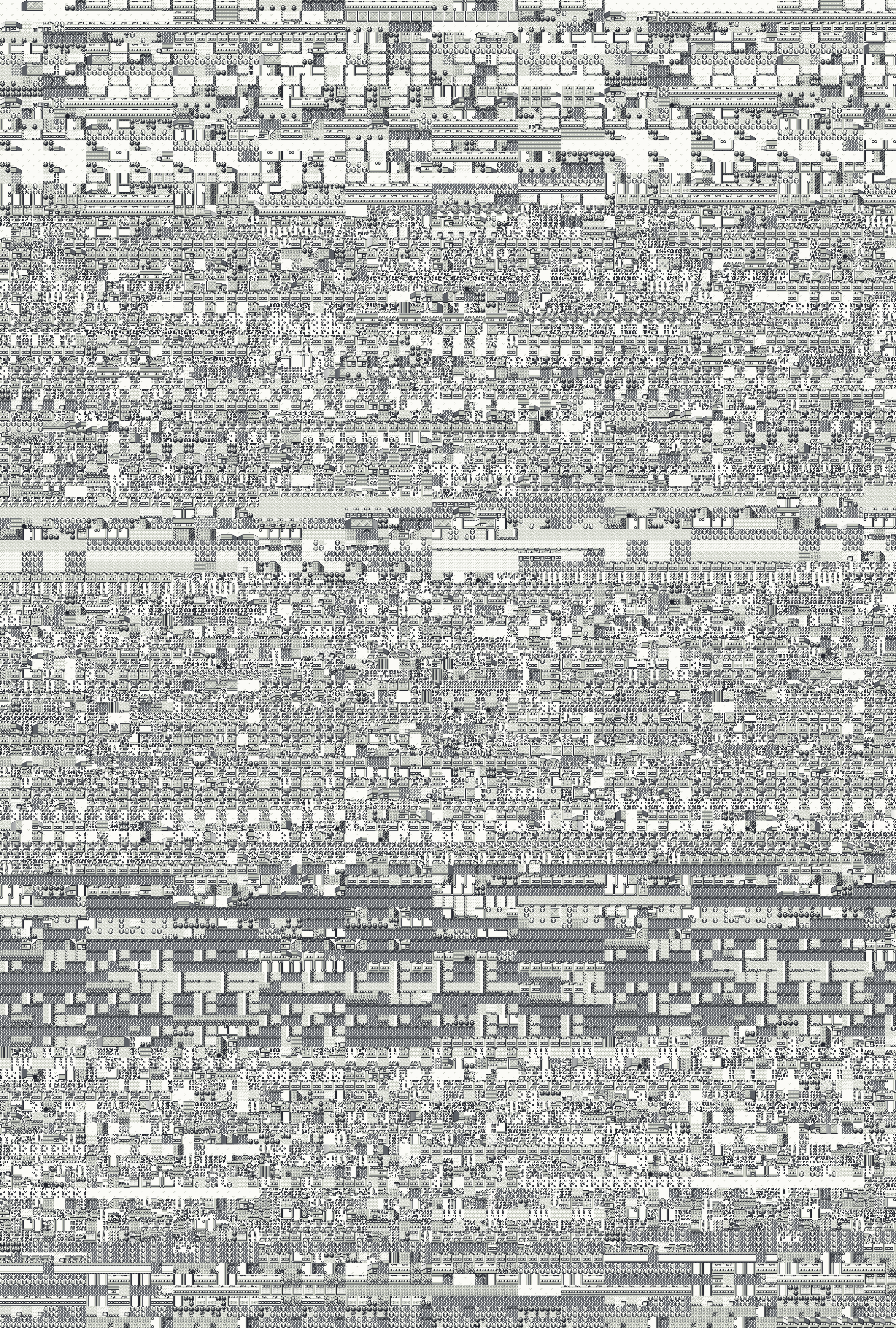
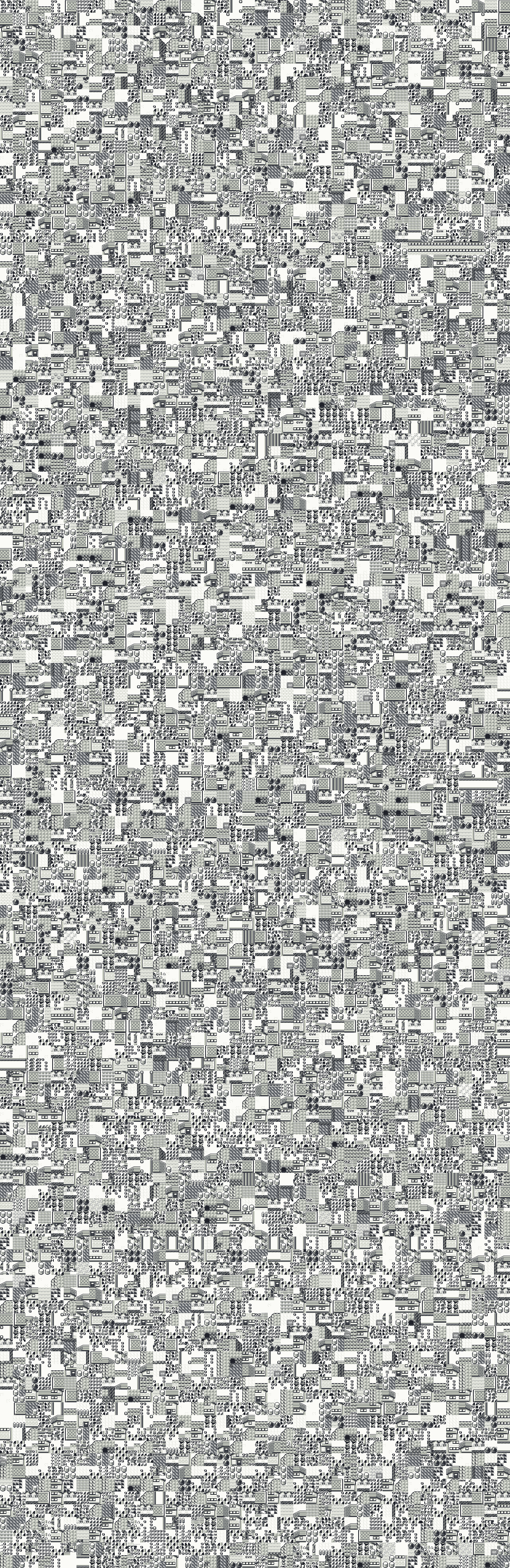
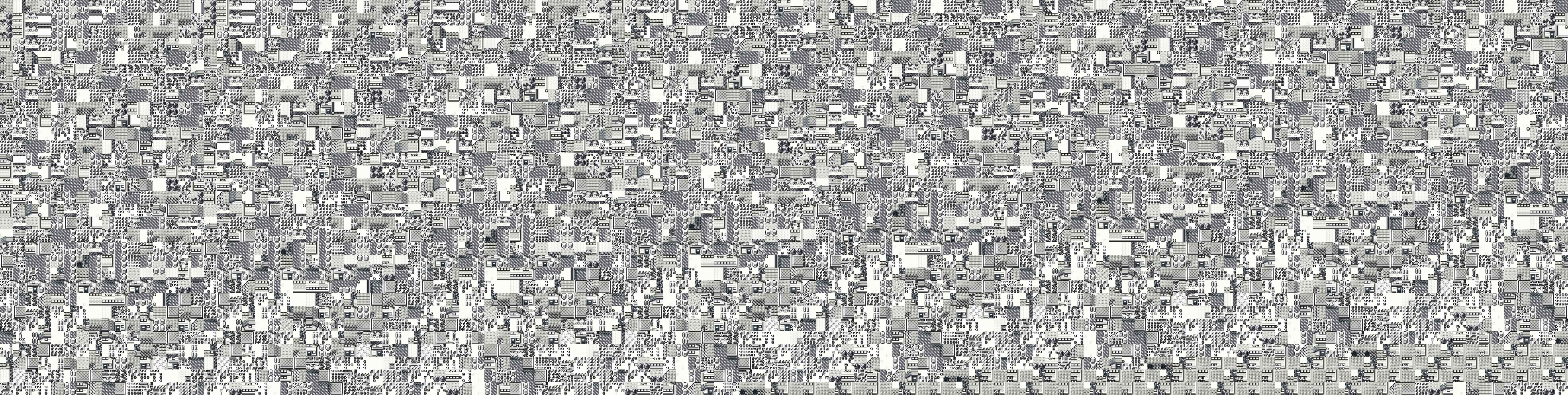
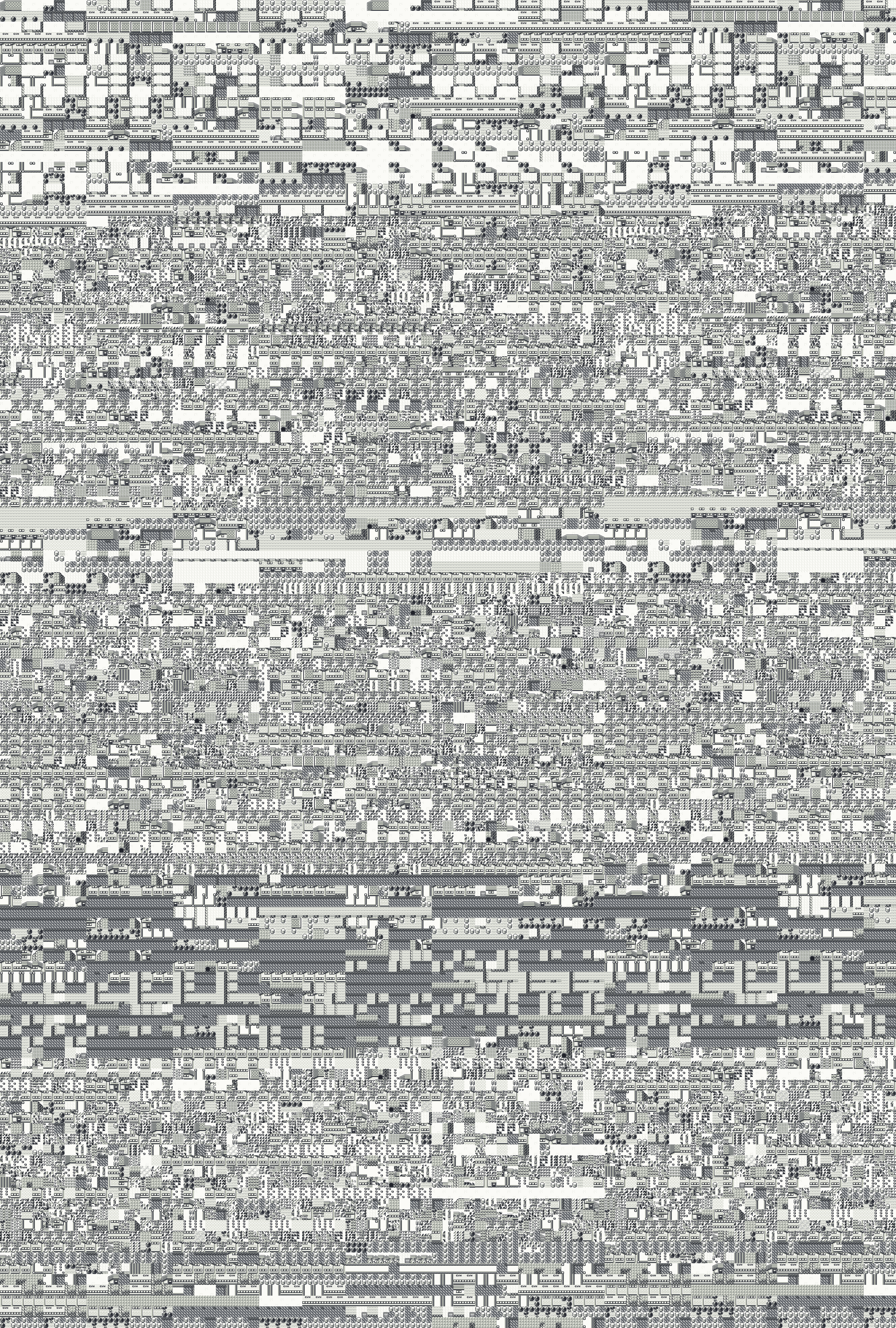
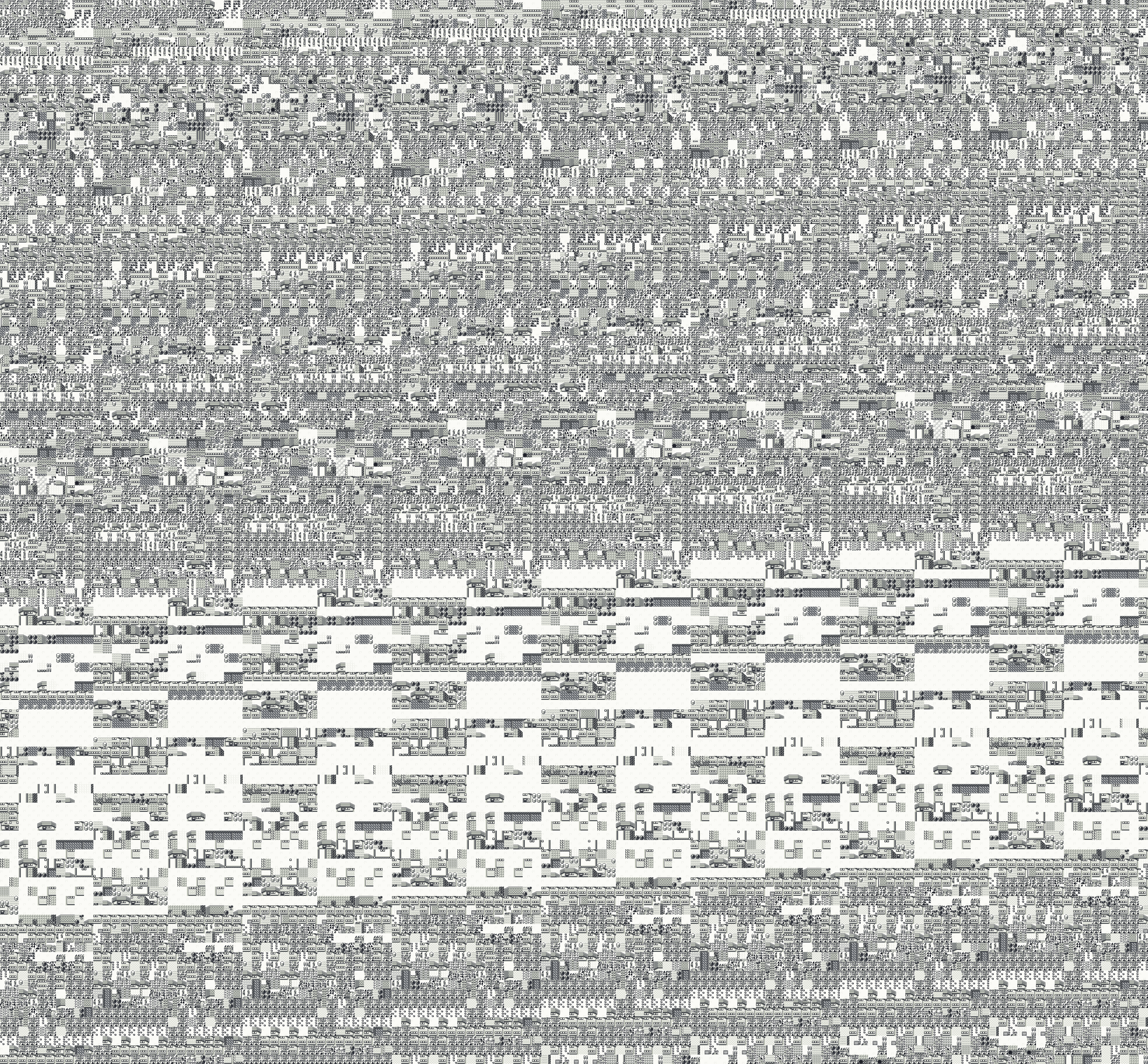
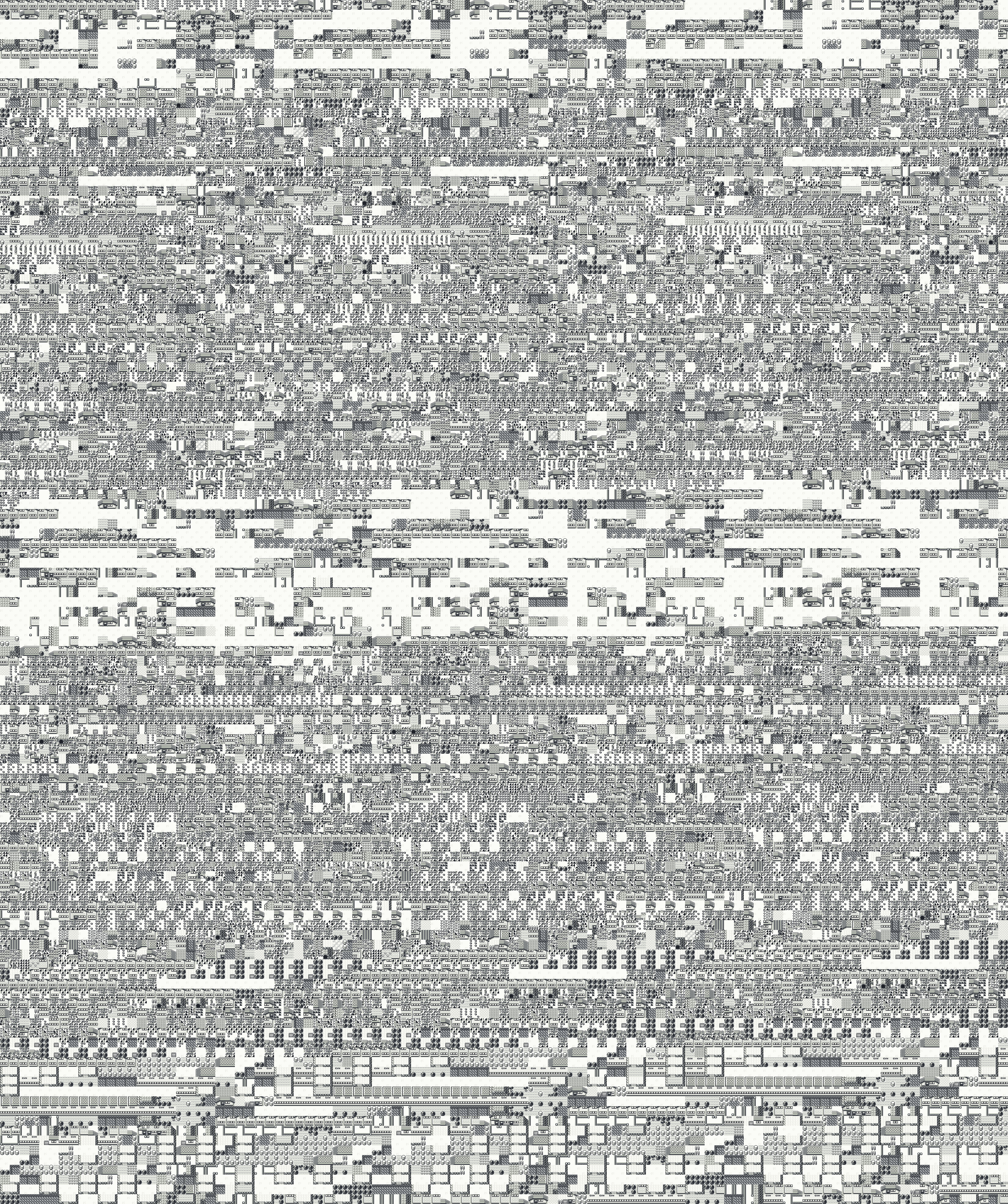
 3,936 by 3,936 px
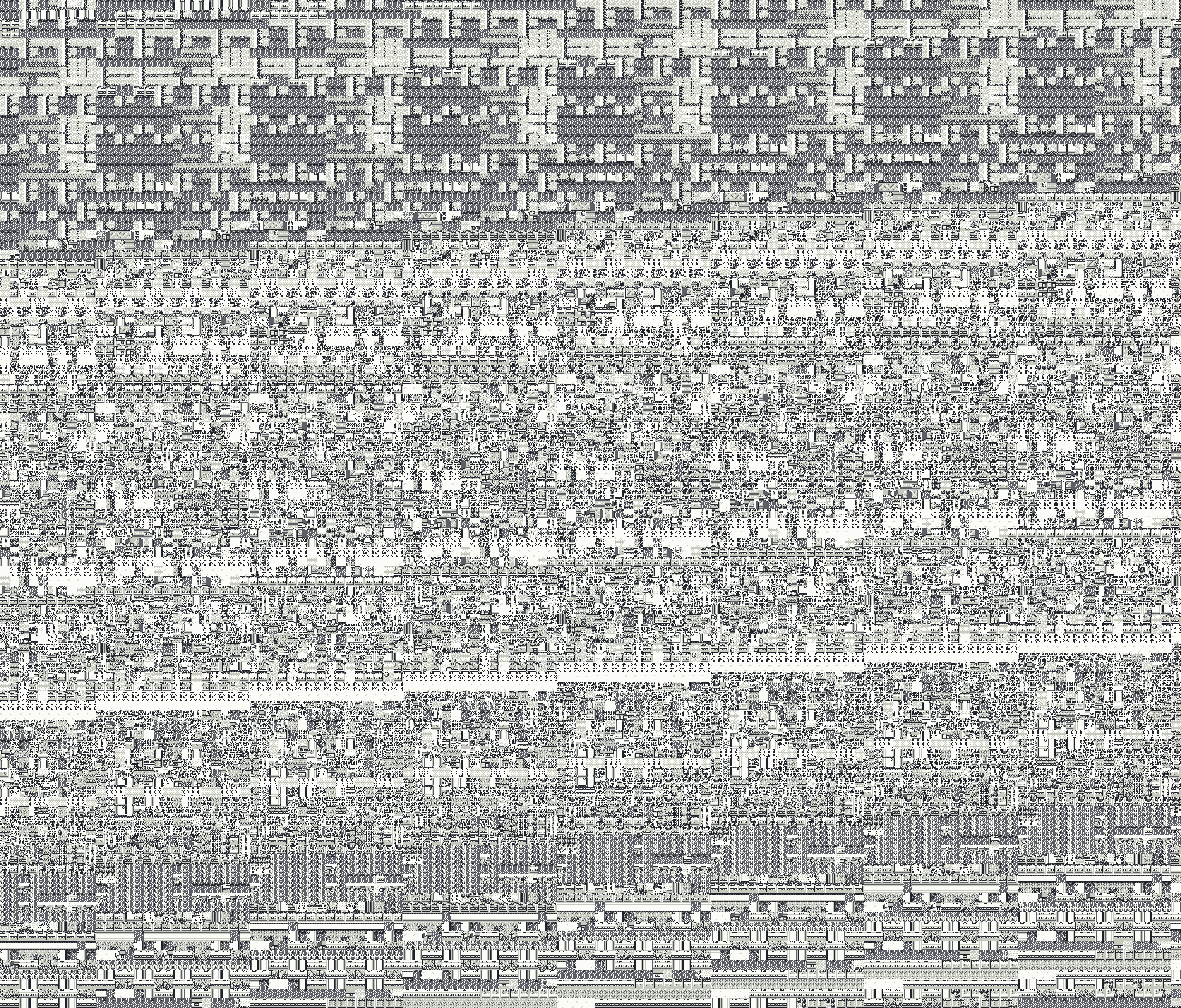
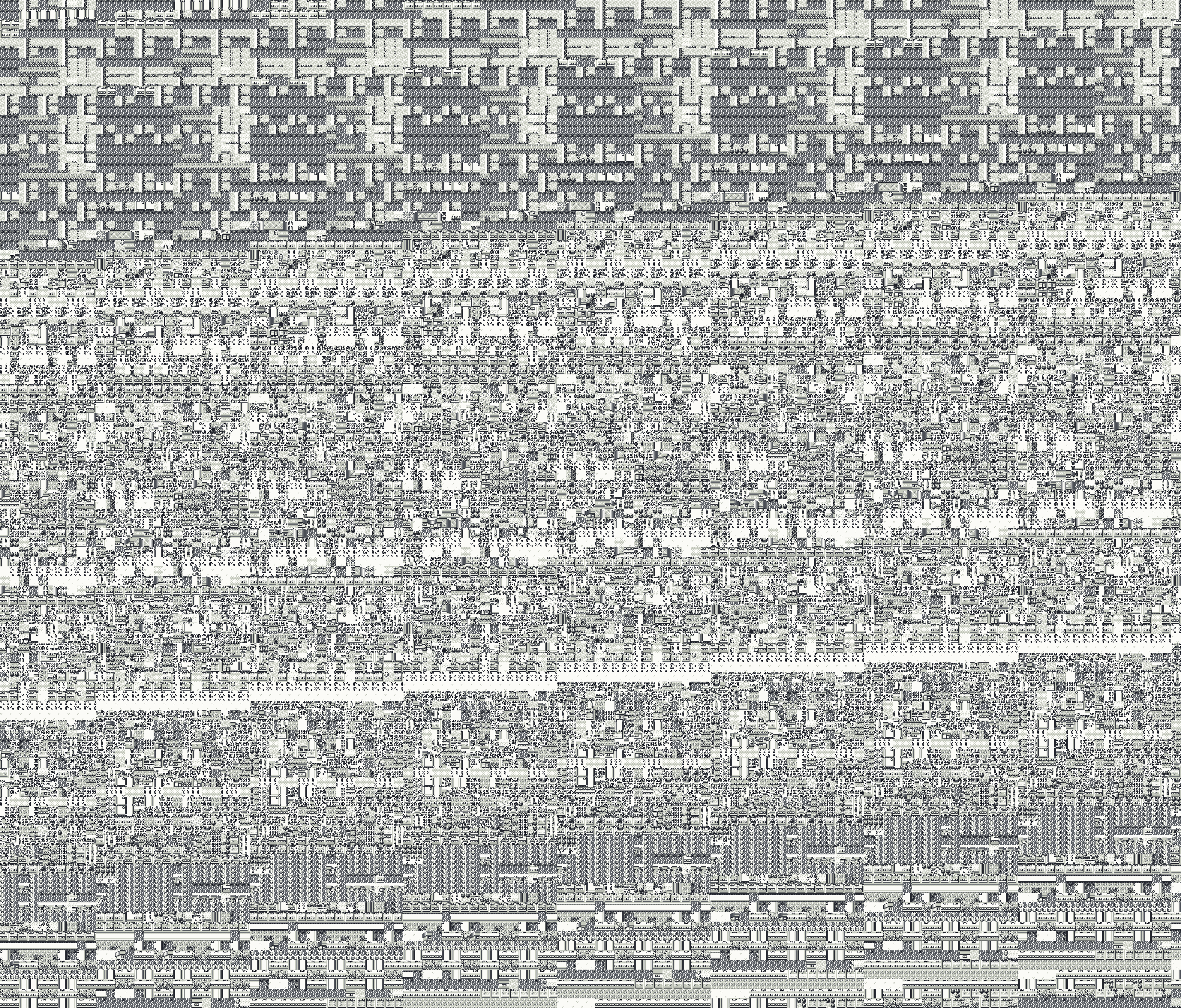
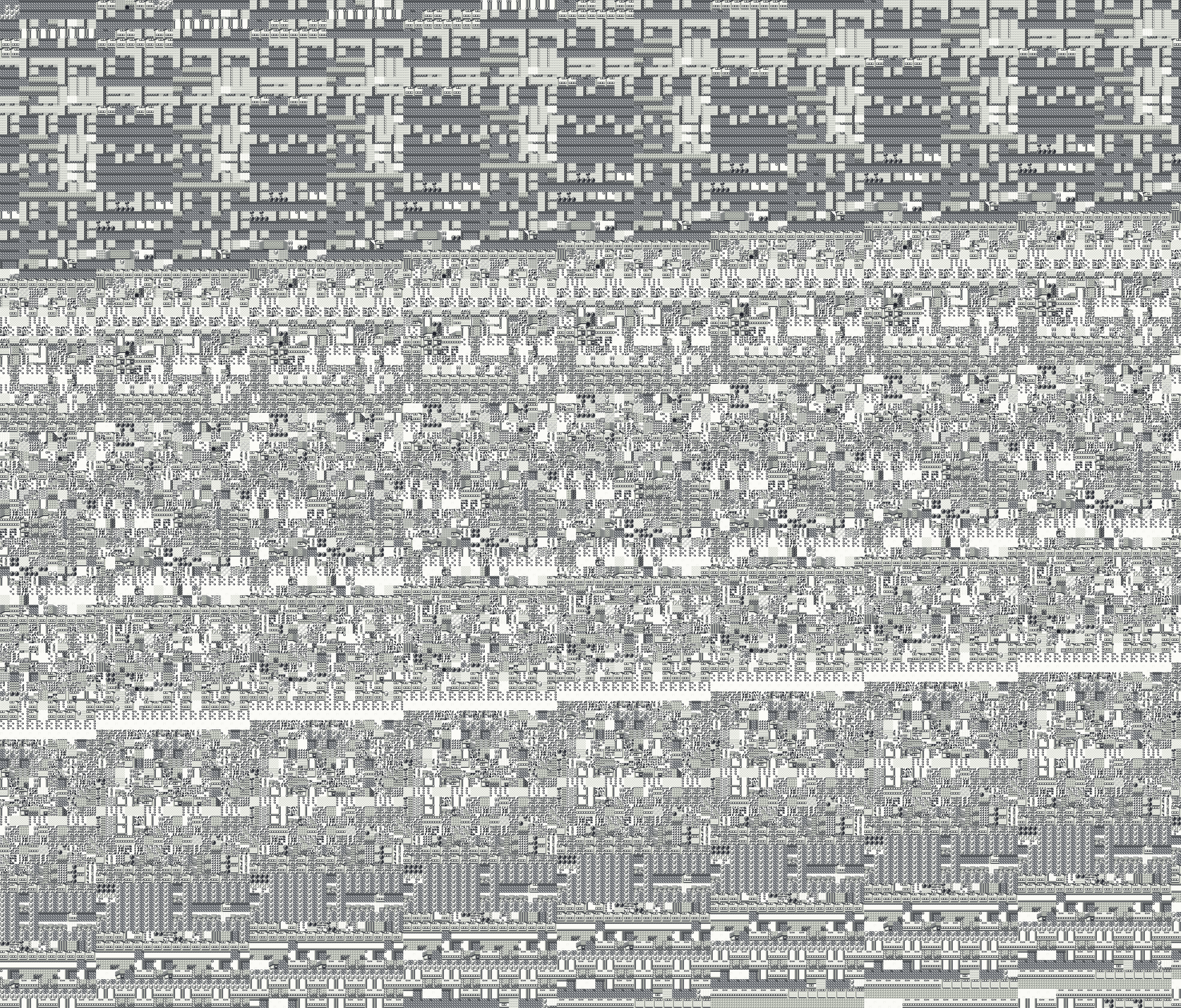
Glitch City from Pallet Town, Pokemon Red
- From
- Pallet Town
- Arrive at
- x 82, y 80
- Area
- 234 by 236 coordinates
- Walkable
- only the arrival tile
- Way out
- Fly or Teleport only
The Glitchhouse / Glitch City / Maps
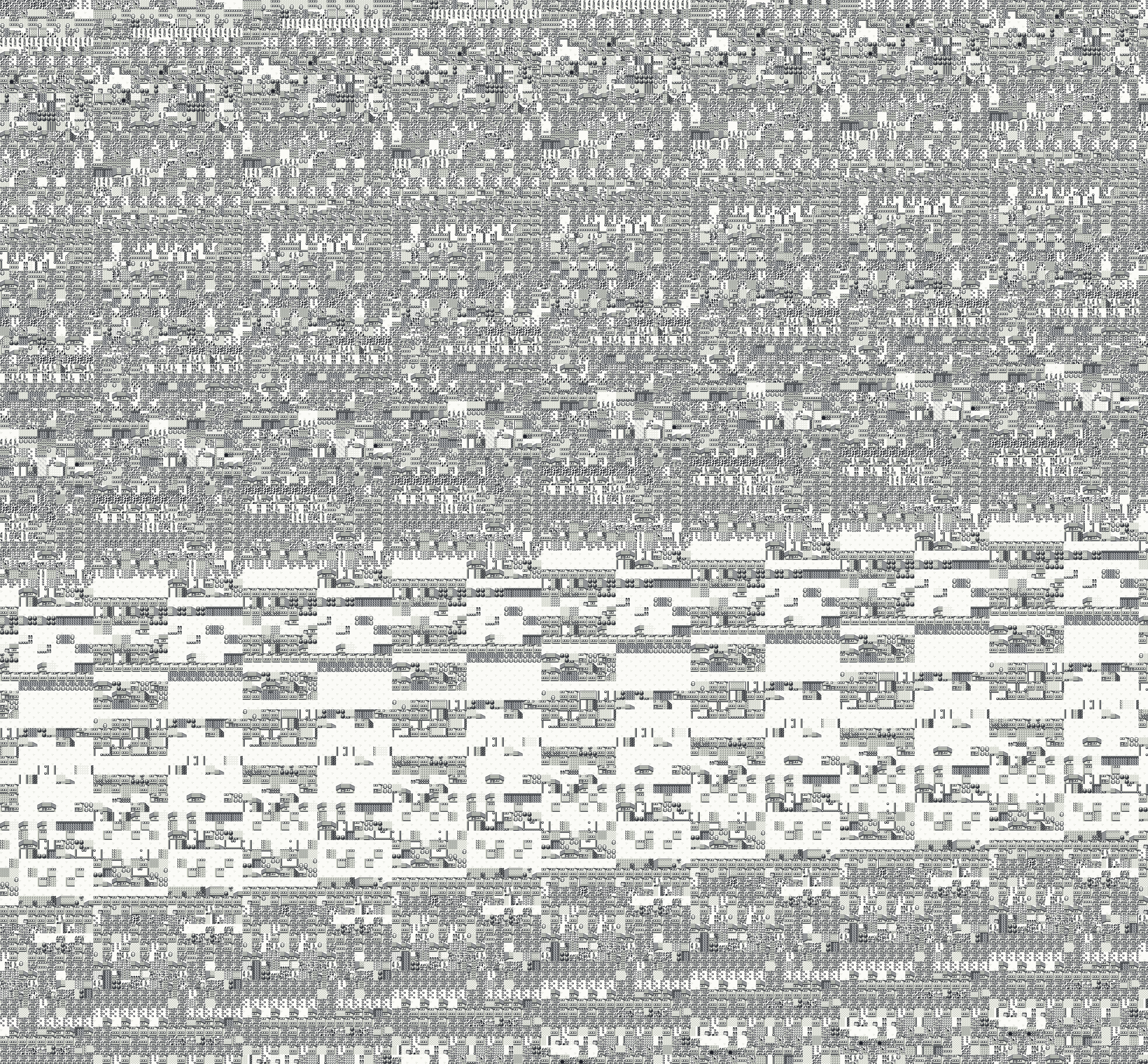
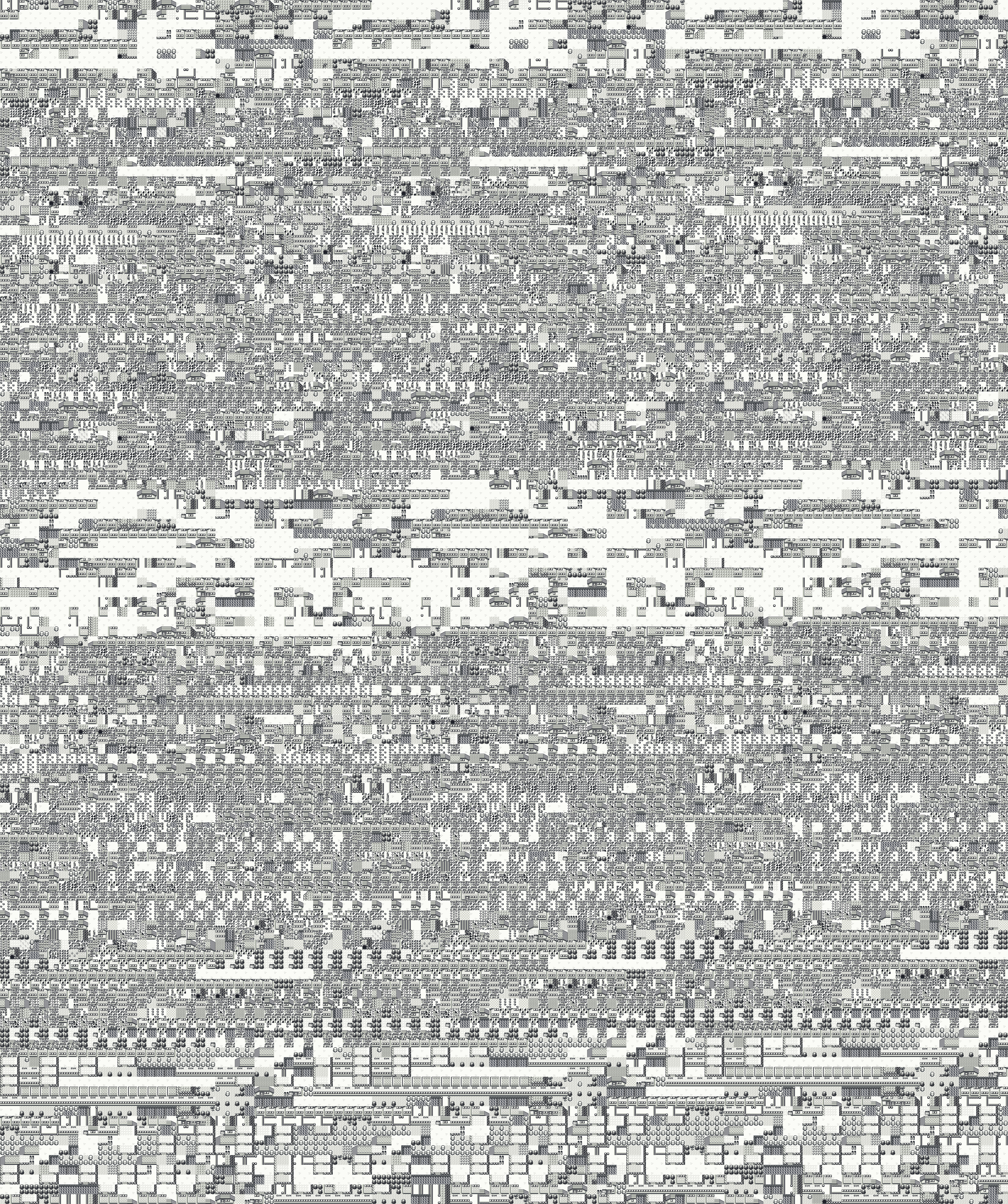
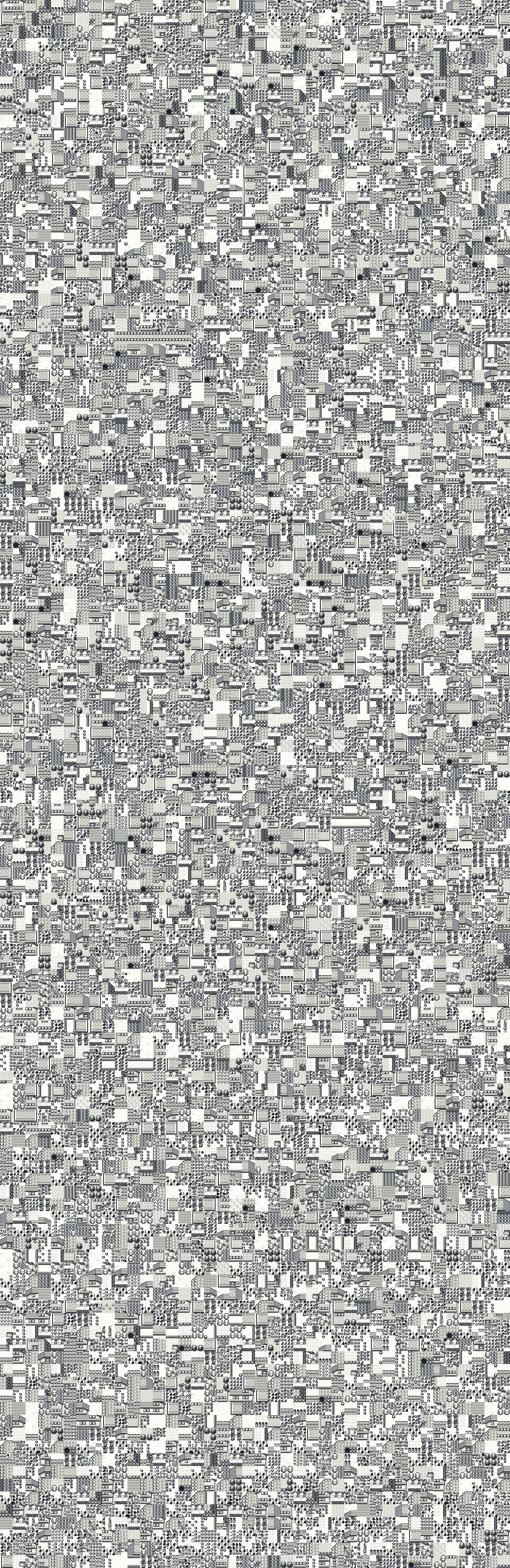
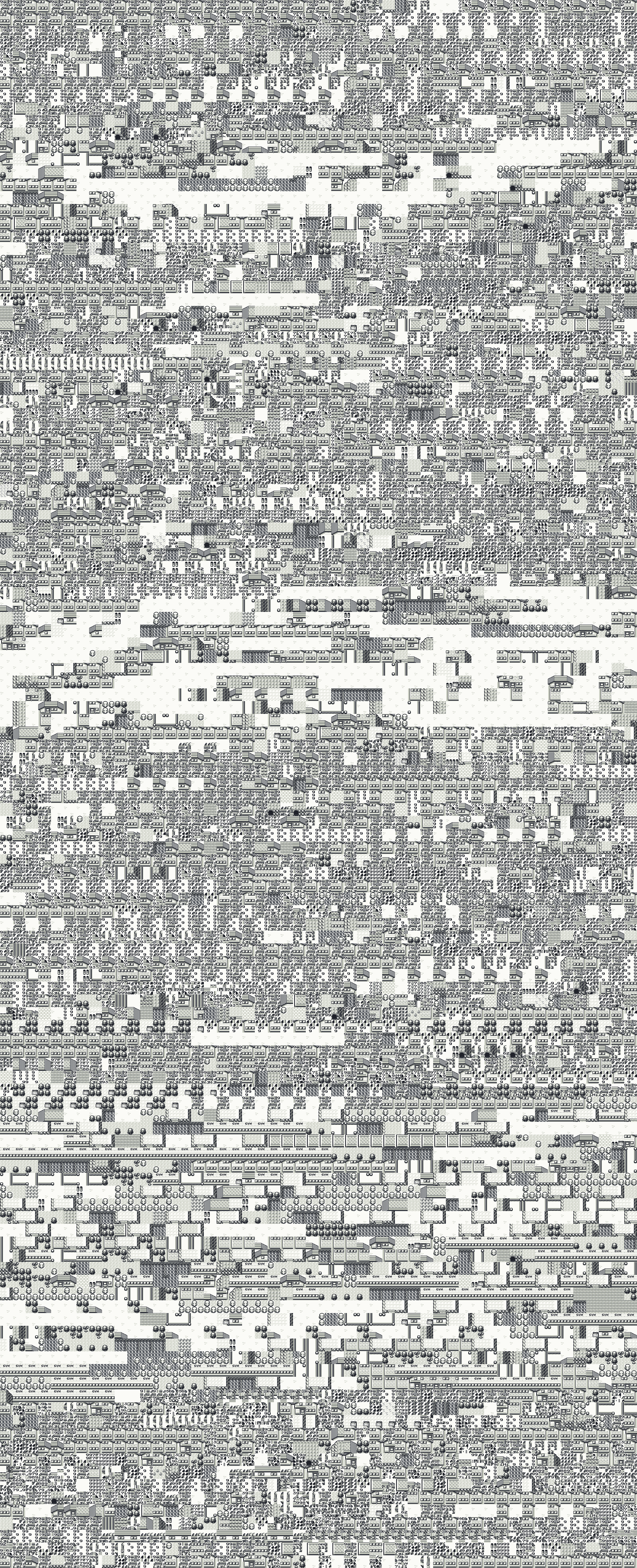
All 63 Glitch Cities, whole, as the game draws them: 21 in each game, rebuilt from the game's own data, free to view and download.
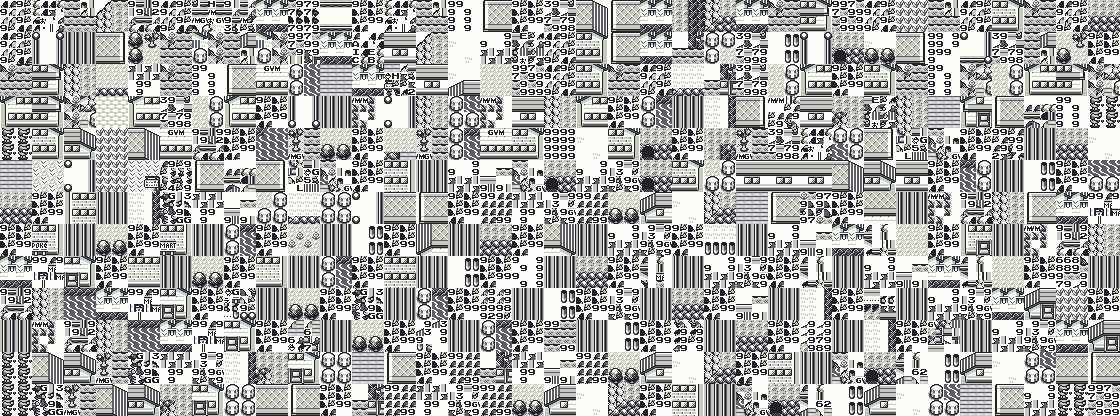
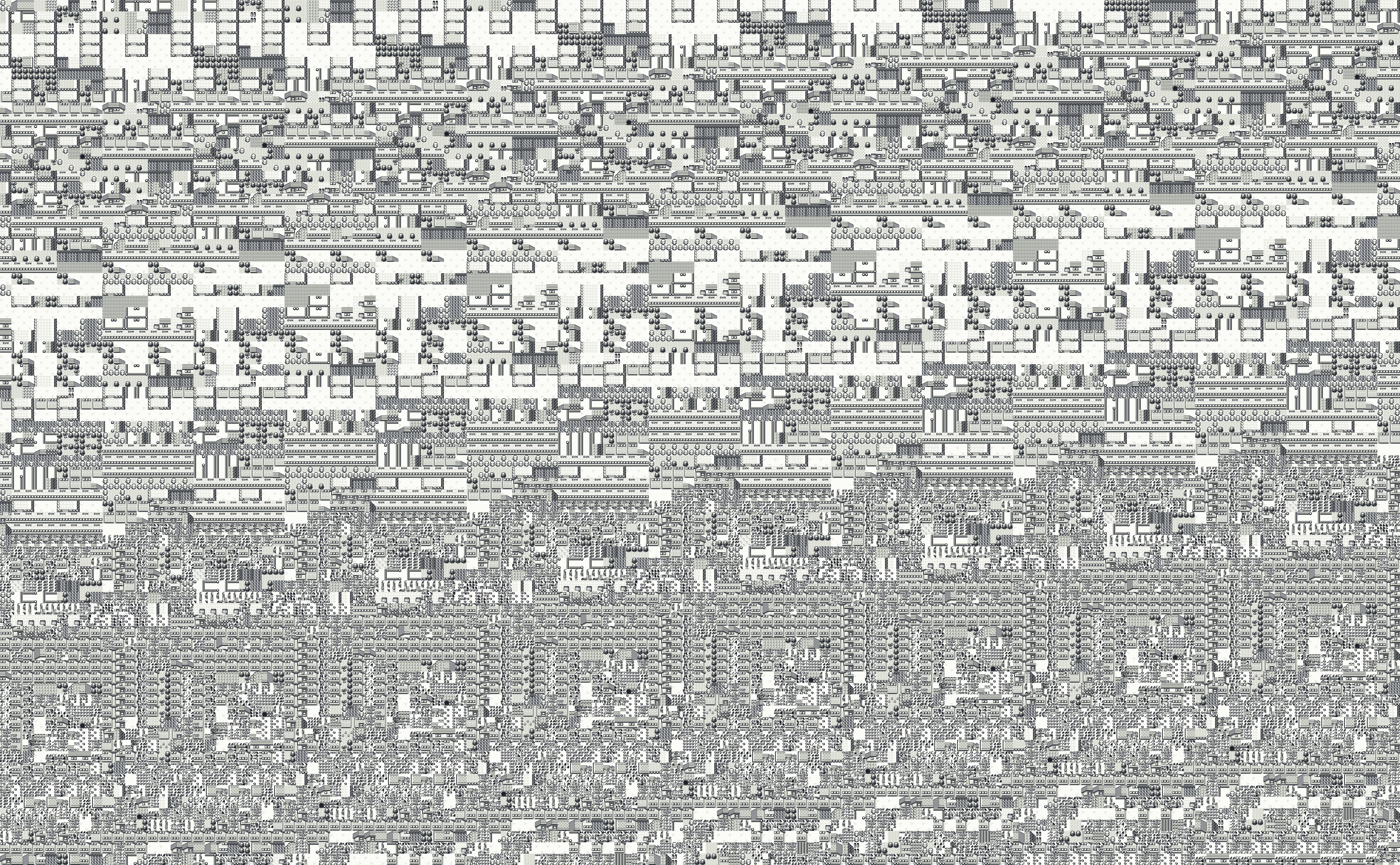
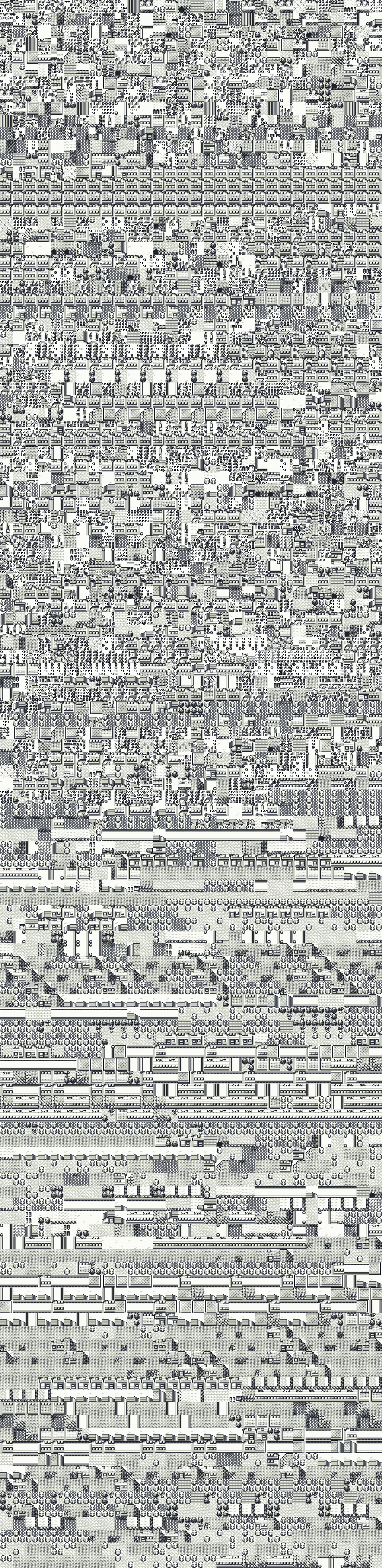
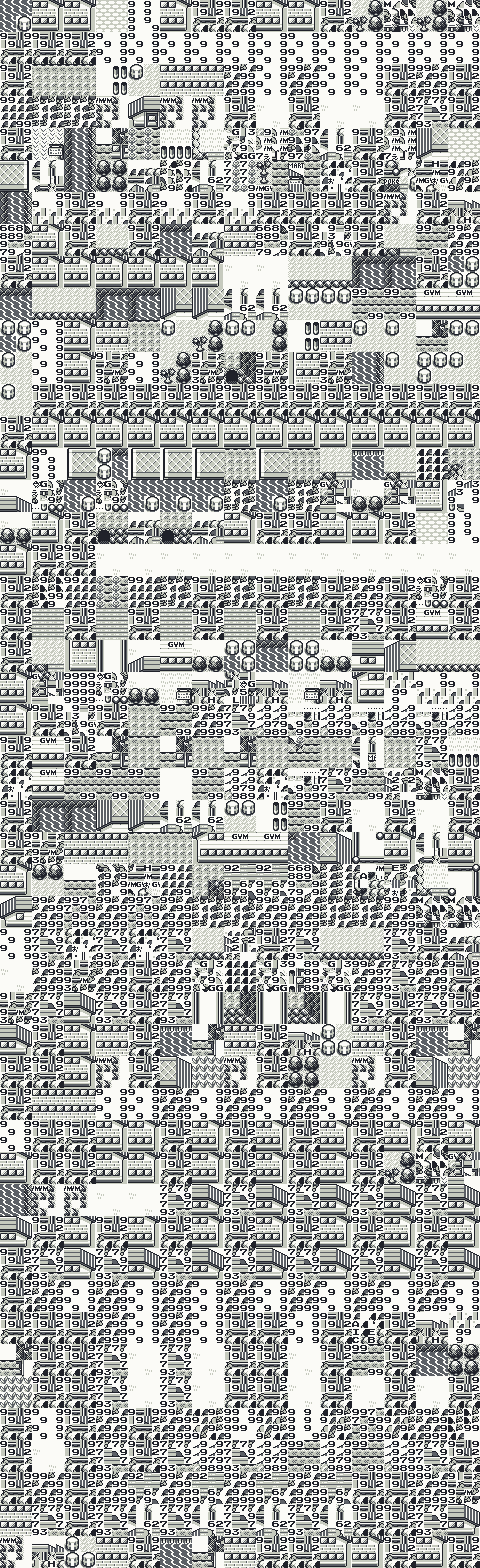
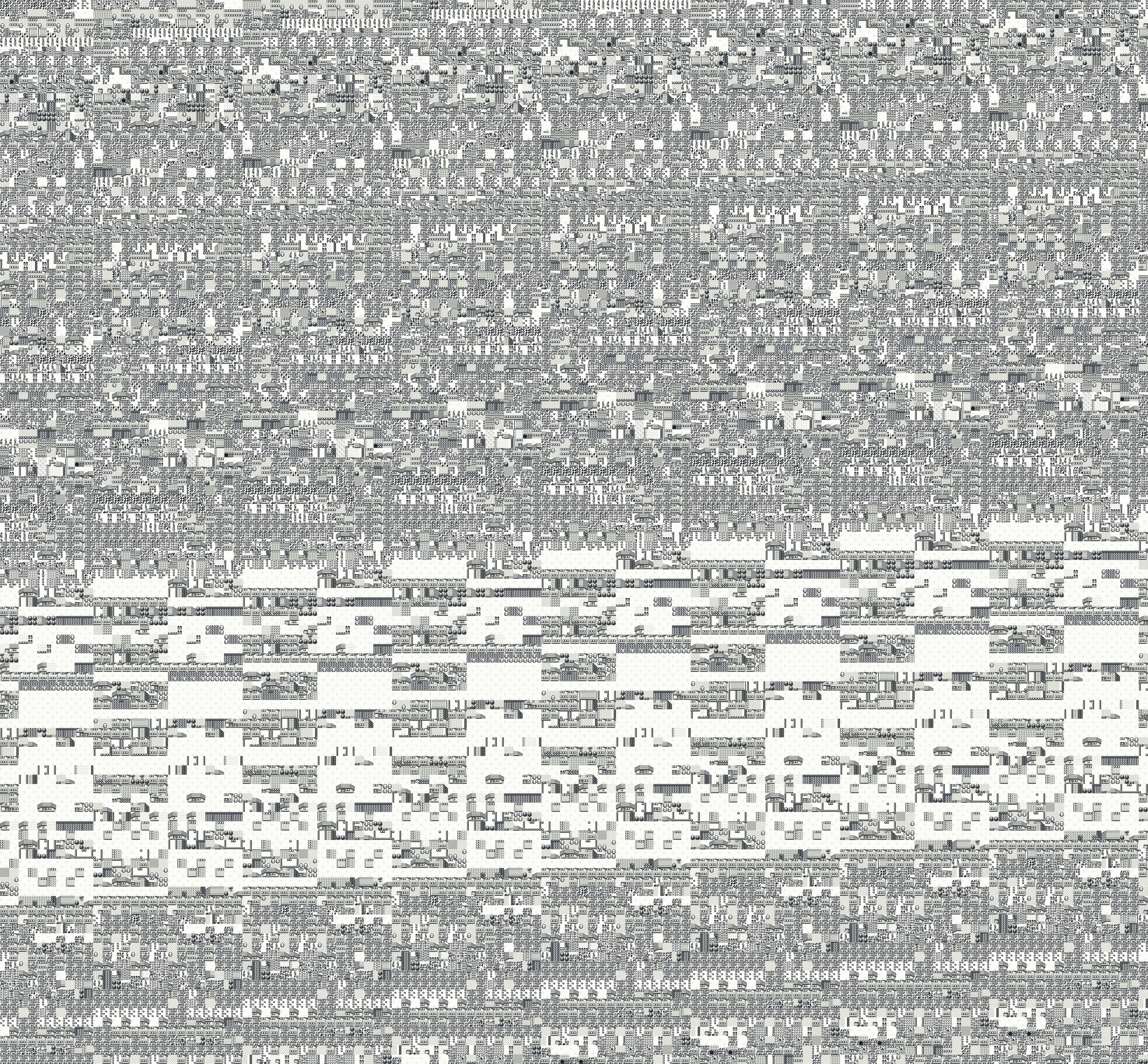
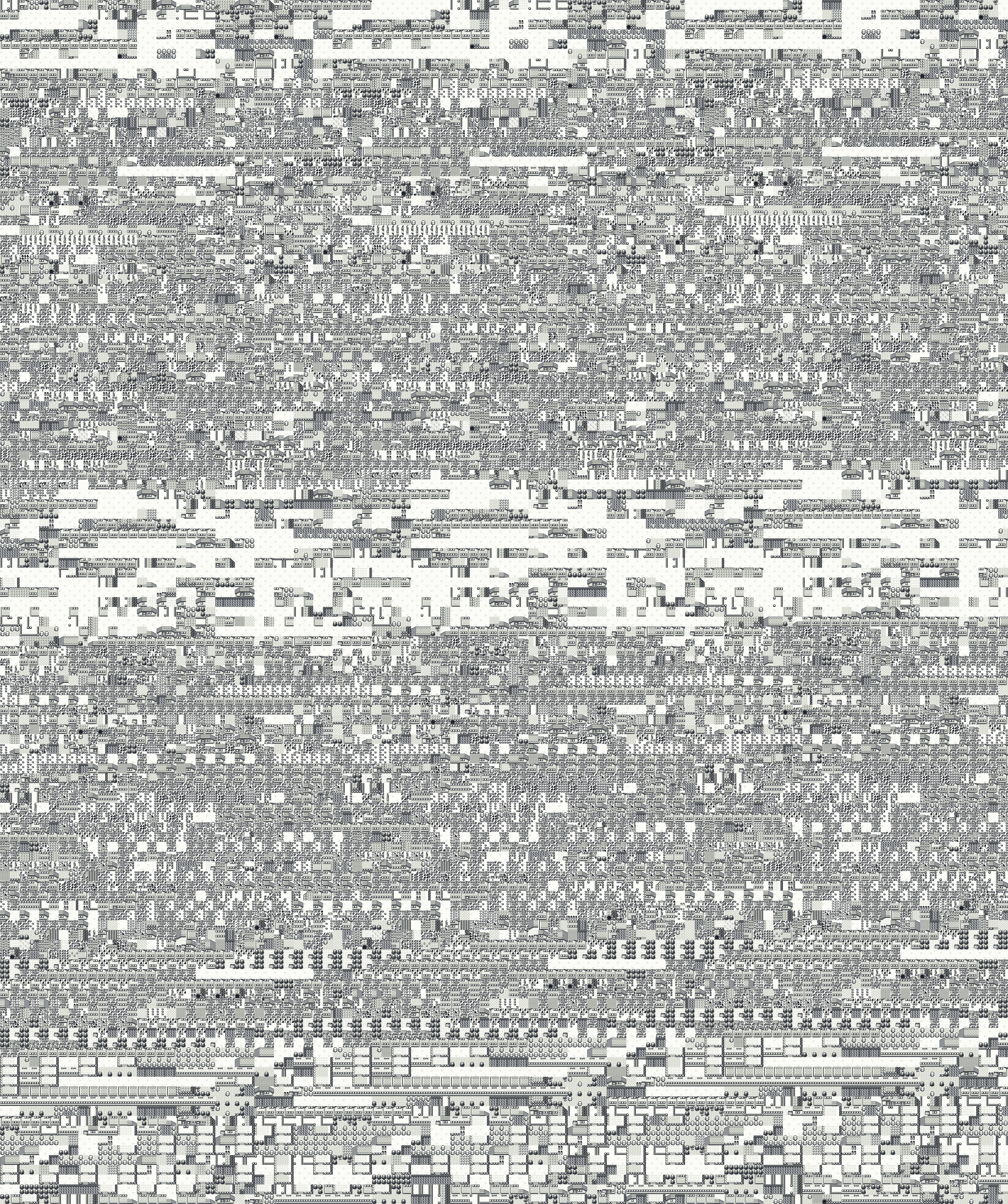
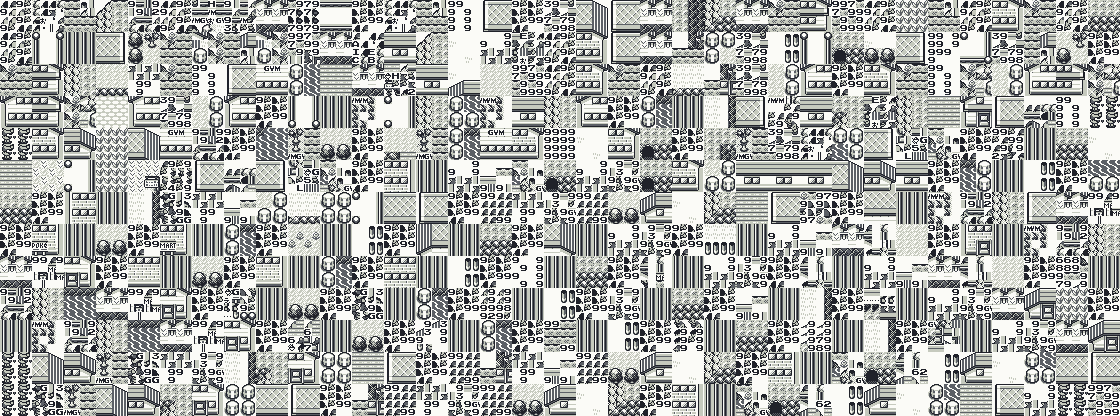
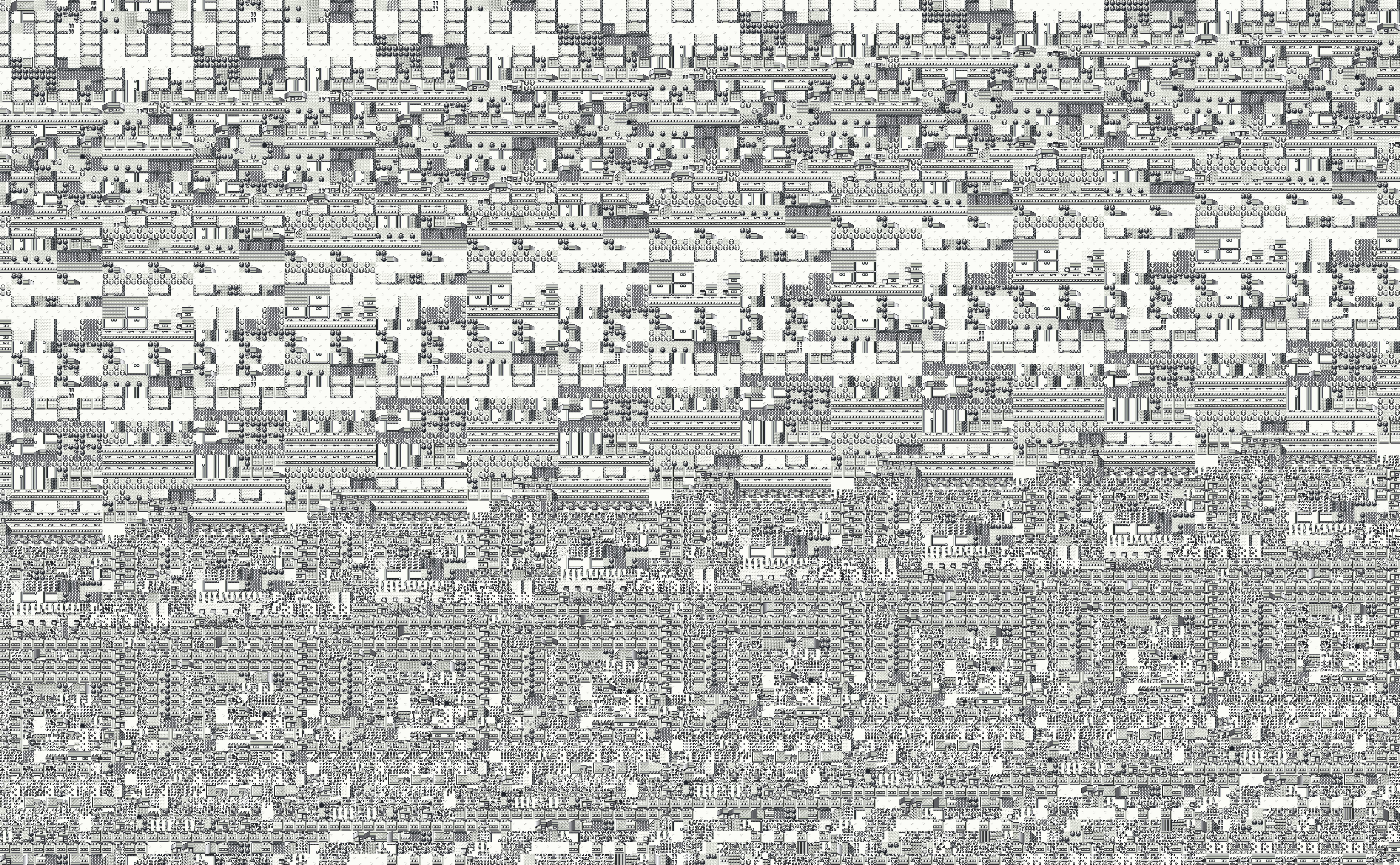
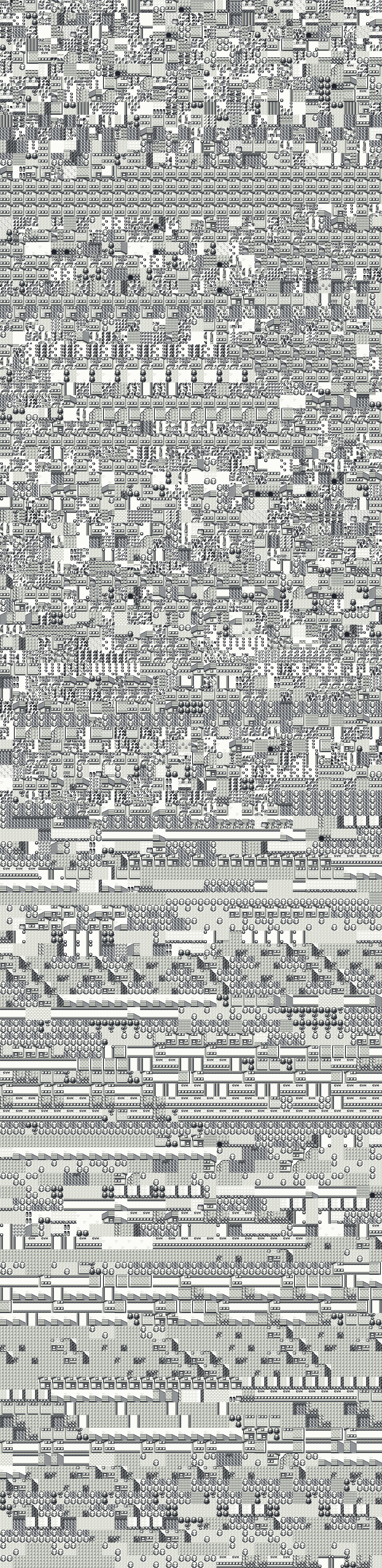
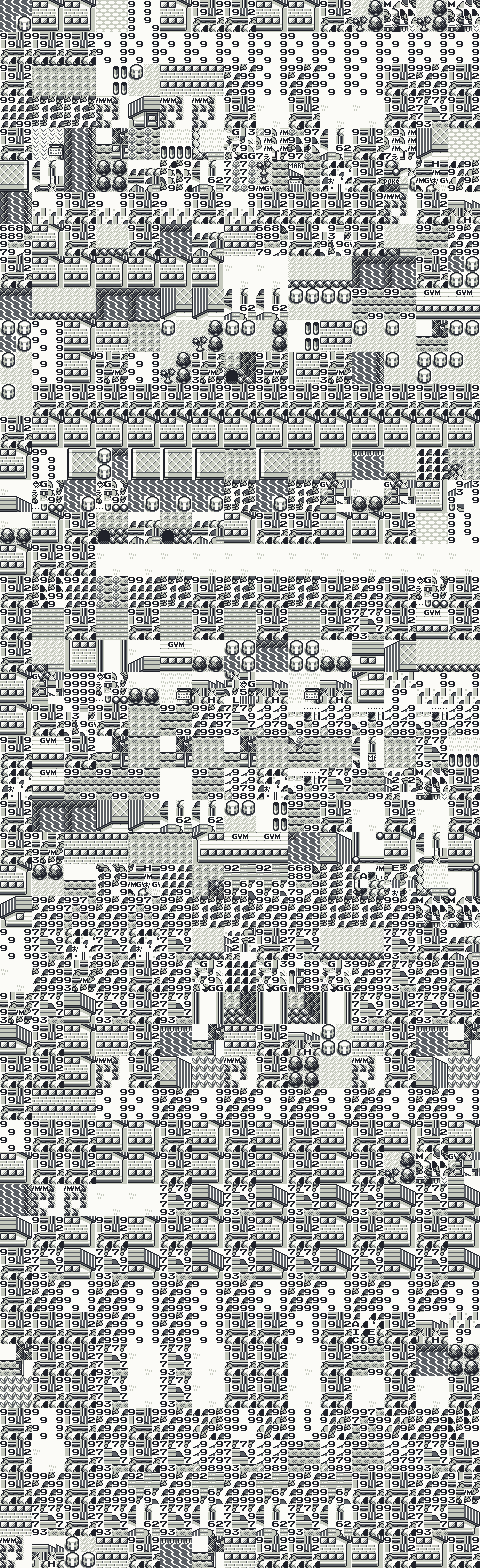
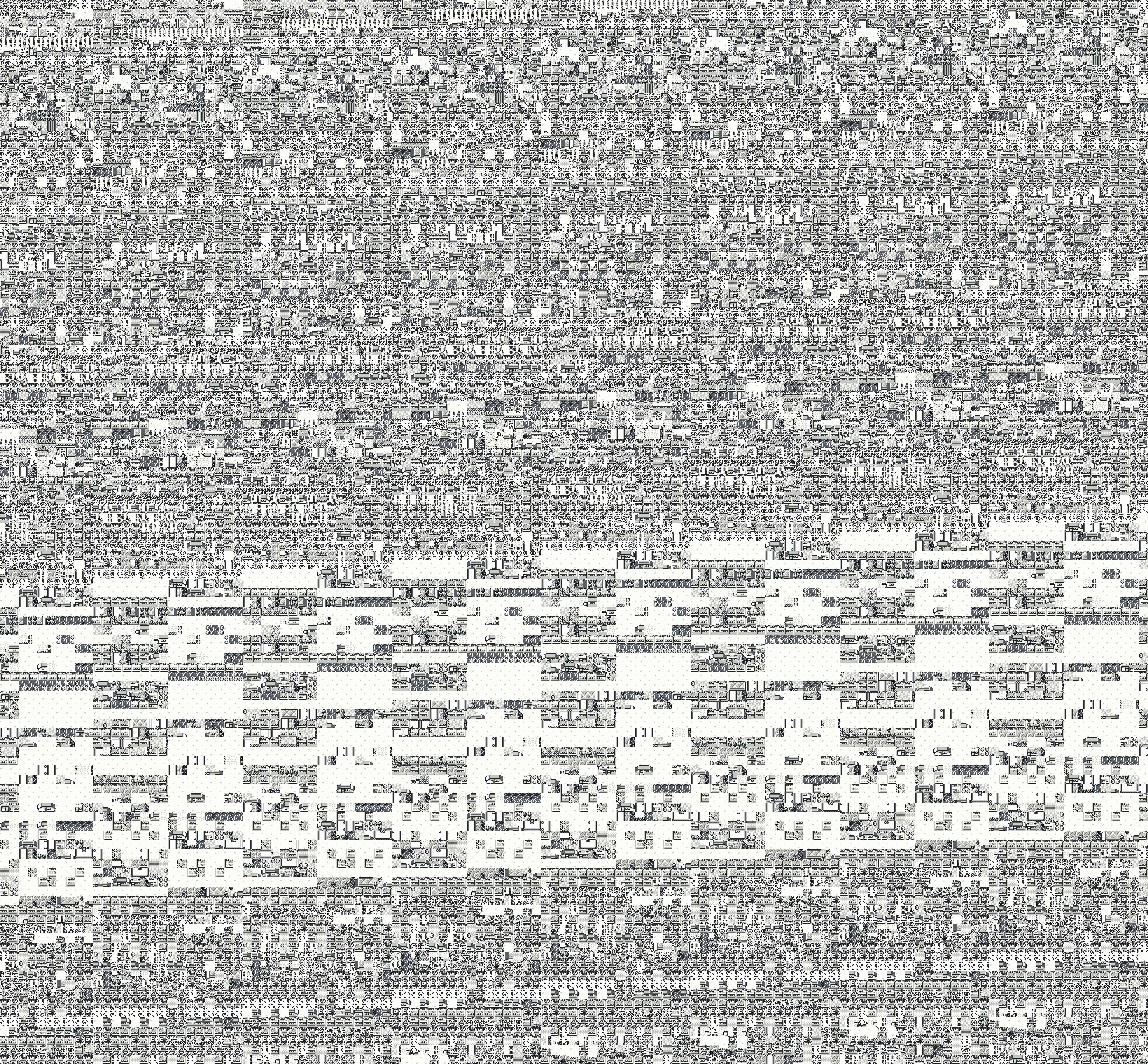
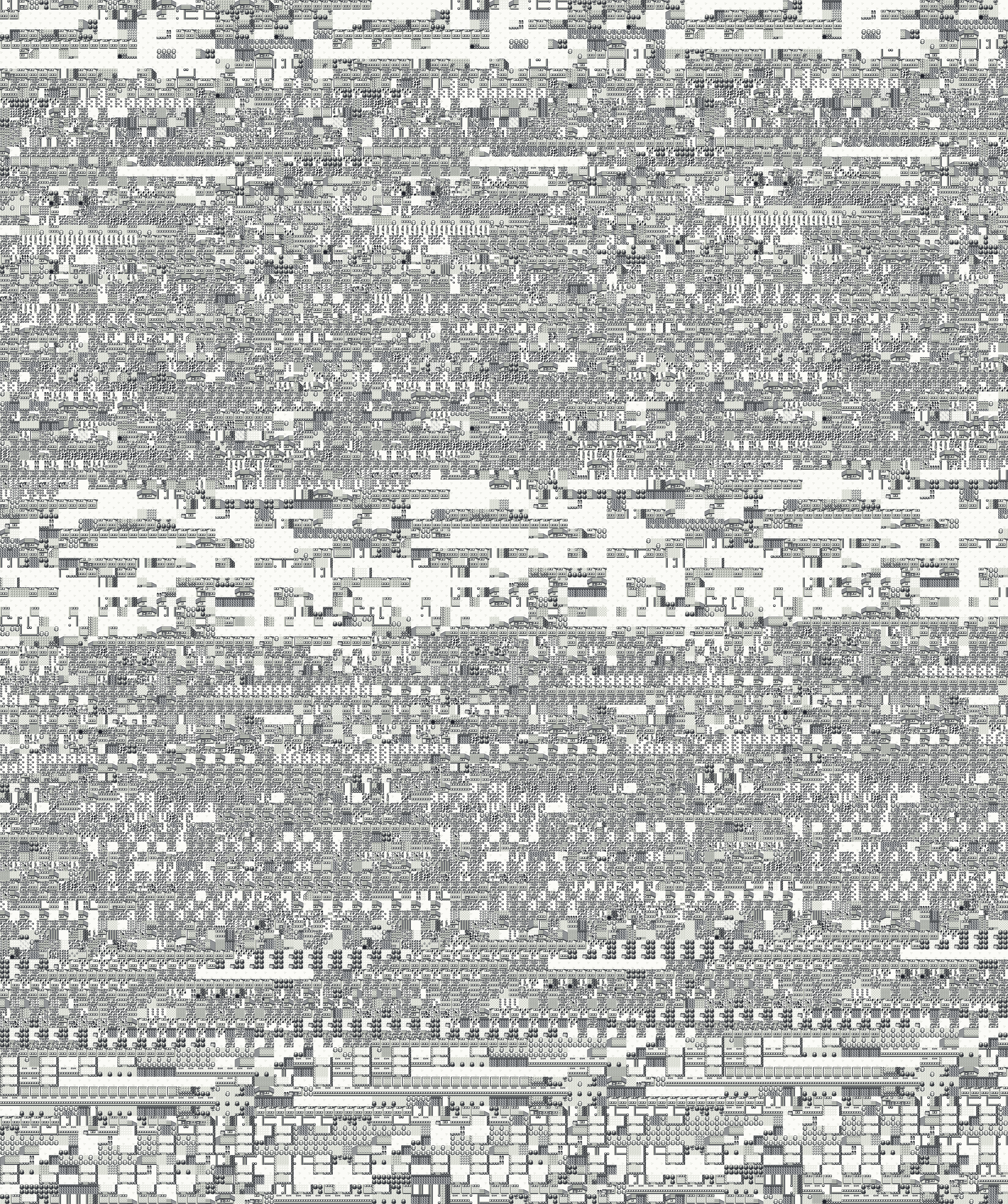
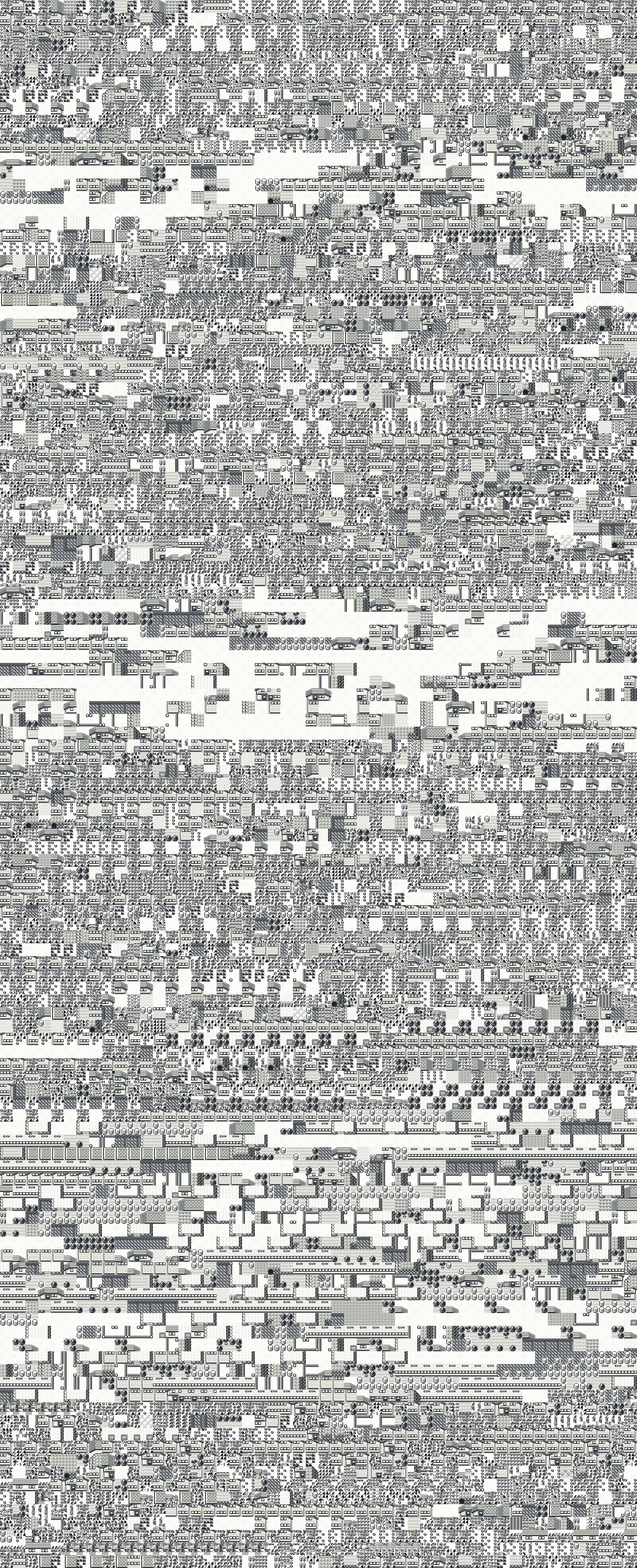
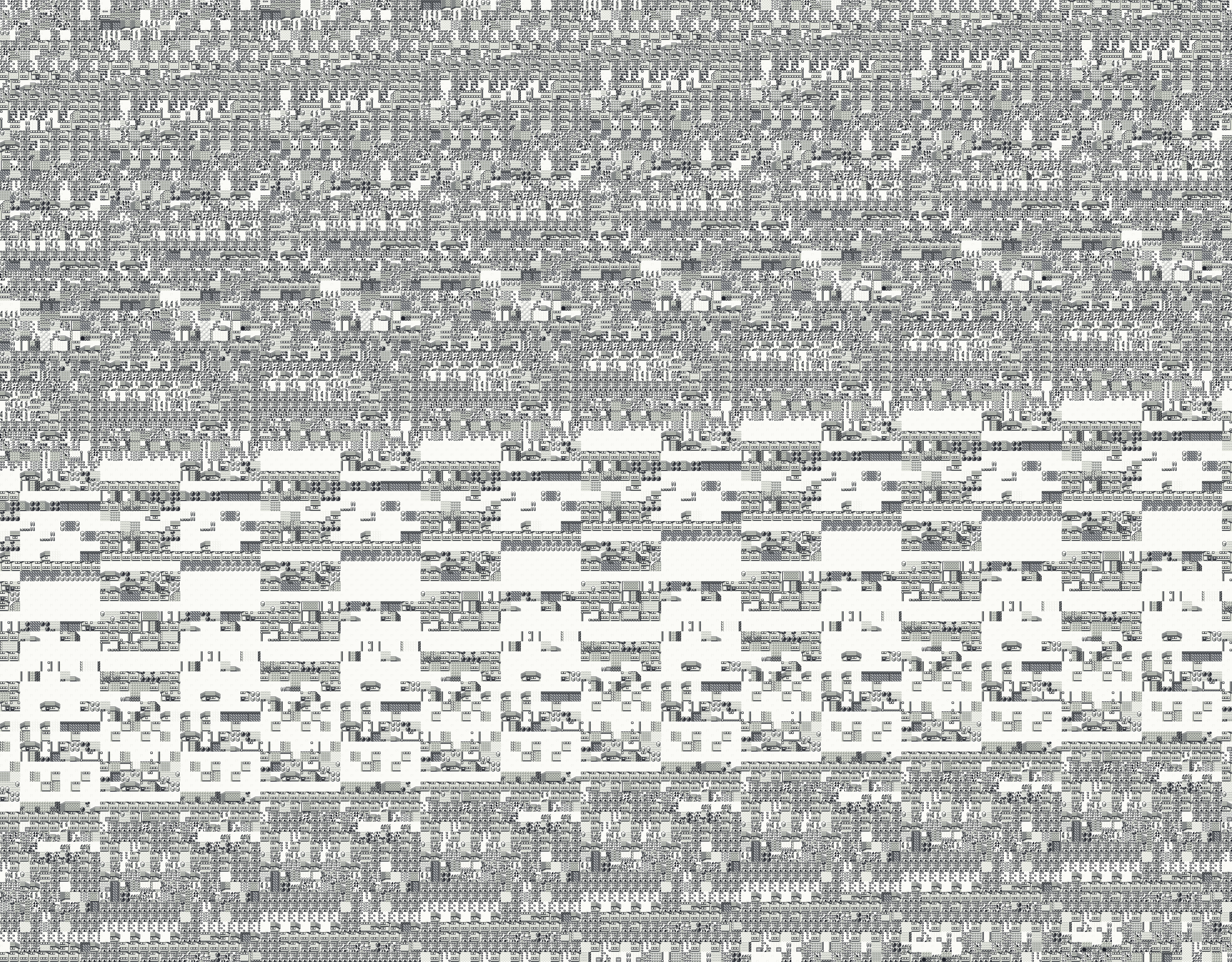
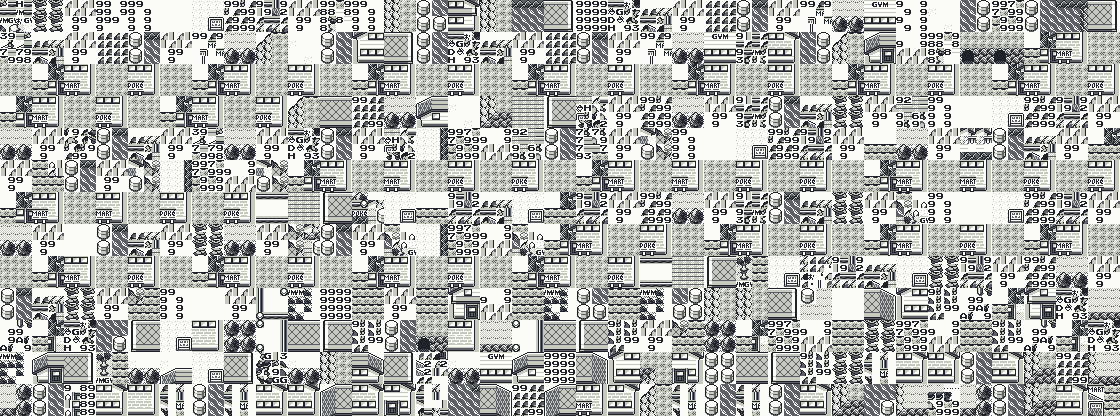
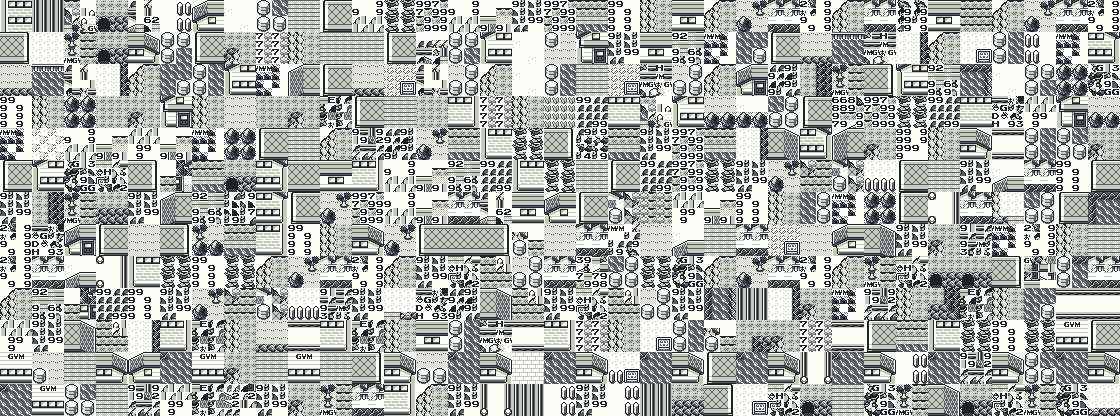
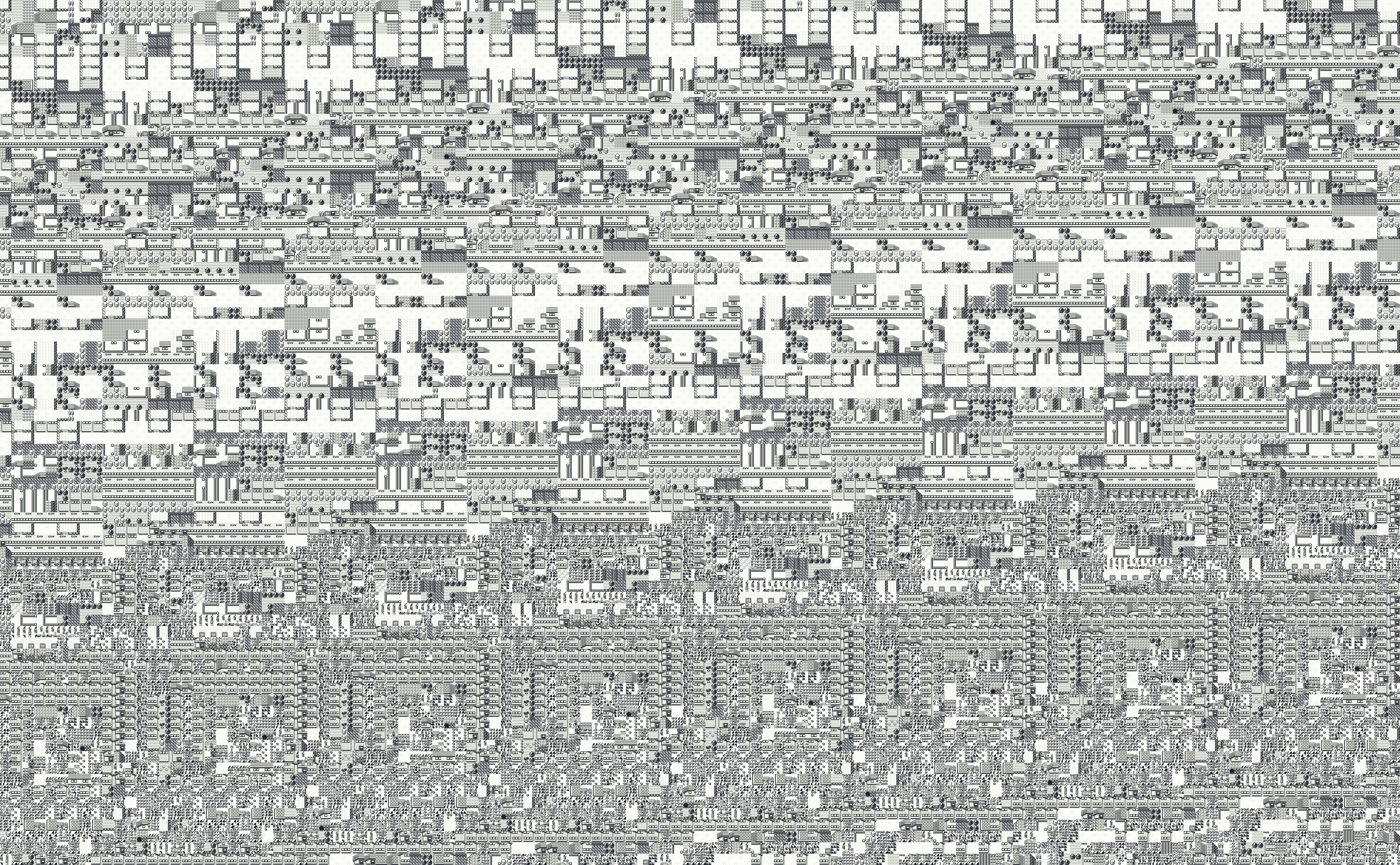
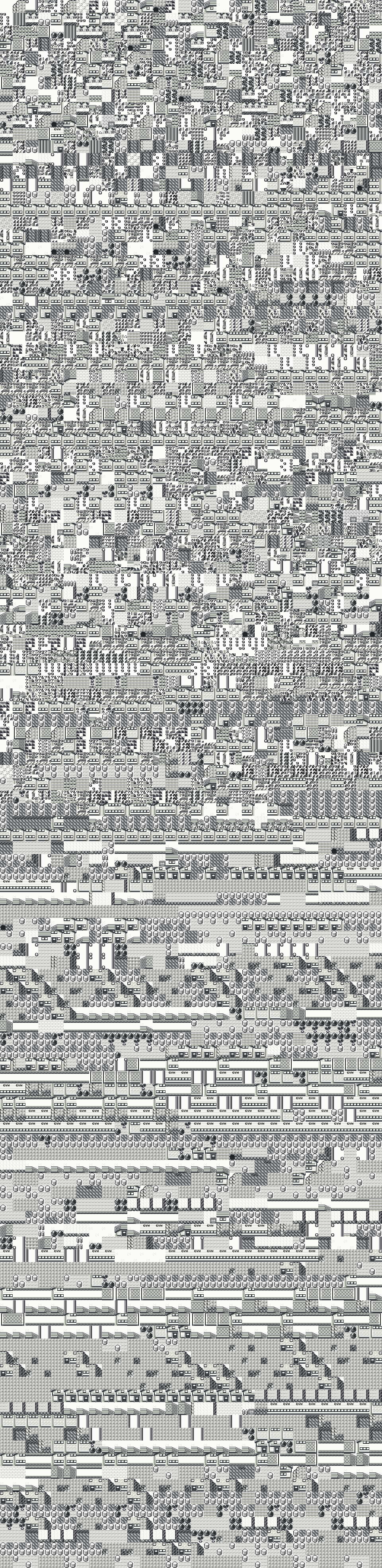
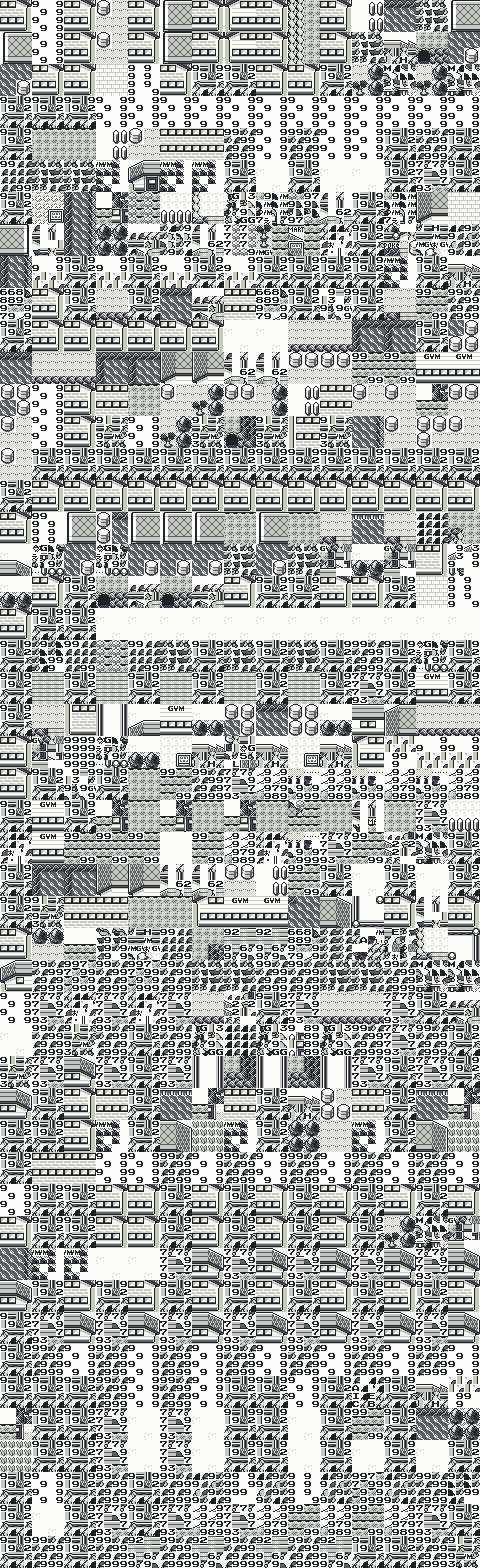
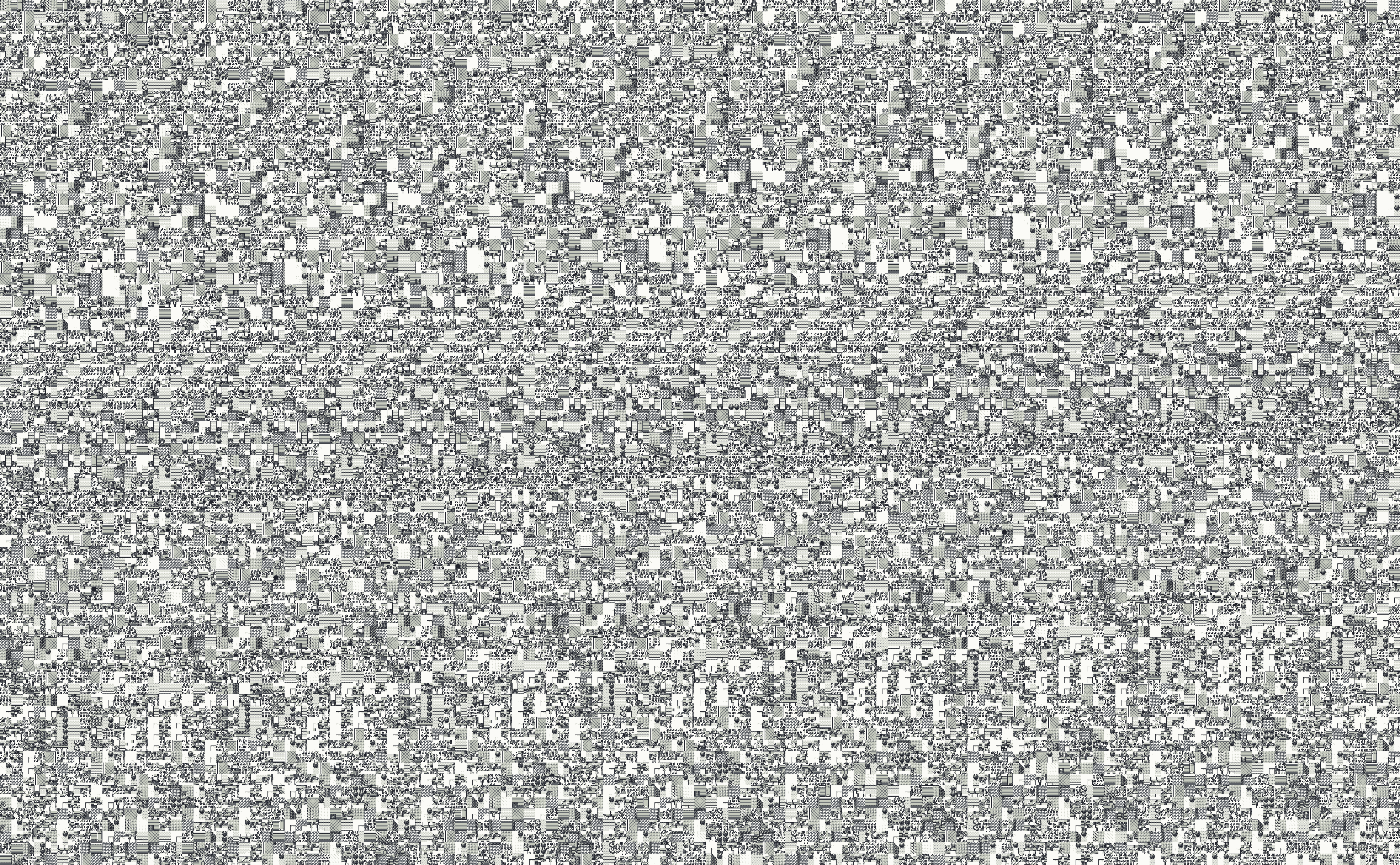
Glitch City is the scrambled map the Safari Zone gate drops you onto in Pokemon Red, Blue and Yellow when the Safari Game's steps run out while you are outside the Safari Zone. Below is a complete map of every one: 21 in each game, 63 in all, rebuilt from the game's own data. As far as I know, no full set of them existed online before this page.
How to use it: pick your game, find the place you came from (your Glitch City is the one of the last outdoor map you were on), and press View to pan and zoom with the spots you can walk on, the arrival point and the exits marked. On the 24 you can move in, Walk opens the walkable Glitch City, where you walk through it yourself by the game's own rules. Every map downloads as a full-size PNG or WebP, and each game comes as one zip. How to get in is on the Glitch City page.
Lossless and full size: one coordinate step is 16 by 16 pixels, and the biggest maps are 3,936 pixels square. Each zip holds the game's 21 PNGs and a README with where you arrive and which coordinate each picture starts at. Please credit GardenFlouer and link this page when you use them.
63 maps
No Glitch City starts there. The 21 places are Pallet Town, Indigo Plateau and Routes 1, 3, 4, 6, 9, 10, 12, 13, 14, 15, 17, 18, 19, 20, 21, 22, 23, 24 and 25.
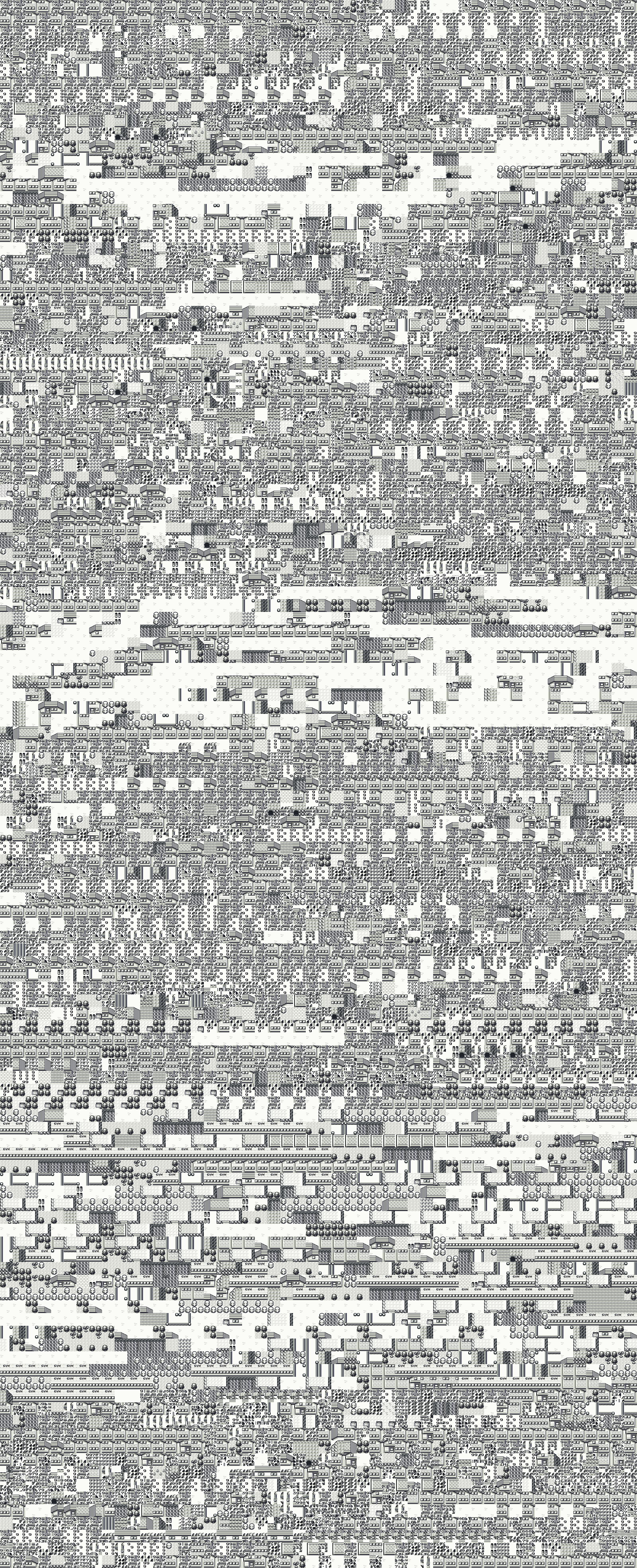
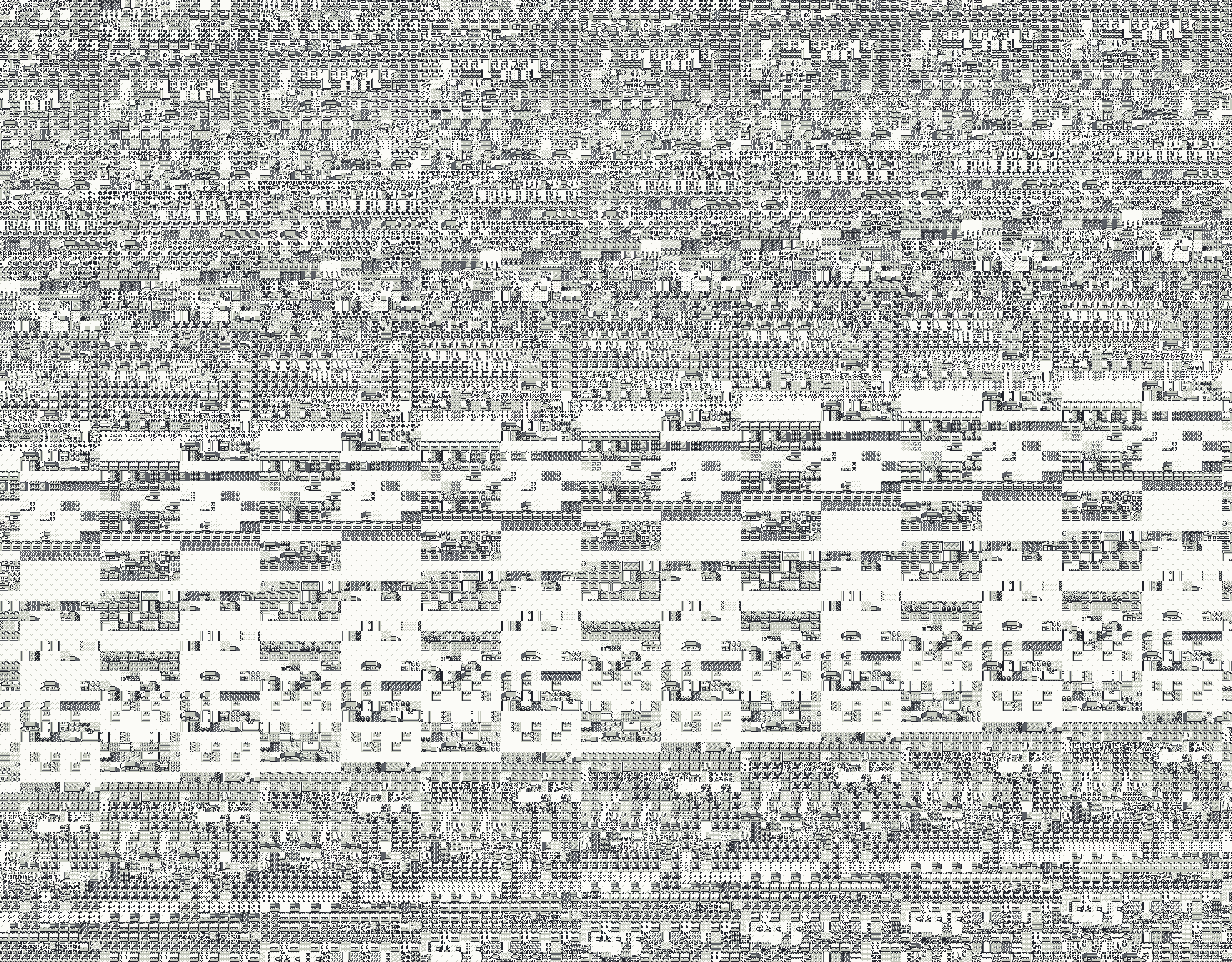
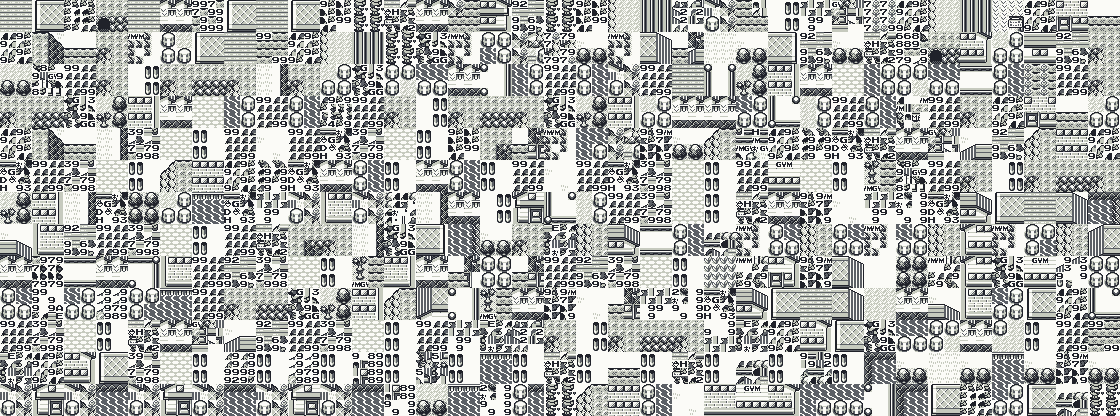
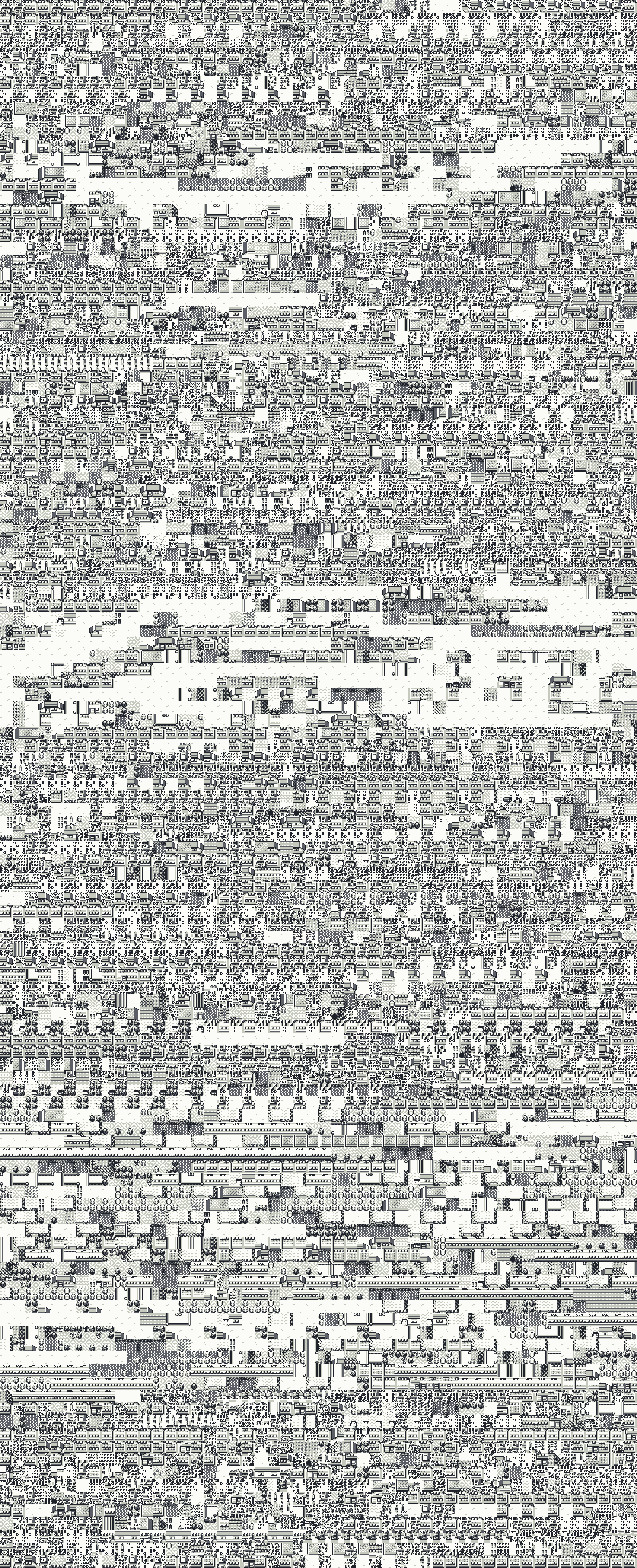
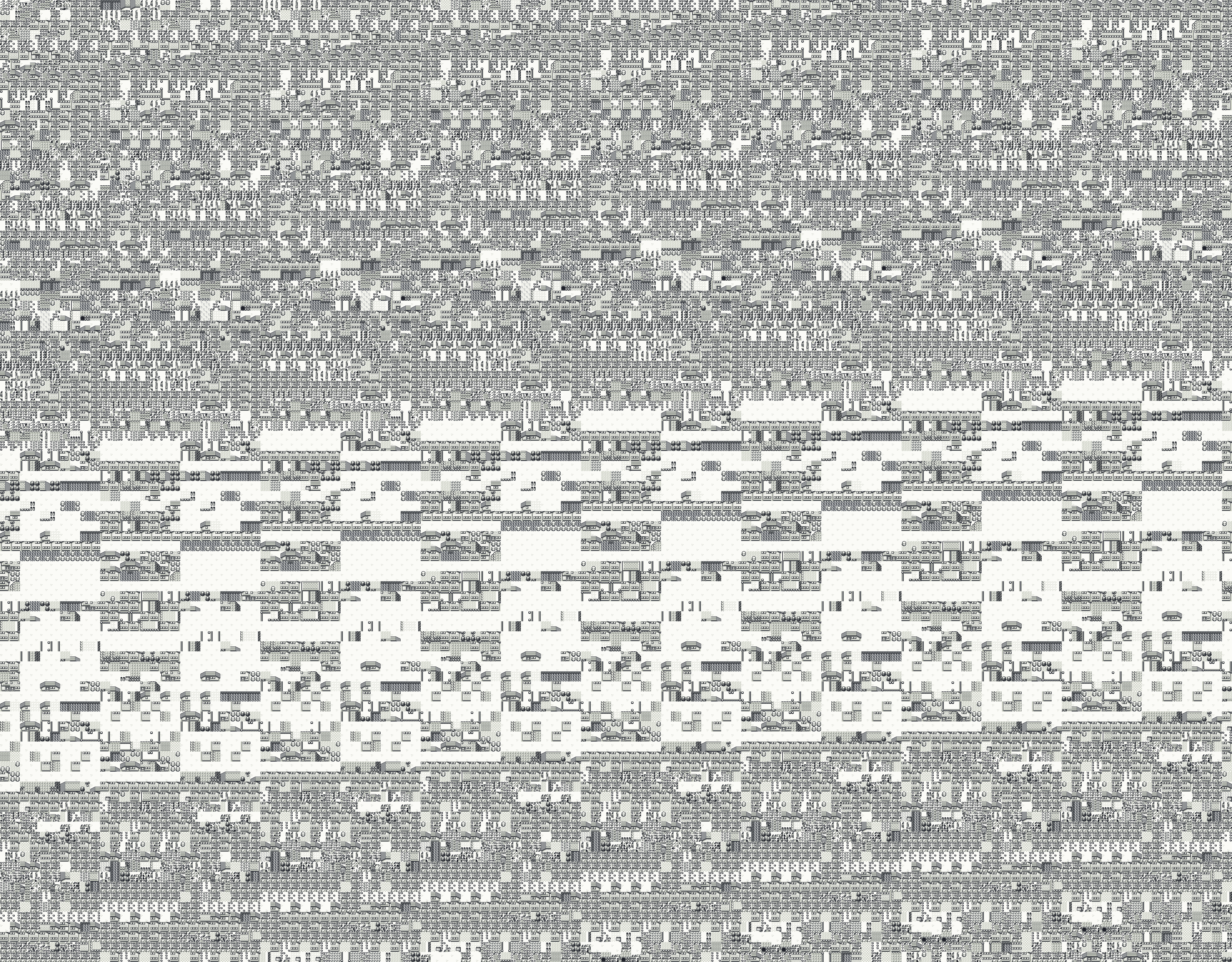
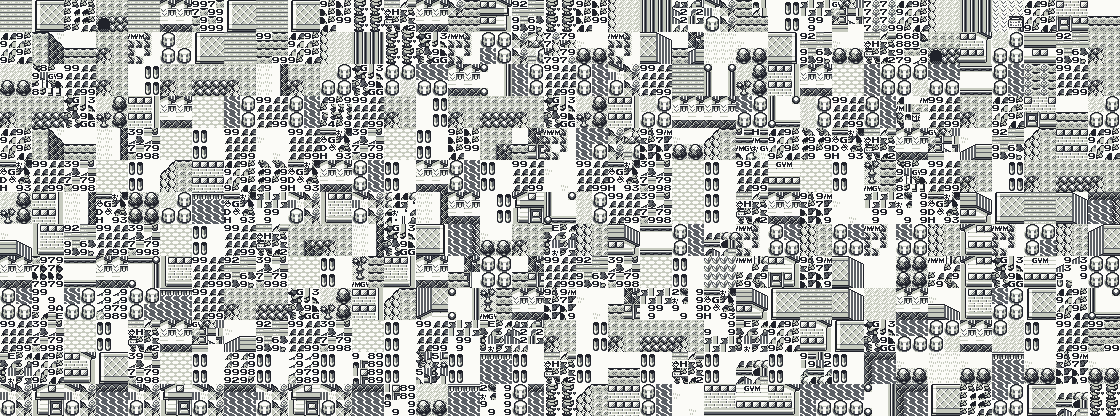
The red frame on each map is the screen you see when you arrive. Press View to explore it, Walk to walk through it, or a map's name for a link to it.
3,936 by 3,936 px 3,936 by 3,936 px
 3,936 by 704 px
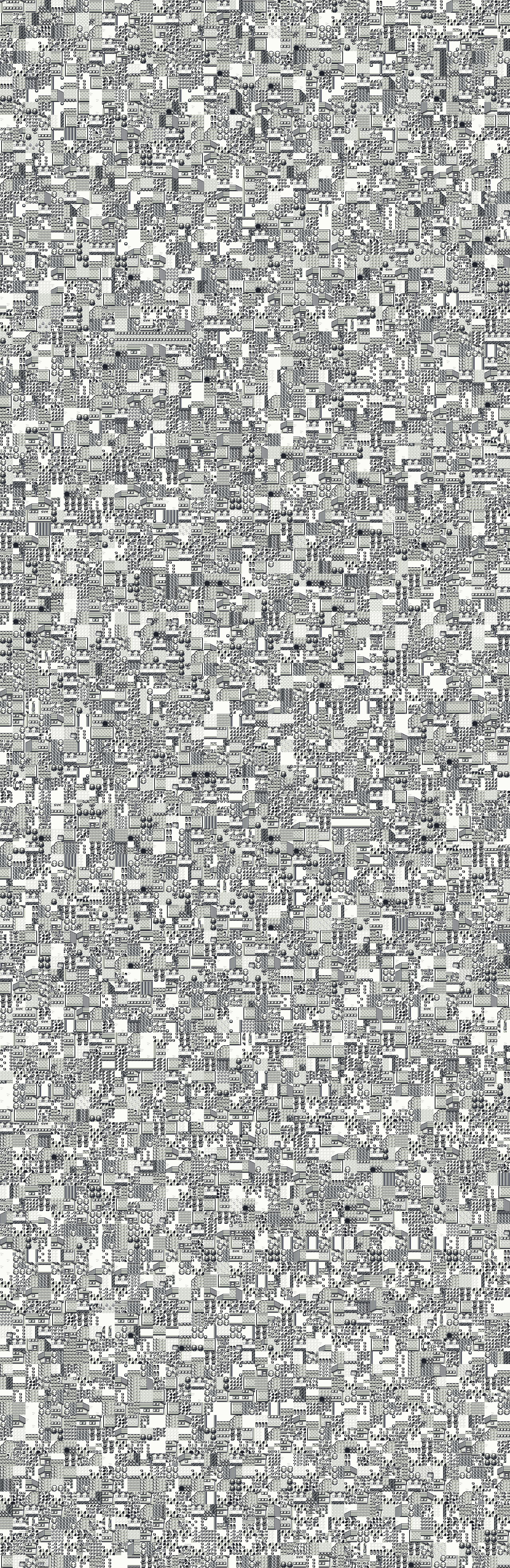 1,280 by 3,936 px
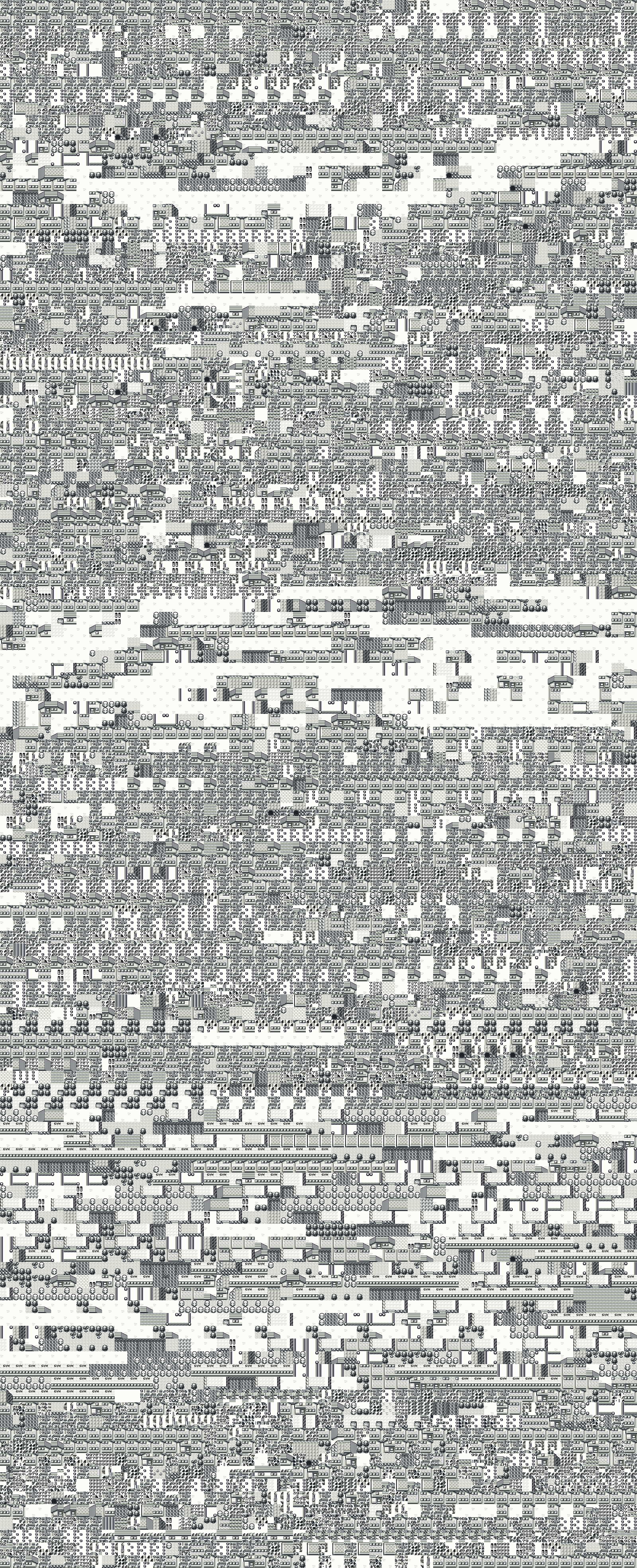 1,600 by 3,936 px
 480 by 3,648 px
 3,296 by 3,936 px
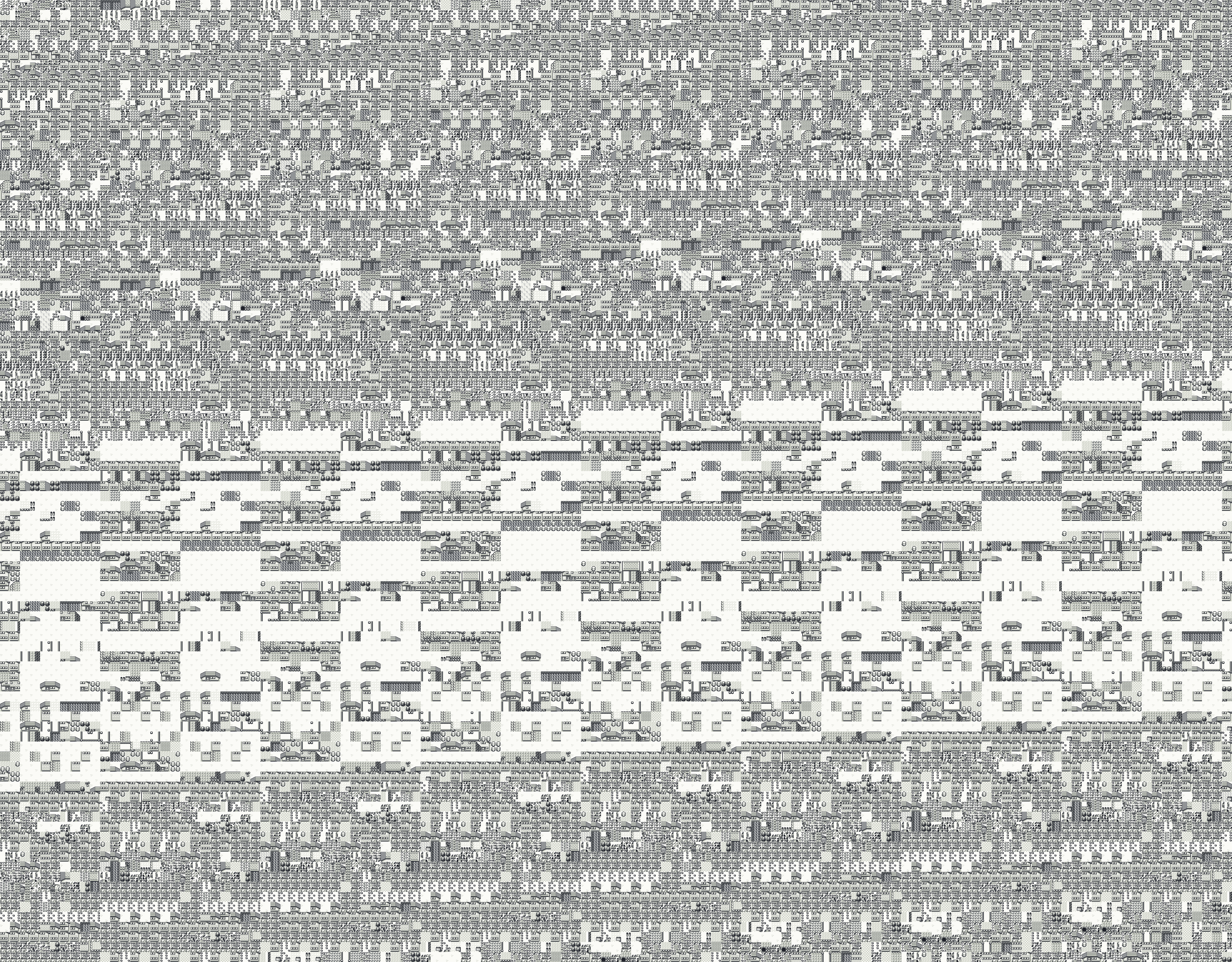 3,936 by 3,072 px
 3,936 by 1,856 px
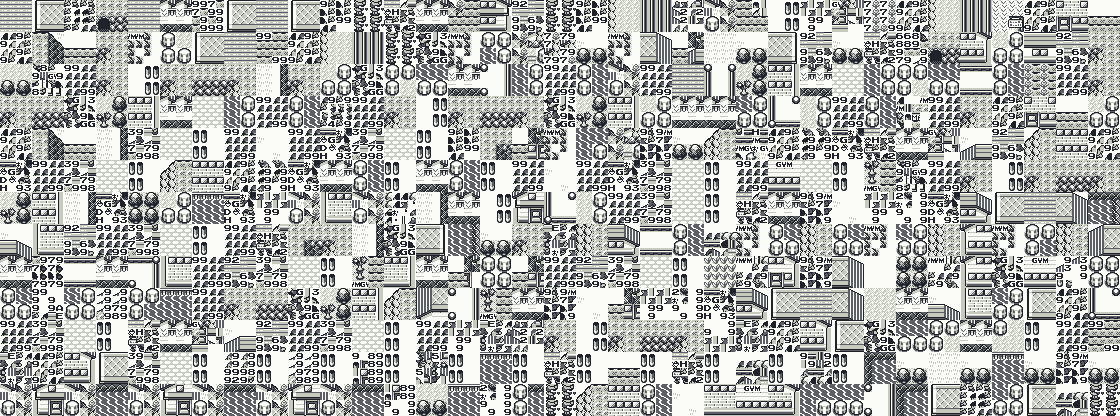 1,120 by 416 px
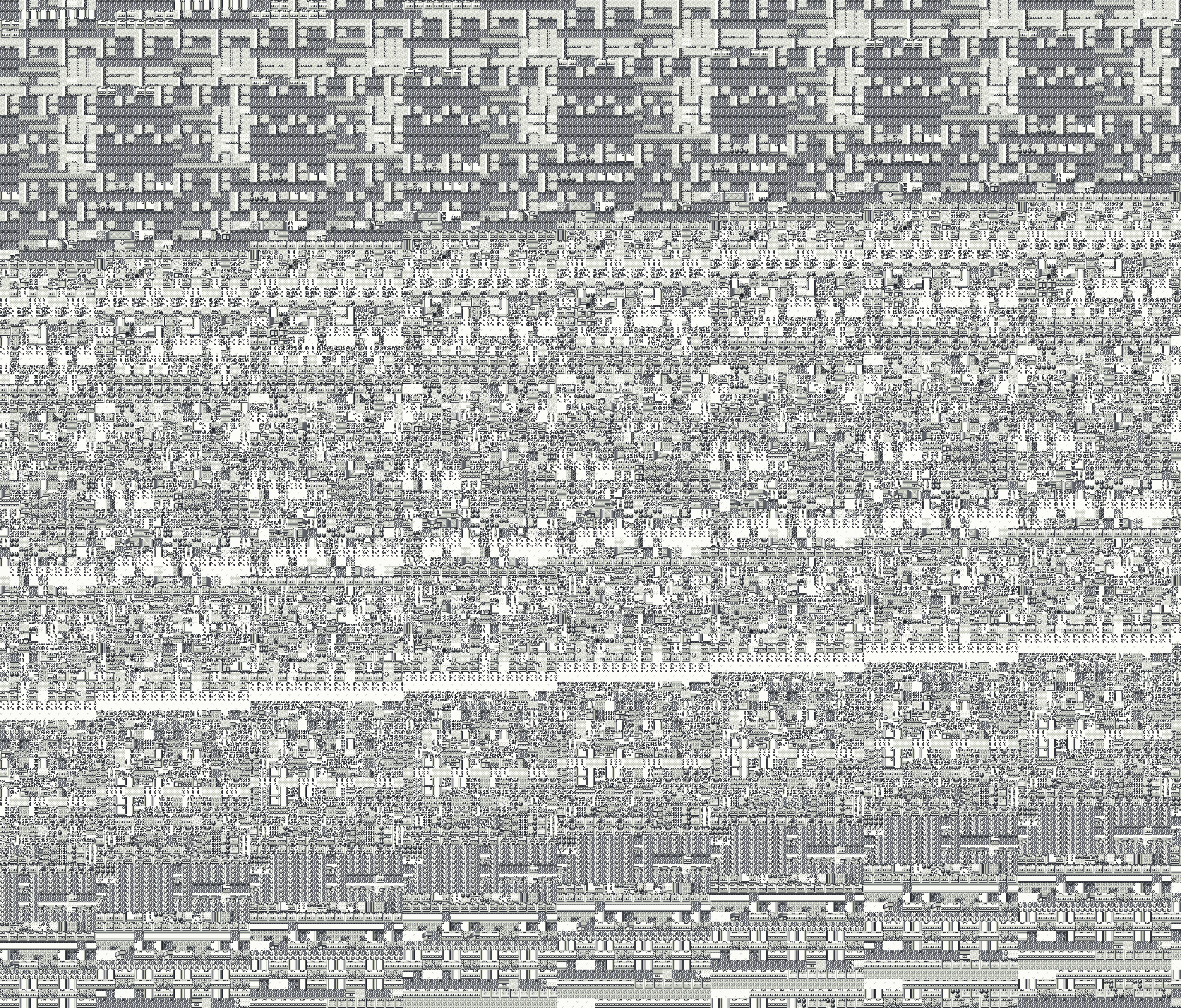 3,936 by 3,360 px
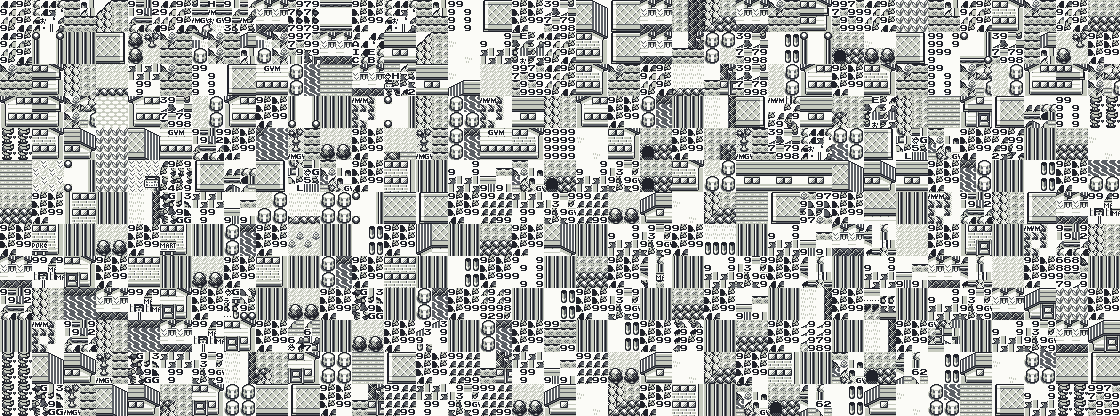 1,120 by 416 px
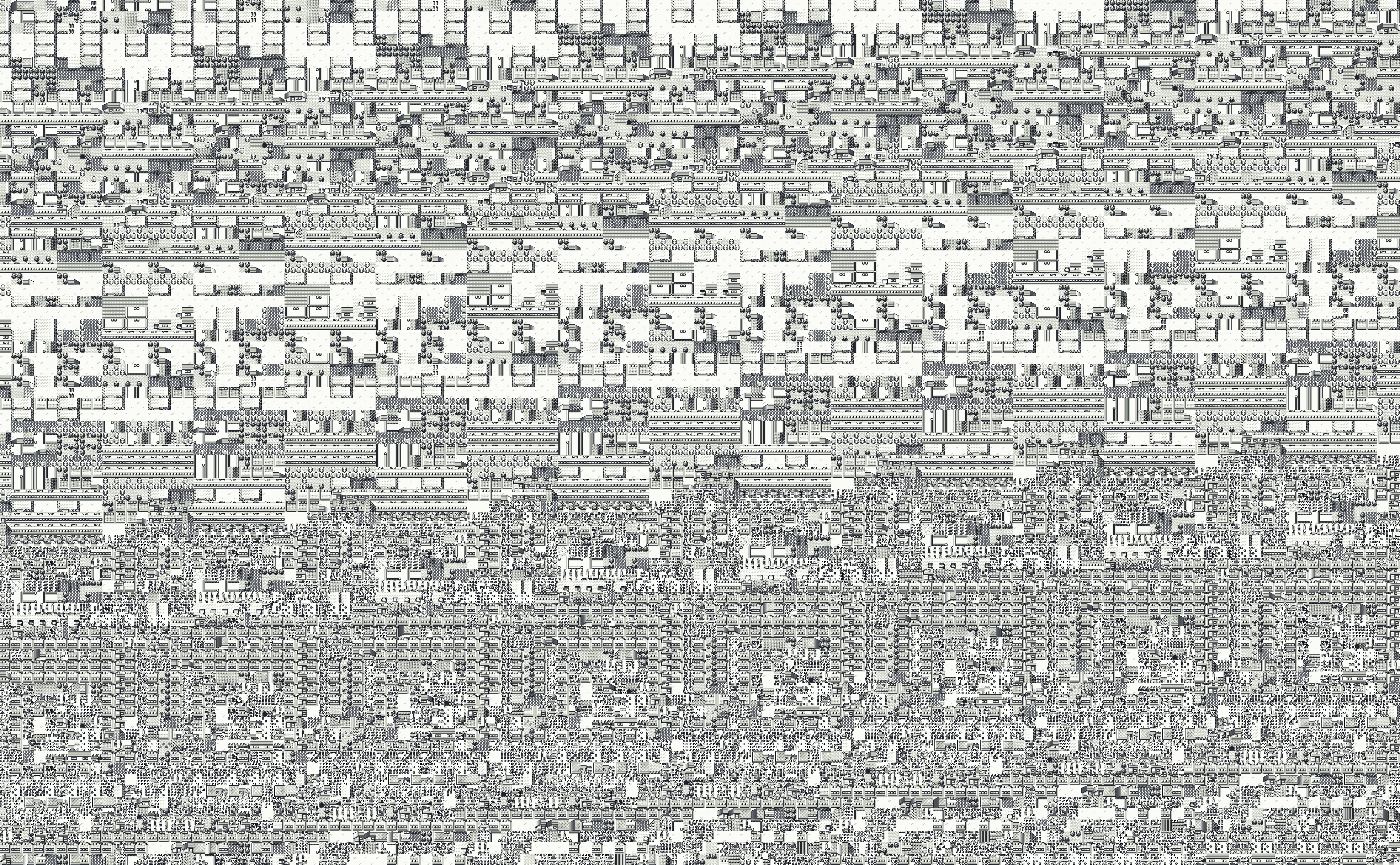 3,936 by 2,432 px
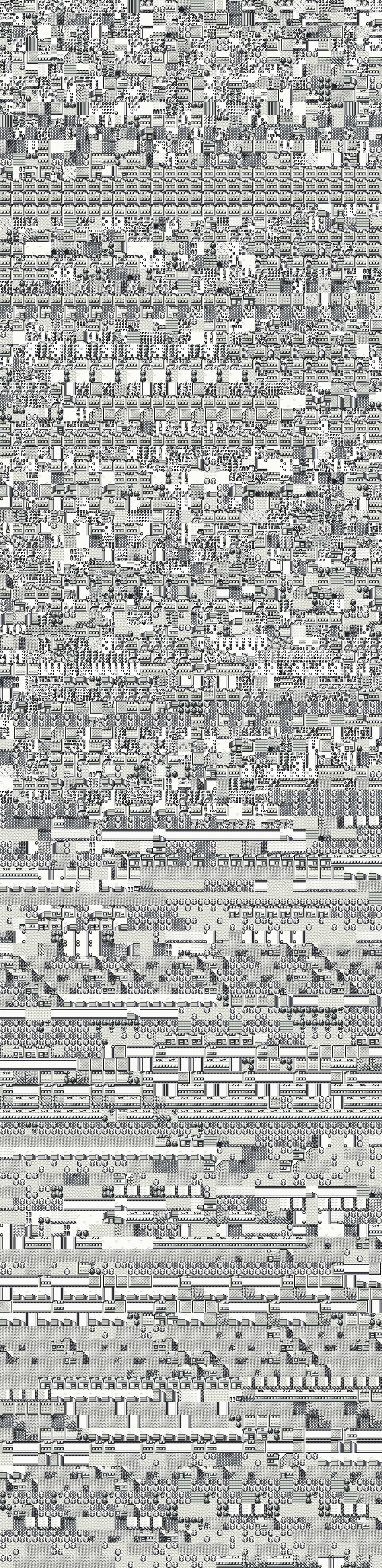 960 by 3,936 px
 3,936 by 3,360 px
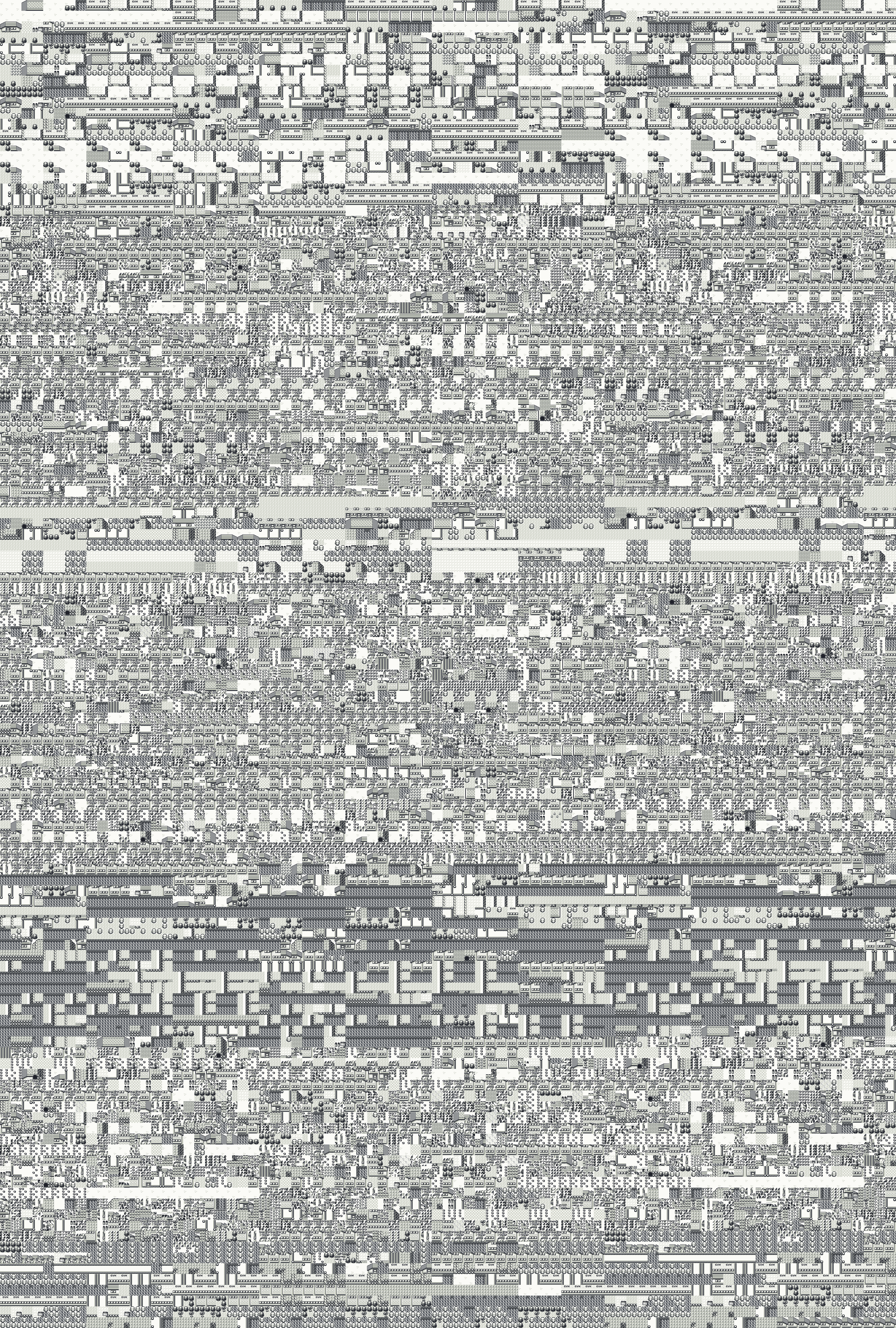 2,656 by 3,936 px
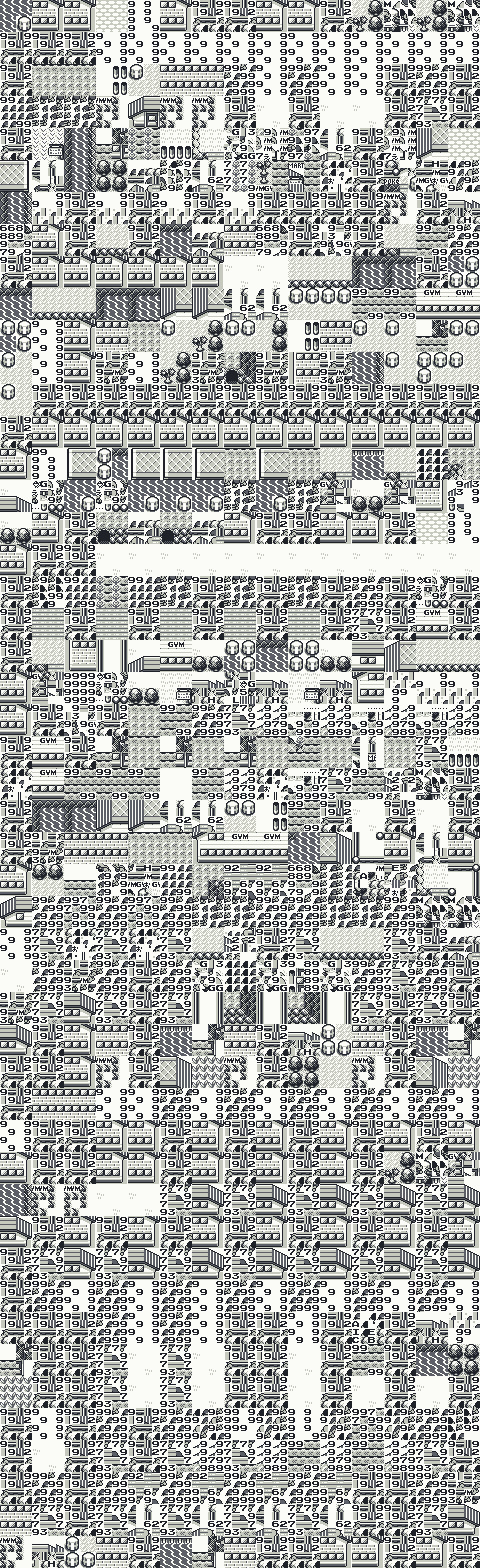 480 by 1,568 px
 3,616 by 3,936 px
 3,936 by 2,432 px
 3,936 by 3,648 px
 3,296 by 3,936 px
 3,936 by 3,936 px
 3,936 by 3,936 px
 3,936 by 704 px
 1,280 by 3,936 px
 1,600 by 3,936 px
 480 by 3,648 px
 3,296 by 3,936 px
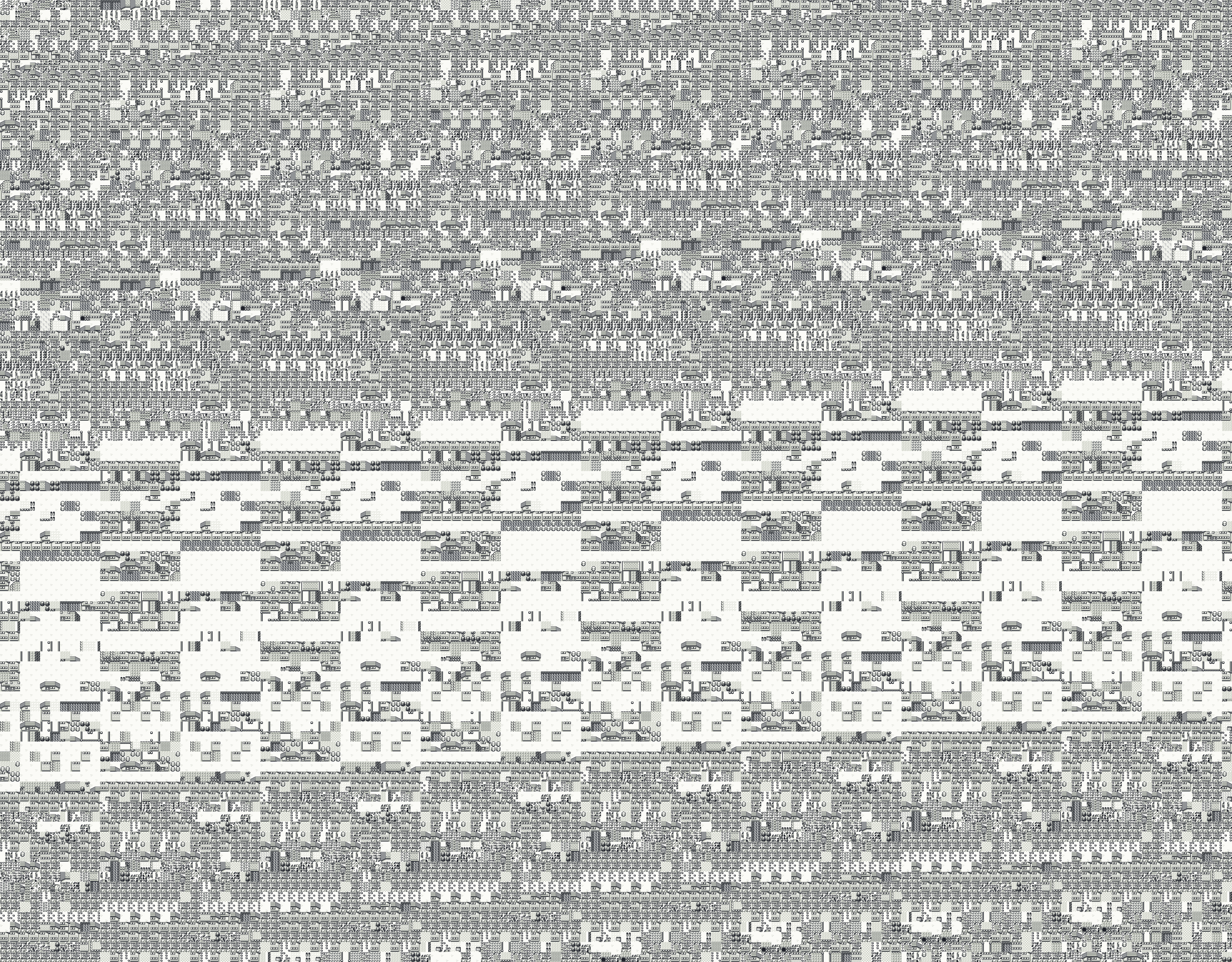 3,936 by 3,072 px
 3,936 by 1,856 px
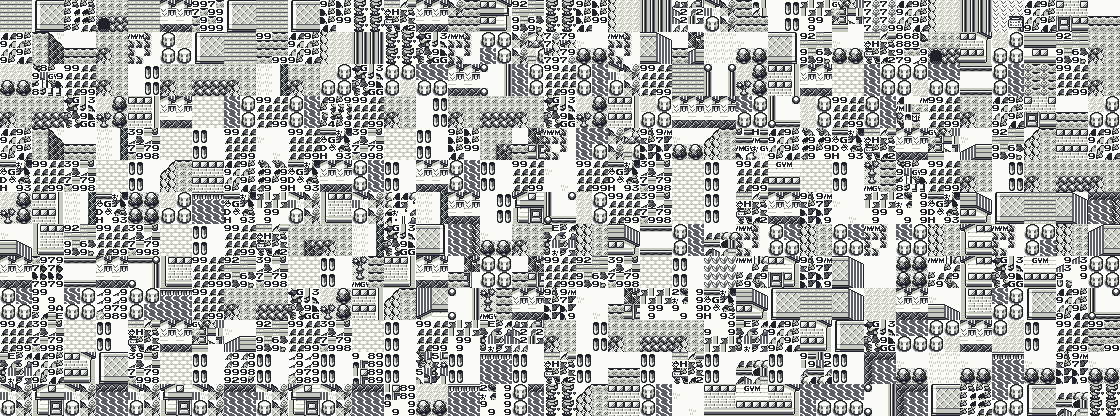 1,120 by 416 px
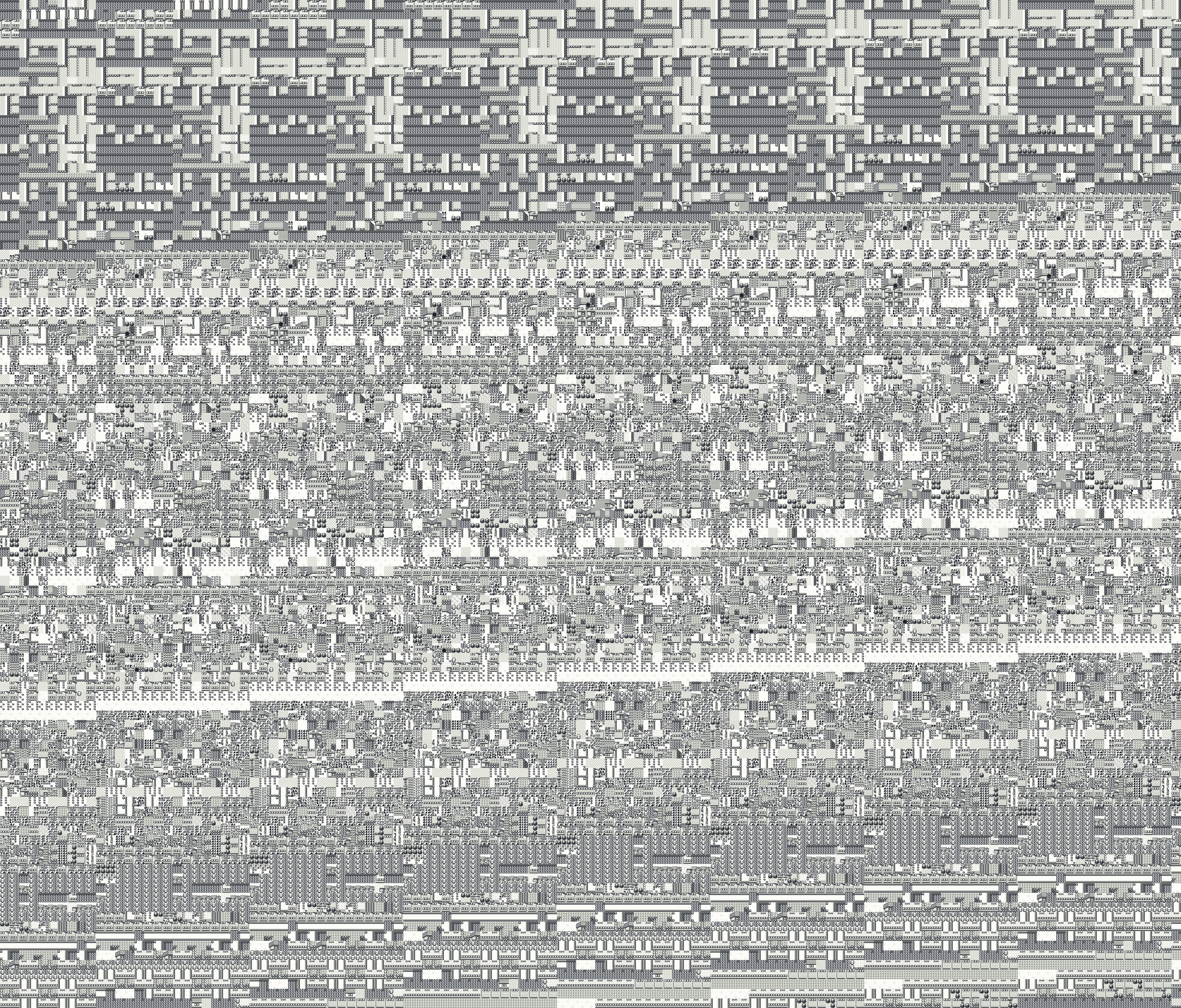 3,936 by 3,360 px
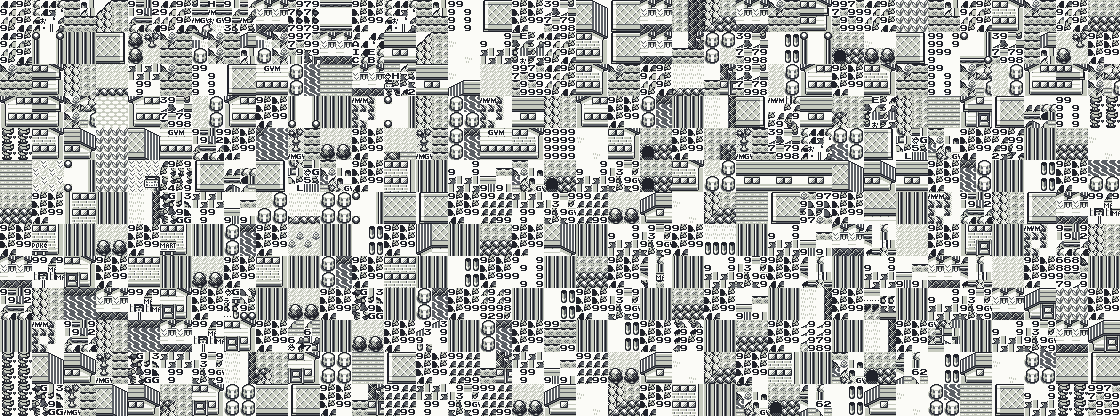 1,120 by 416 px
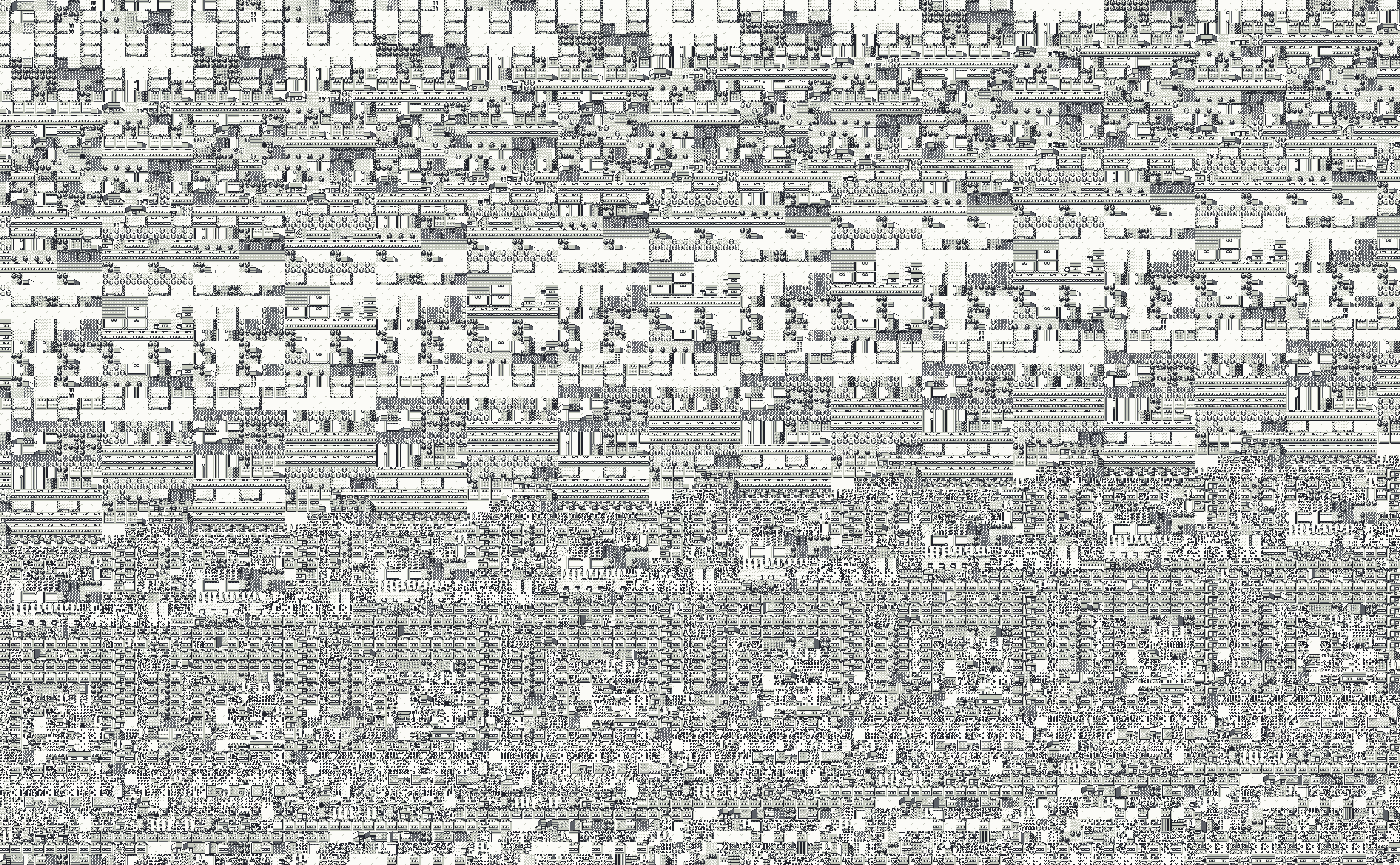 3,936 by 2,432 px
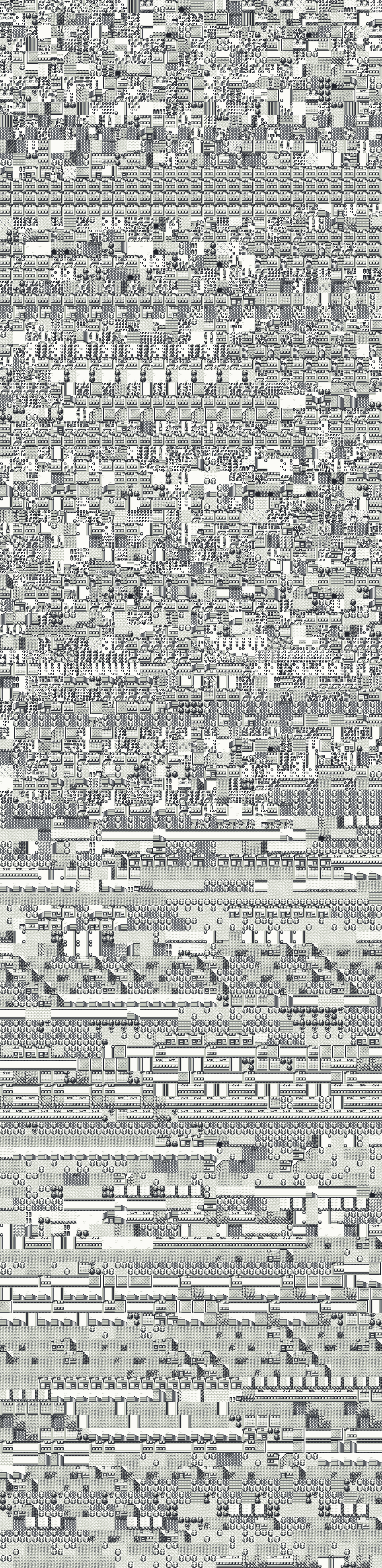 960 by 3,936 px
 3,936 by 3,360 px
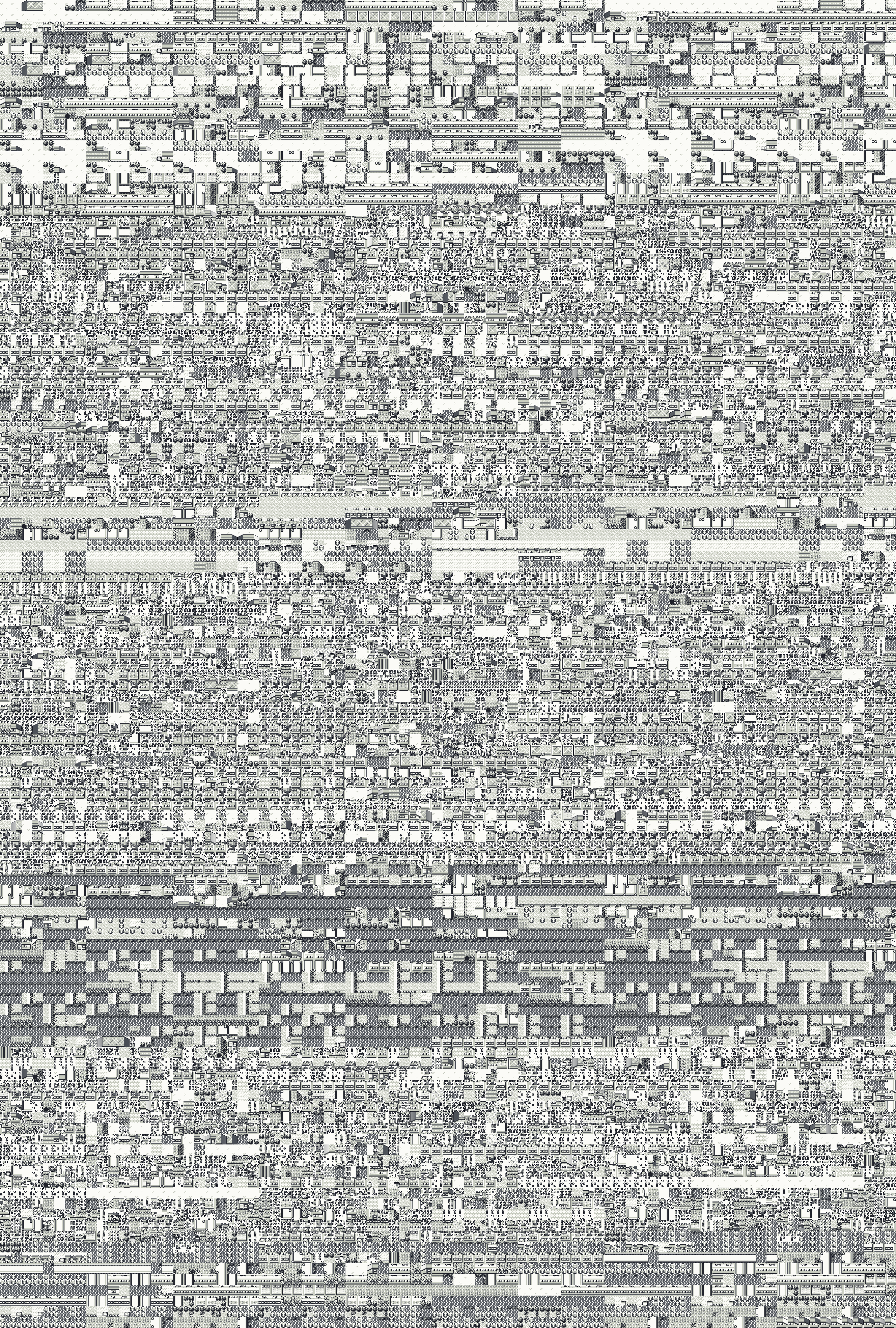 2,656 by 3,936 px
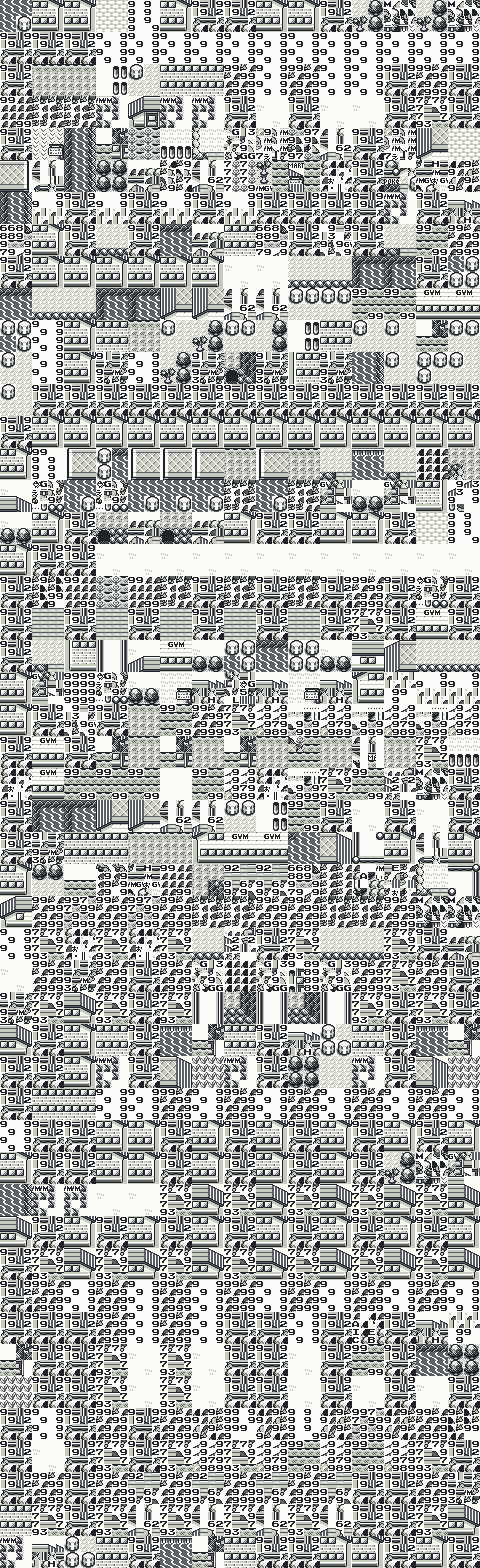 480 by 1,568 px
 3,616 by 3,936 px
 3,936 by 2,432 px
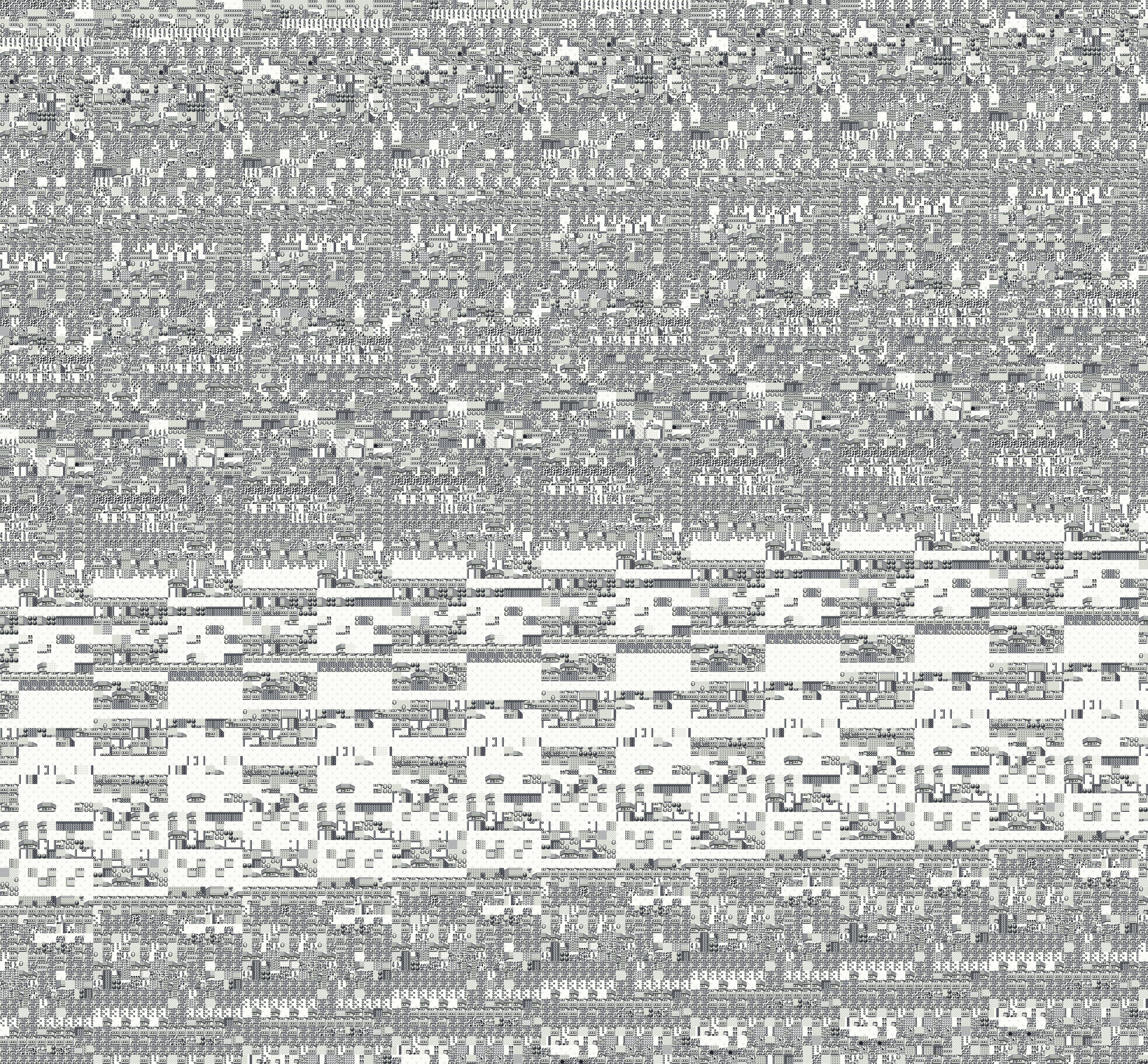 3,936 by 3,648 px
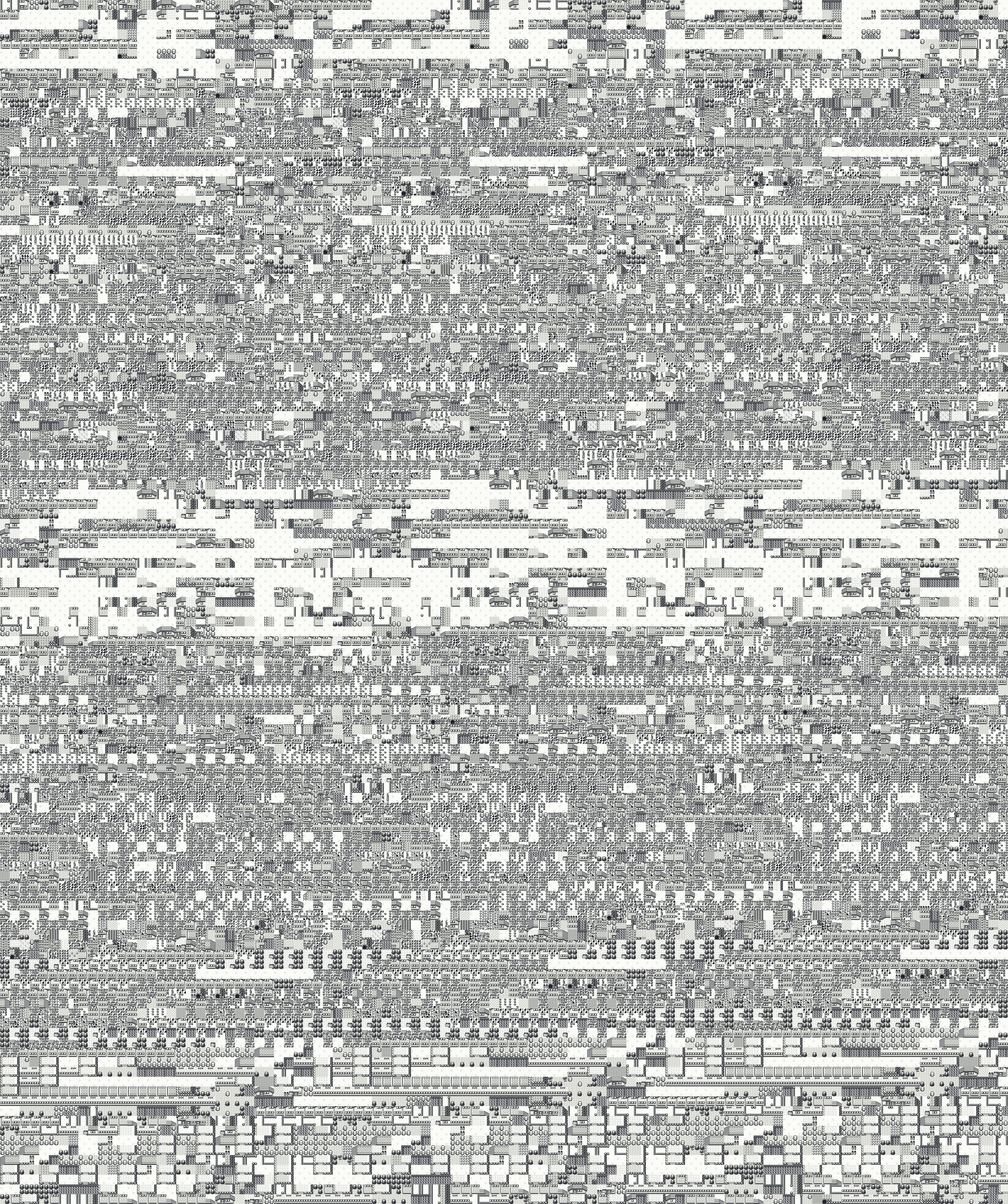 3,296 by 3,936 px
 3,936 by 3,936 px
 3,936 by 3,936 px
 3,936 by 704 px
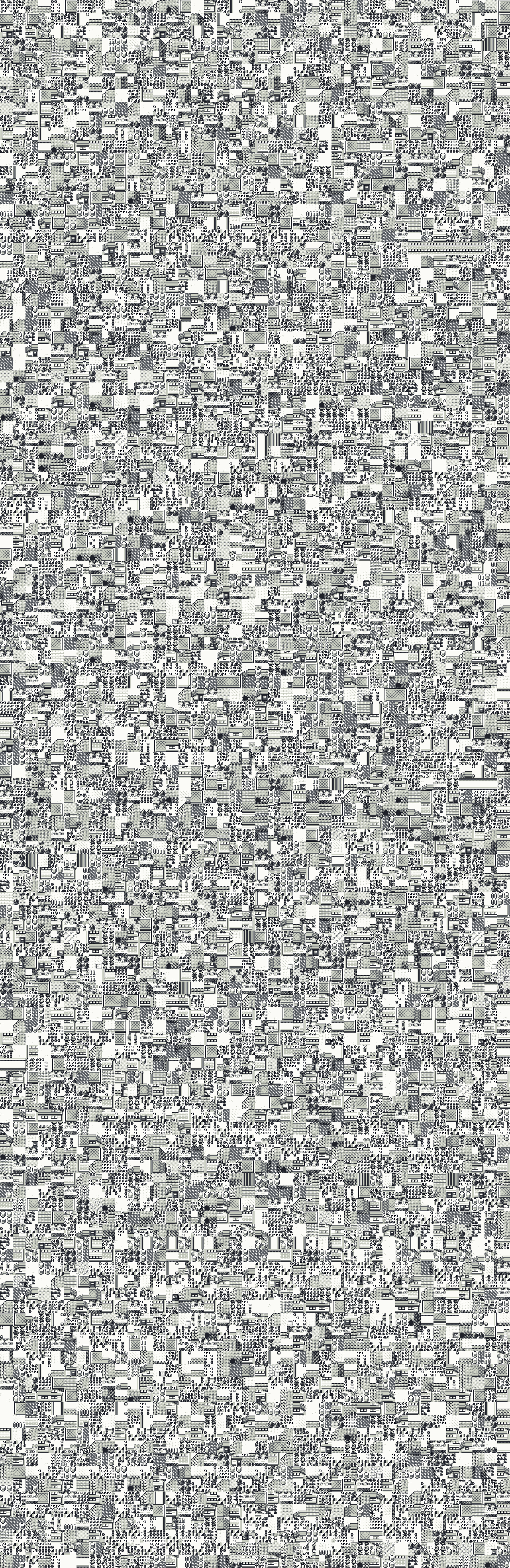 1,280 by 3,936 px
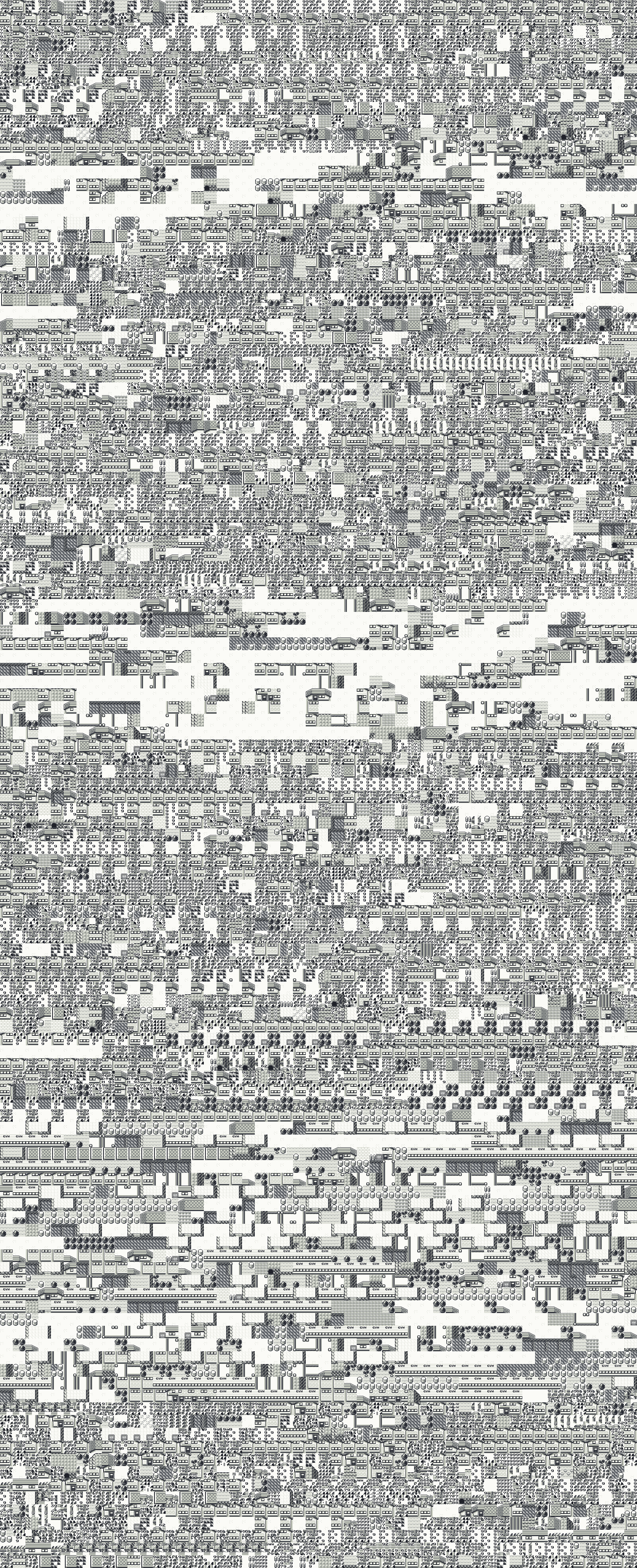 1,600 by 3,936 px
 480 by 3,648 px
 3,296 by 3,936 px
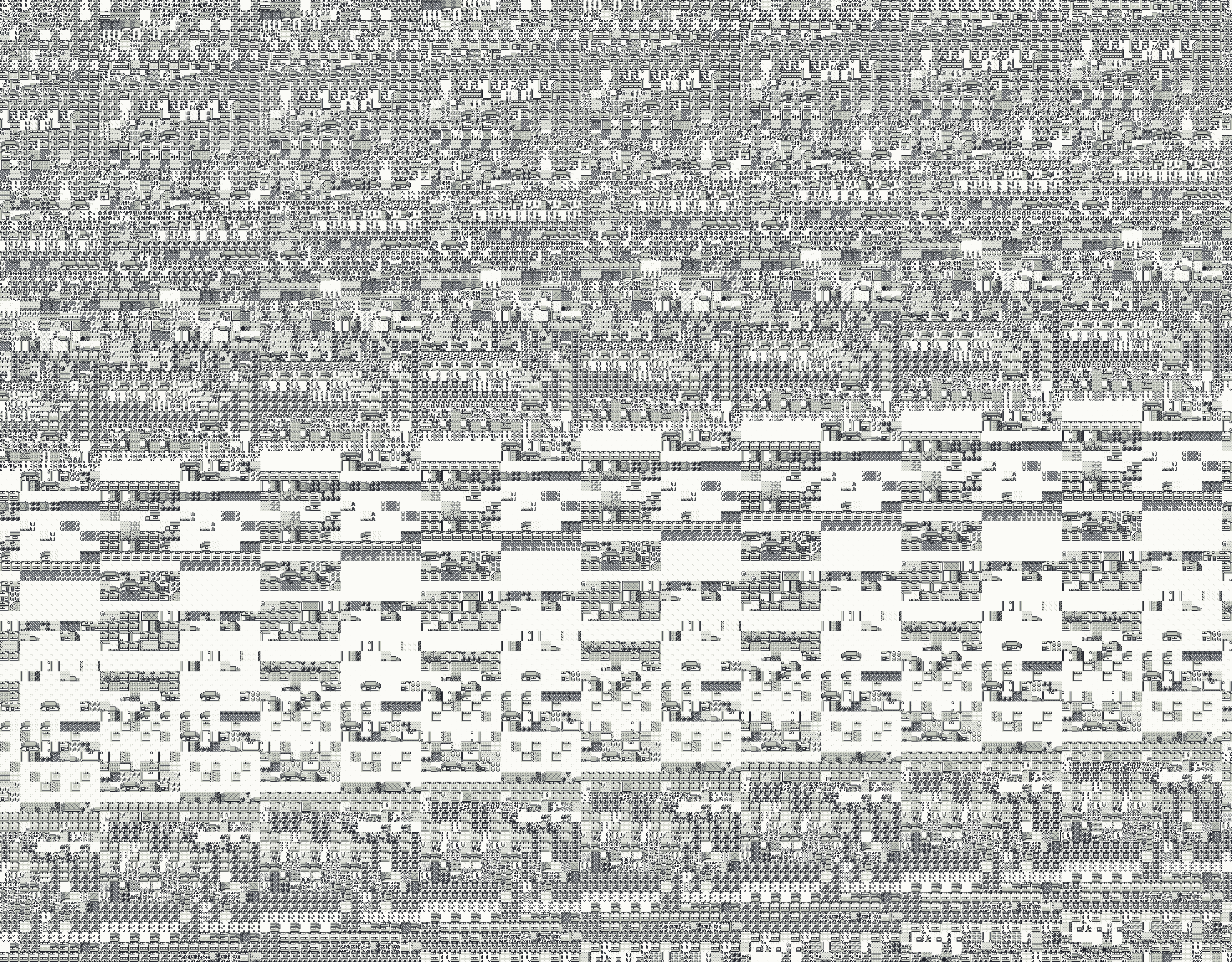 3,936 by 3,072 px
 3,936 by 1,856 px
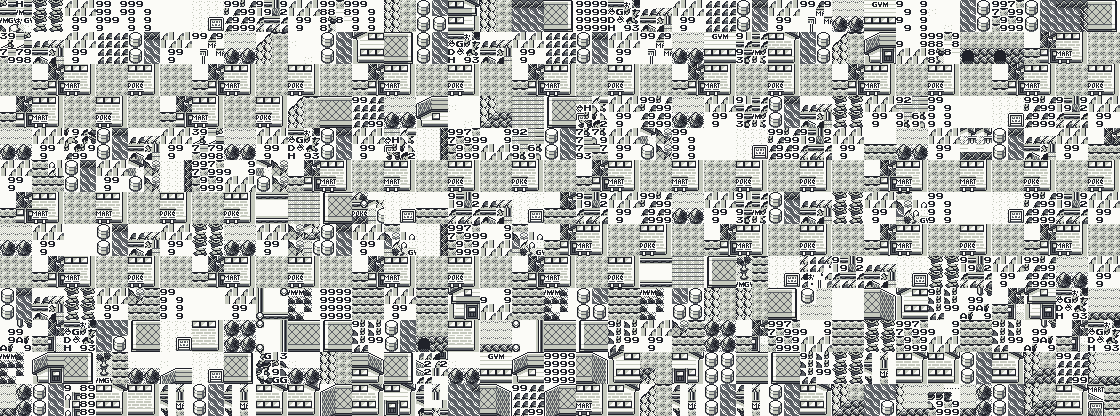 1,120 by 416 px
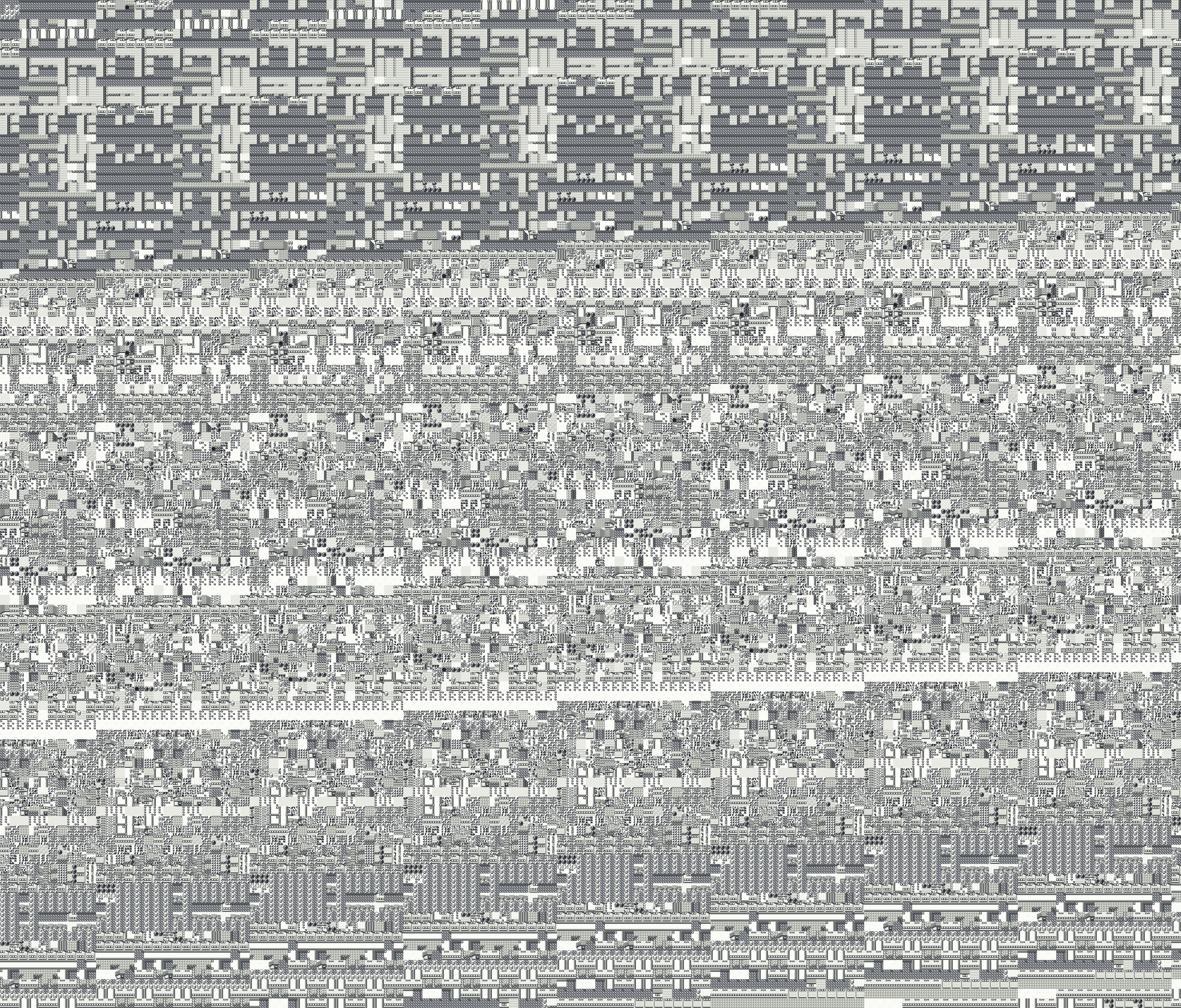 3,936 by 3,360 px
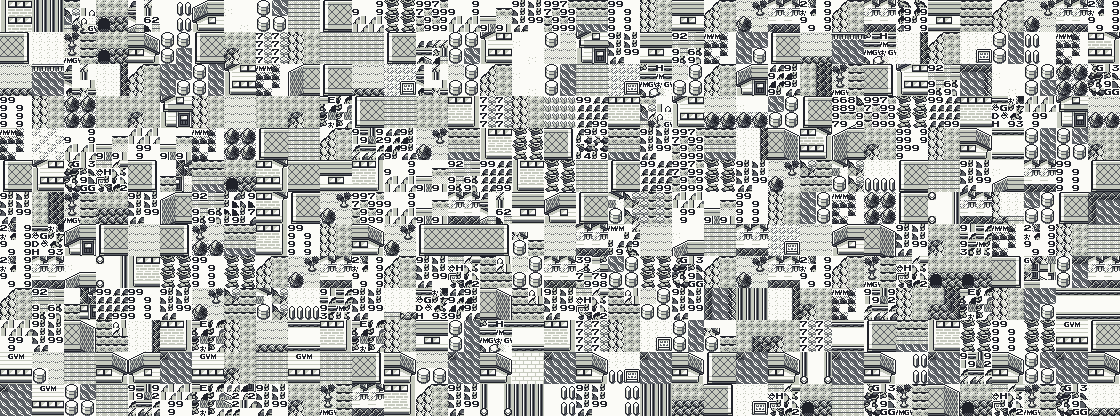 1,120 by 416 px
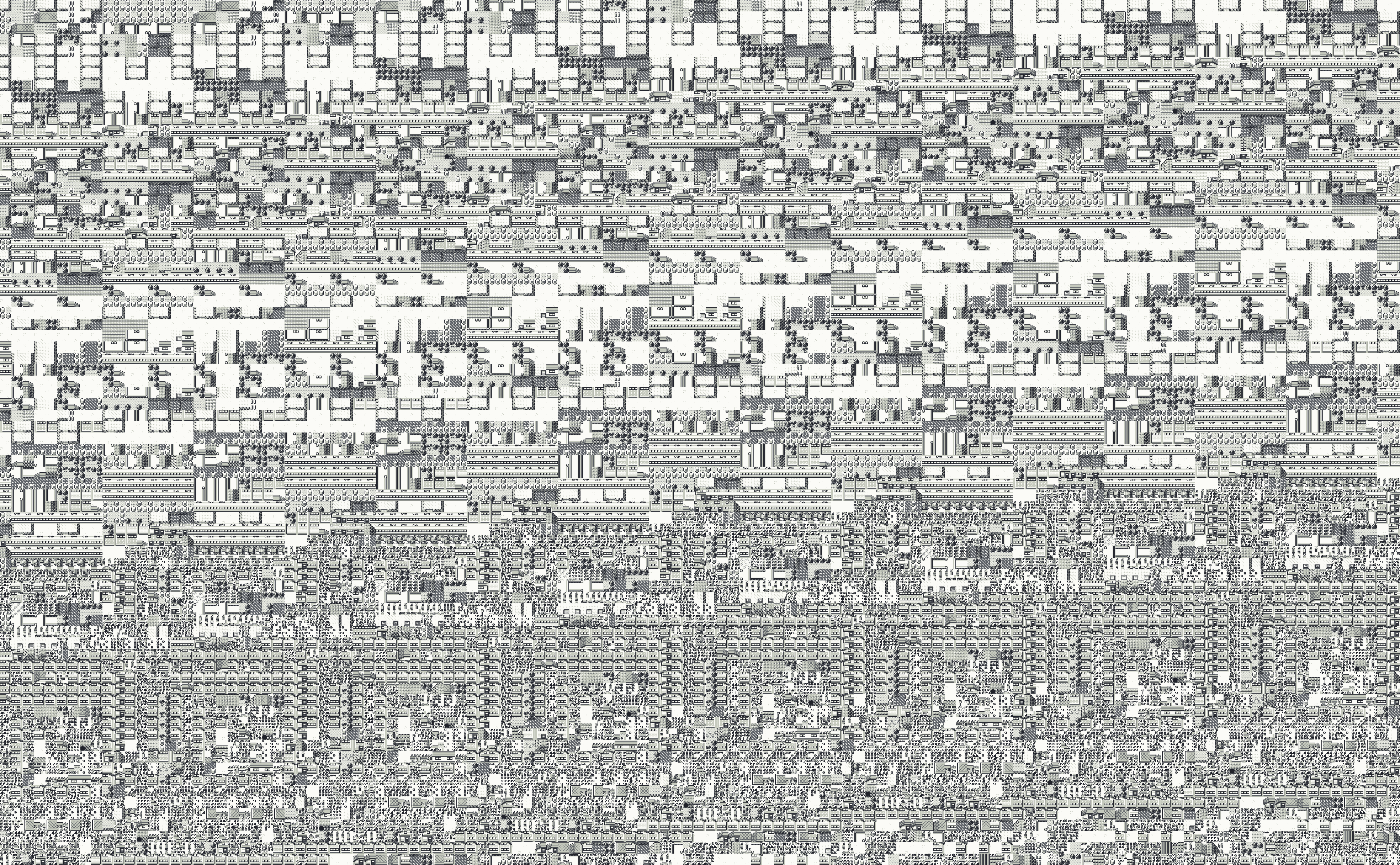 3,936 by 2,432 px
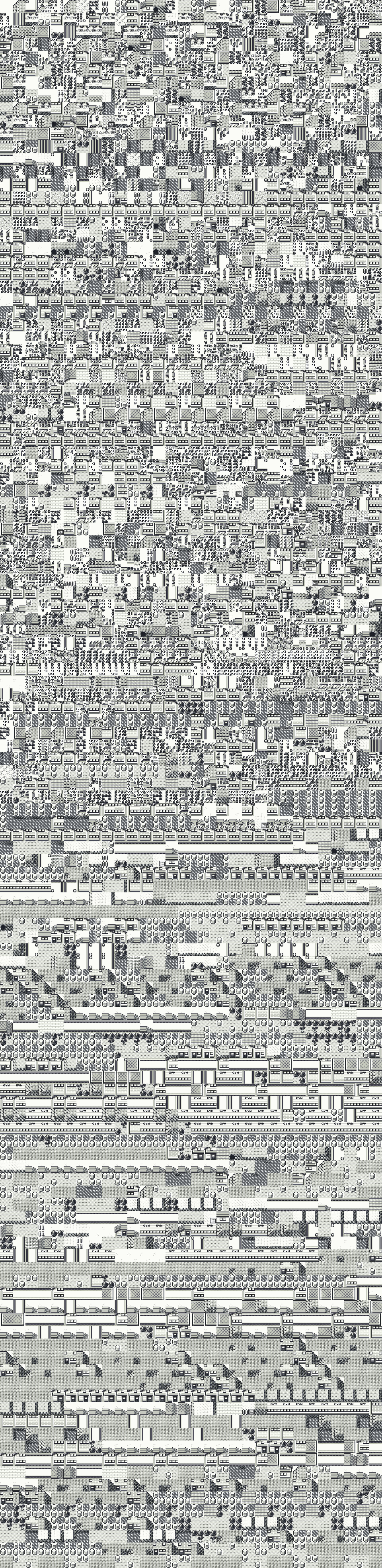 960 by 3,936 px
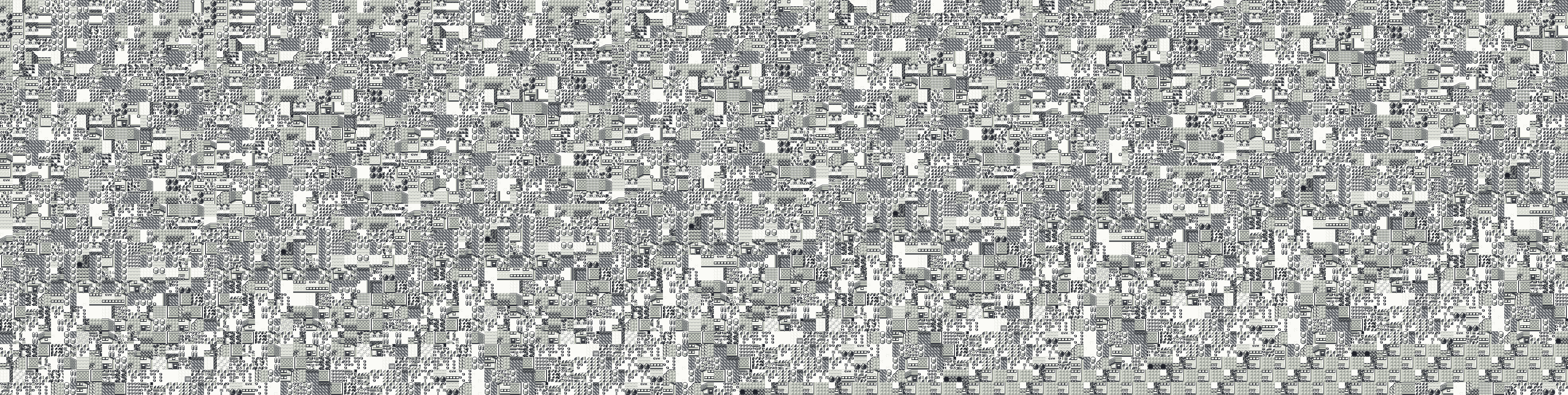 3,936 by 992 px
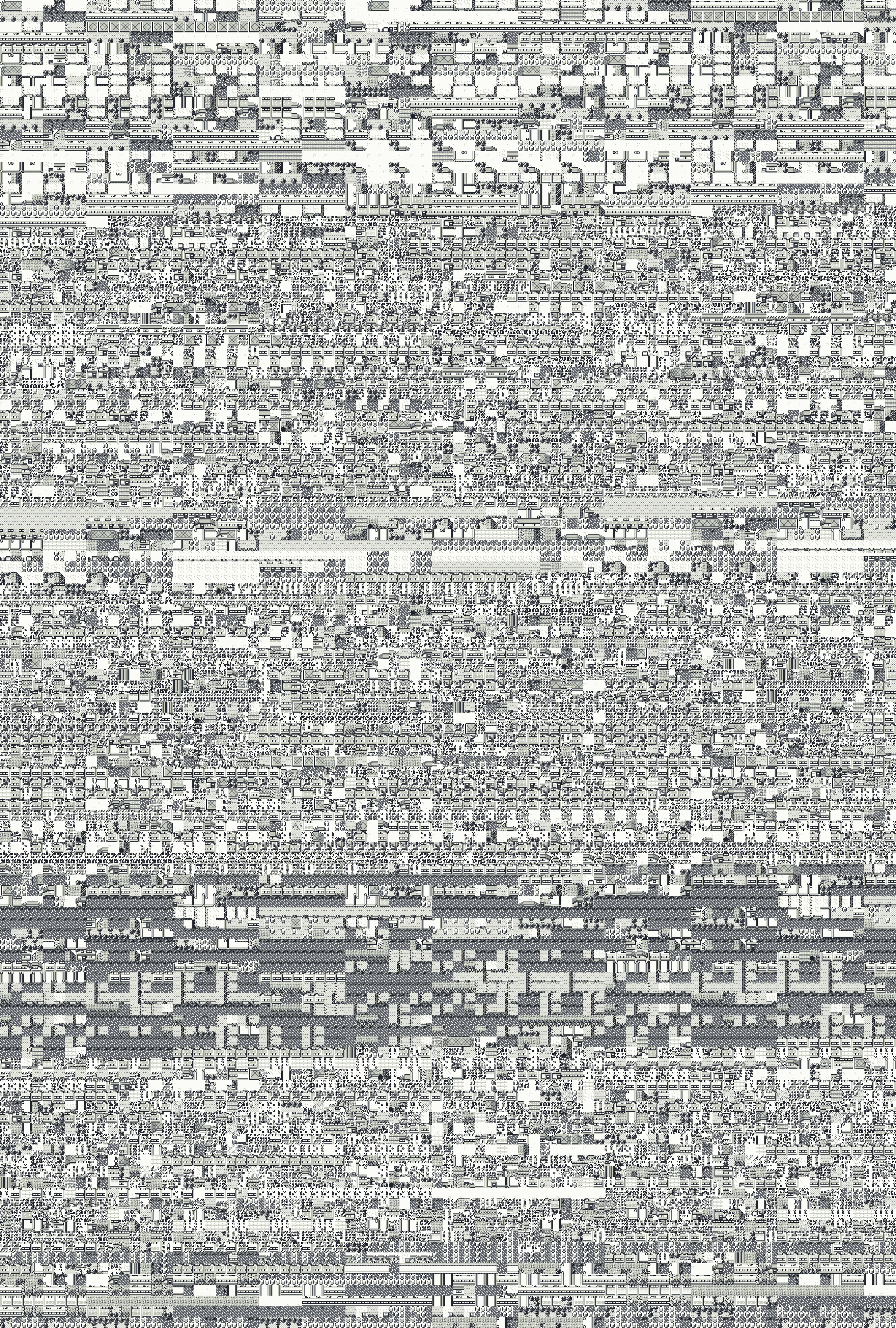 2,656 by 3,936 px
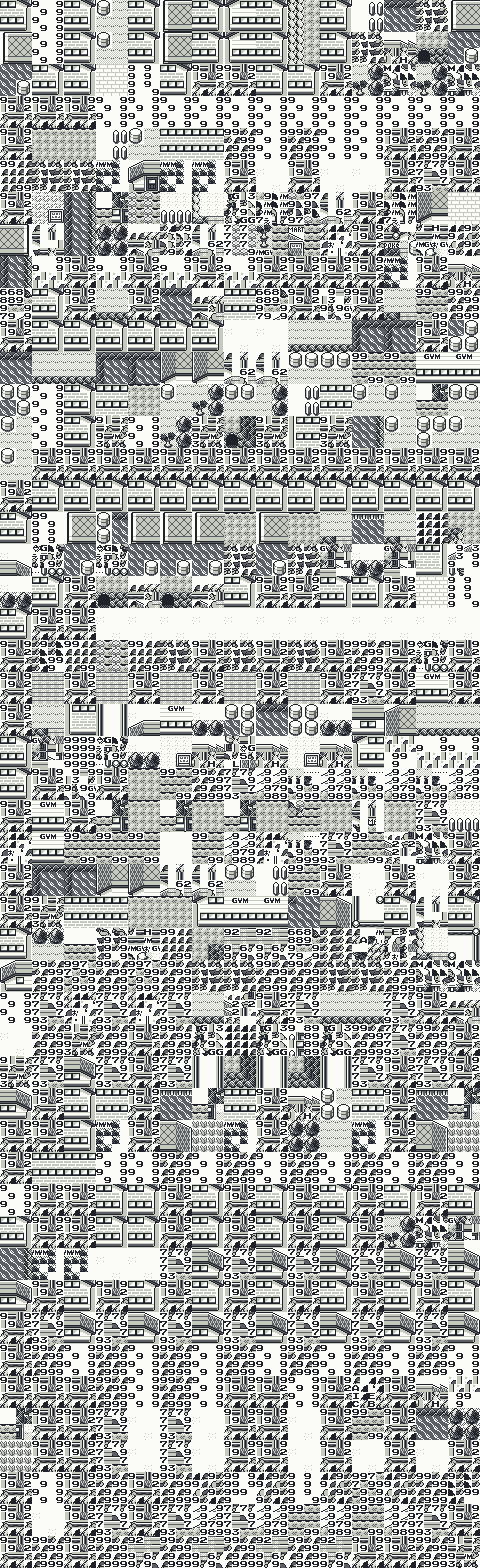 480 by 1,568 px
 3,616 by 3,936 px
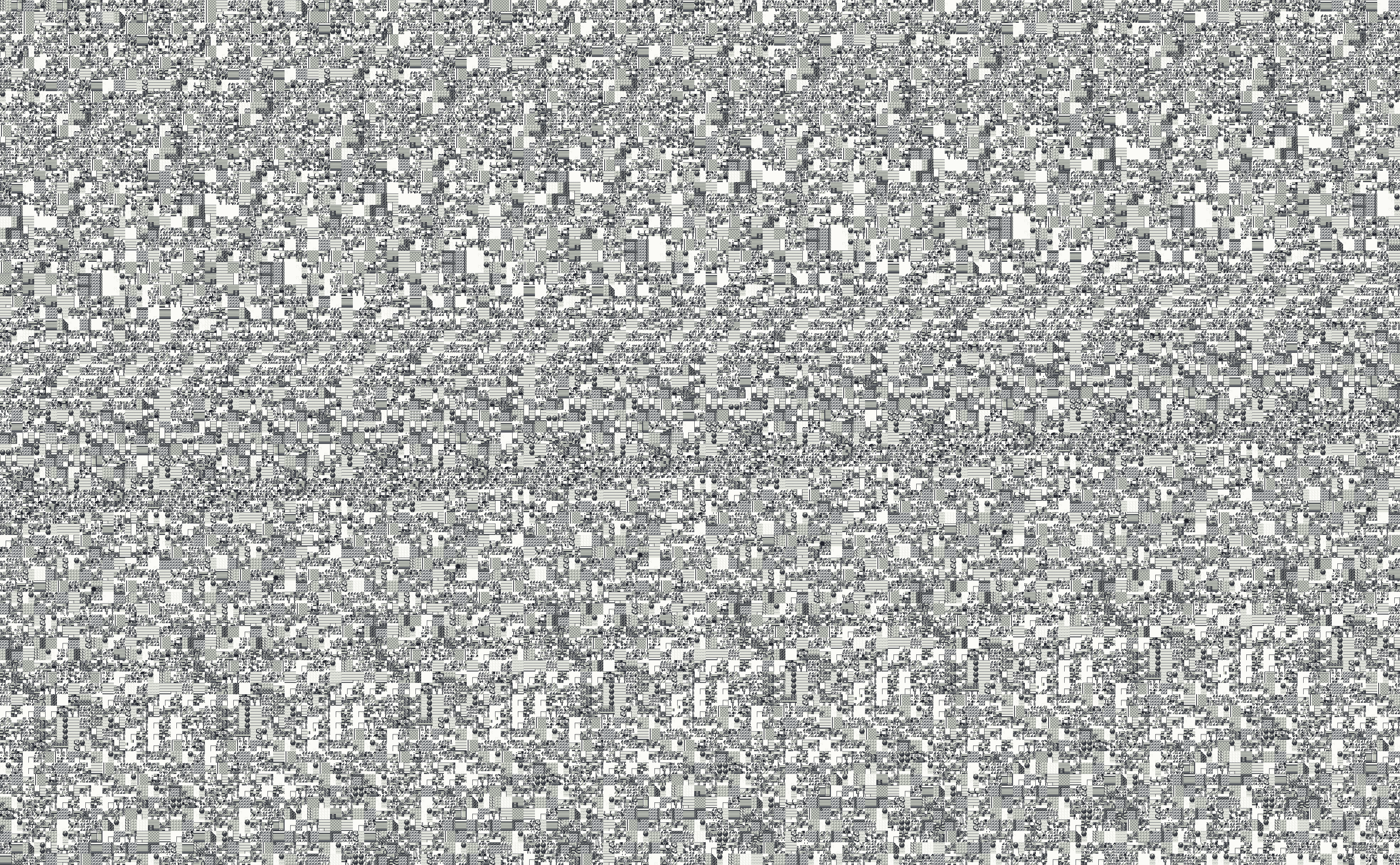 3,936 by 2,432 px
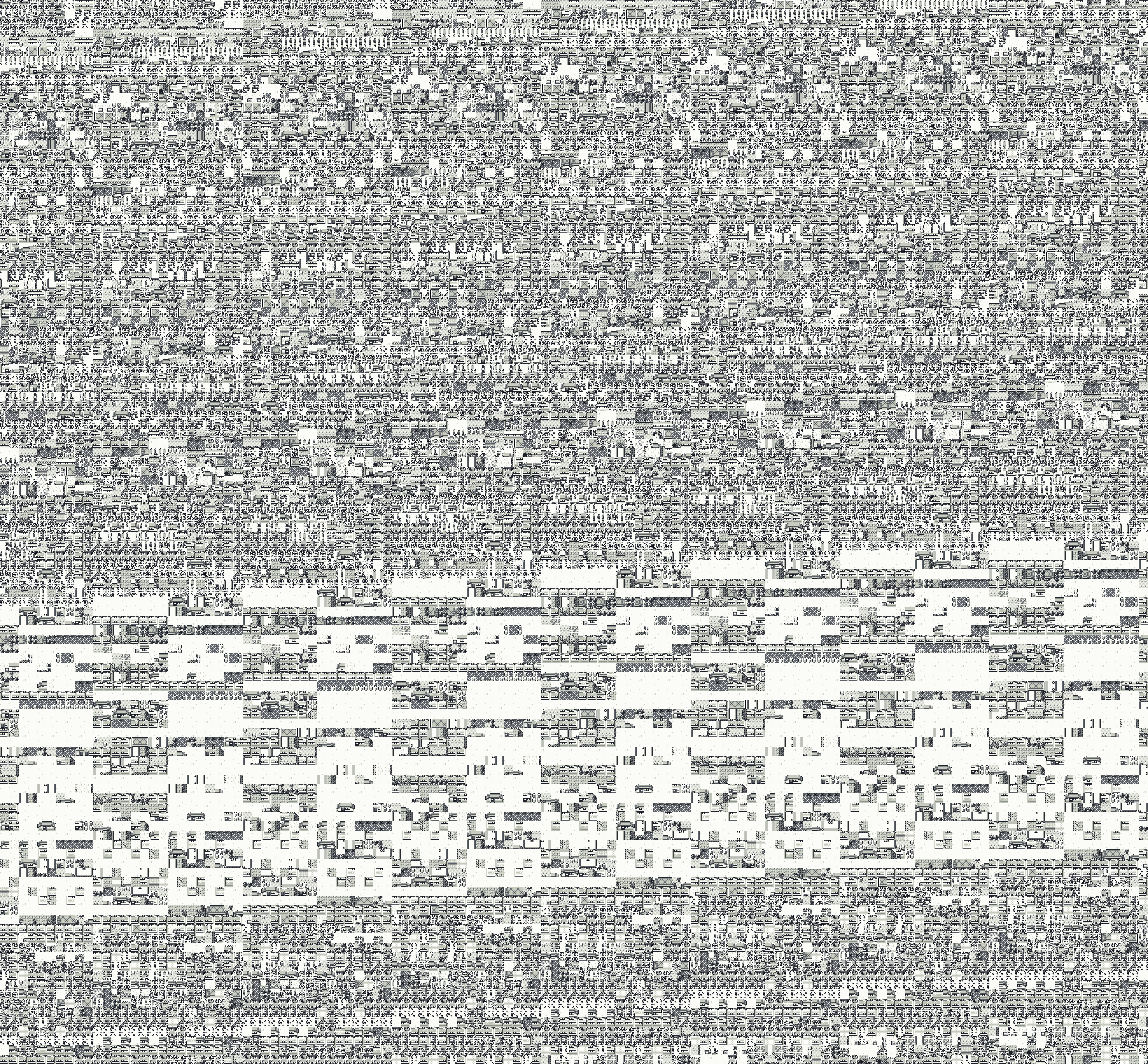 3,936 by 3,648 px
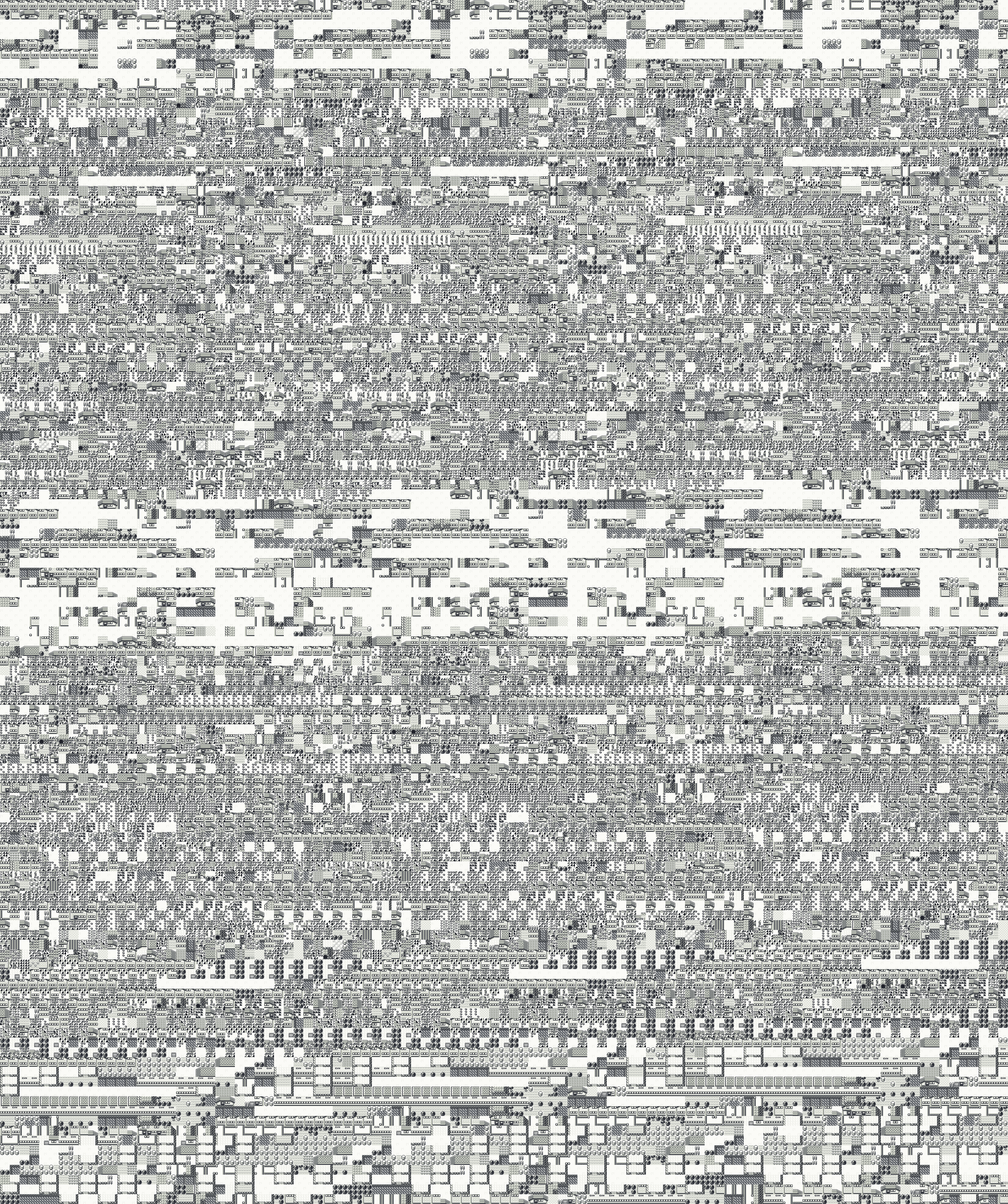 3,296 by 3,936 px
The gate sends you back to the last outdoor map you were on when the steps ran out. If you were indoors at that moment, it is the last outdoor map you left through a door. When that map has 4 or fewer doors, the game reads its missing fifth door from the map's own block data, and those bytes become your position and the screen pointer. That is why each of these 21 places has its own Glitch City, always the same one, with the same arrival point every time.
Red and Blue have the same 21 Glitch Cities with the same coordinates, arrival points and walkable spots. Their pictures differ only on Routes 9, 18 and 19, where the picture takes in bytes of the cartridge's home bank, and those bytes differ between the two. Yellow has the same 21 maps, but different bytes behind the same screen pointers, so every Yellow picture is different, and 12 of the 21 have different walkable spots. Yellow's Route 19 has one door where Red and Blue's has none, so its Glitch City is another, smaller one.
Each picture is the whole area your coordinates can reach, plus the margin of screen around it, in four shades. A coordinate step is 16 by 16 pixels, two by two tiles. In the viewer:
Move the pointer over the map, or drag on a phone, and the readout says which coordinate you are on and whether you can stand there. In the PNG files, pixel (px, py) shows coordinate x = X0 + px / 16 and y = Y0 + py / 16, rounded down; each zip's README lists X0 and Y0 for every map.
Each map was rebuilt by putting the game into that Glitch City and reading it from memory, not by stitching screenshots. A crafted save loads Pokemon Red, Blue or Yellow straight into the state the gate's exit leaves behind, the PyBoy emulator boots it, and every block the screen could ever show from inside that Glitch City is read from the game's memory and drawn with the map's own tiles, by the same code the tests used.
The crafted saves were checked against real entries made by playing. 63 short entries, one per map in each game, played the end of the Safari Game and the walk out of the gate by button presses, and 2 full entries in Red and Blue played the whole route from a normal save. Every one agreed with its crafted save on every field the game reads. The only differences were a few screen tiles on Indigo Plateau and Route 23, which the game draws from video memory and so show whatever was on screen just before. The walkable spots were checked by walking every one of them in the game itself: in all 63 the game reached exactly the coordinates the map shows, and left through the same edges.
All of this ran the game's own code in an emulator. Nothing here was tested on a real Game Boy, though Glitch City is the game's own logic and should behave the same wherever the game runs. Yellow checks at power-on whether it is on a Game Boy or a Game Boy Color and runs extra color code on the Color; its 21 maps were built and flood-checked both ways (2026-11-05) and came out the same on both. The tools are Glitch Lab, the same ones behind the Gen 1 glitch data files, and the numbers behind every map are in the Glitch City dataset.
TheZZAZZGlitch's site has full-size out-of-bounds maps of Pallet Town and Sea Route 20, and a diagram of the space outside a map. Those show a related trip, walking off a real map's edge, and they were the closest thing to these maps I could find. The Glitch City Wiki has been documenting Glitch City and its relatives for years. The labels and addresses here come from pret's pokered and pokeyellow disassemblies.
Use them in guides, videos, wikis and fan projects, and please credit GardenFlouer and link this page. Each PNG also carries its own title, author and source address inside the file. The tiles are Pokemon graphics, which belong to Nintendo, Creatures Inc. and GAME FREAK inc.
GardenFlouer. Glitch City maps: Pokemon Red, Blue and Yellow. https://gardenflouer.com/glitchhouse/glitch-city-maps 21 in each of Pokemon Red, Blue and Yellow, 63 in all. The Safari Zone gate makes one on every outdoor map with 4 or fewer doors, and each game has 21 of those. Red and Blue share all 21, and their pictures differ only on Routes 9, 18 and 19. Yellow has the same 21 maps, but every picture is different, and its Route 19 Glitch City is a smaller one.
First check the map and the game. You get the Glitch City of the outdoor map you were on when the steps ran out, or, if you were indoors, of the last outdoor map you left through a door. Red and Blue differ on Routes 9, 18 and 19, and Yellow differs everywhere. On Indigo Plateau and Route 23 some tiles come from video memory, so they show whatever was on screen just before you arrived. The colors here are four shades of my own, not your screen's.
On foot, only from two of them. In Route 20's Glitch City you can walk west into Route 19, far below its real rows, and Route 6's west edge loads map $FF, which crashes the game. Everywhere else, Fly or Teleport gets you out, and Escape Rope and Dig do not (read from the game's code, not played). In most Glitch Cities you cannot take a single step.
Not by itself. These Glitch Cities write nothing outside the map's memory, and a game saved inside one loads straight back into it. The danger is getting stuck: save before you go in, carry a Pokemon with Fly or Teleport, and stay away from Route 6's west edge.
Please do, in guides, videos, wikis and fan projects. Credit GardenFlouer and link this page. The tiles are Pokemon graphics, which belong to Nintendo, Creatures Inc. and GAME FREAK inc.
Point at the map to read its coordinates.